Download Clonezilla Live Stable 3.3.3-37 / Resolute Edition 20260913 (ISO) for free. This bootable USB or CD/DVD allows you to clone hard drives or partitions for data backup or system recovery. Direct link.
What is Clonezilla Live?
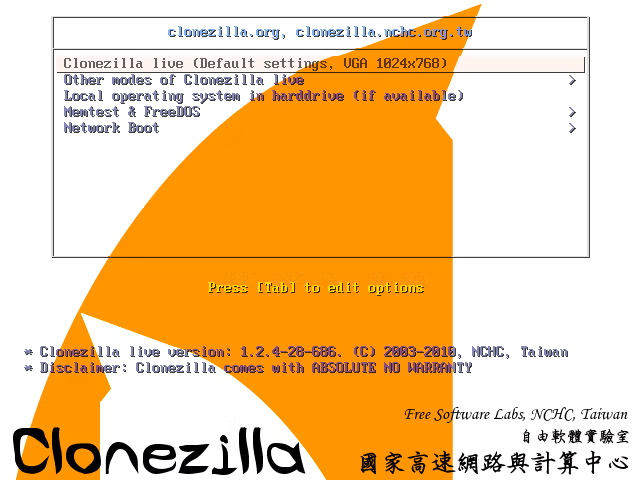
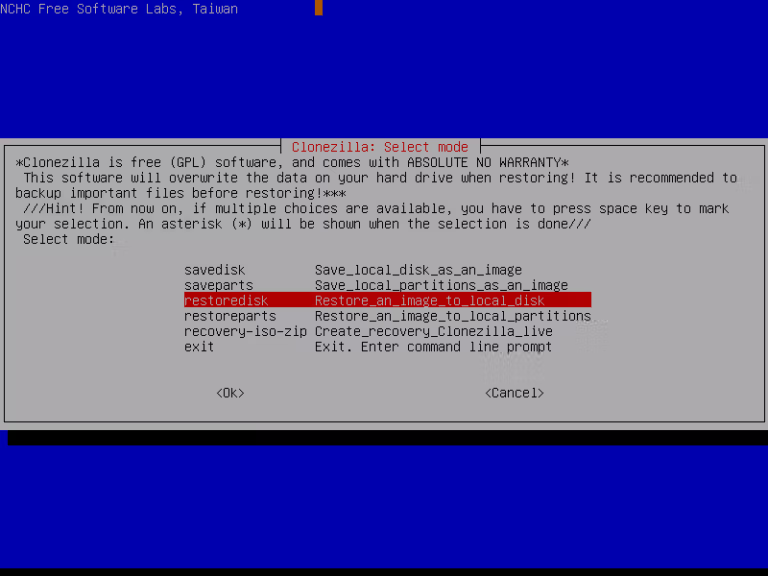
Clonezilla Live It is a bootable program that runs on a small Linux system, designed to clone and create image files of partitions or entire hard disks without needing to install the program on the machine first. Users can take Clonezilla Live can be installed onto a USB drive, CD, or DVD, and then booted from that media to start working immediately. This makes it ideal for creating full system backups before updates, restoring systems when problems occur, or creating master image clones for deployment on multiple machines.
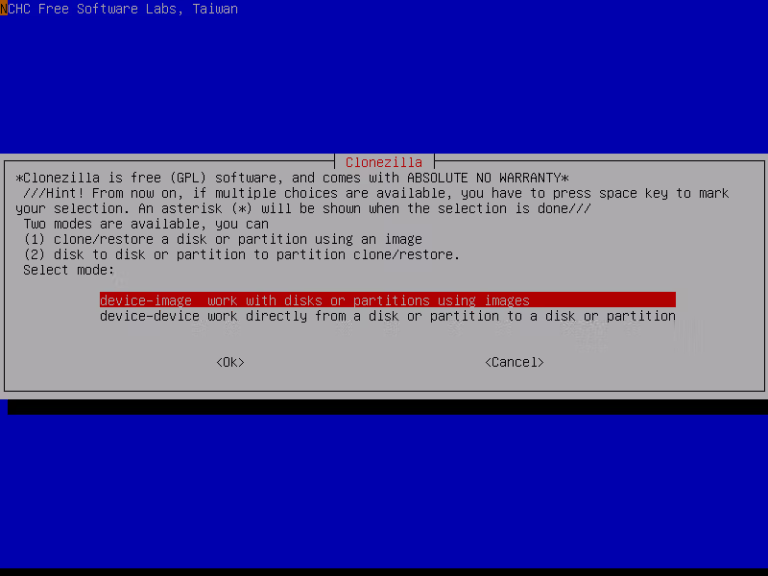
This program operates on the concept of disk imaging/cloning, similar to Norton Ghost Or True Image However, it is a free-to-use version developed based on Debian, featuring essential tools such as DRBL, Partclone, and udpcast. These tools allow for cloning entire disks, cloning partitions, creating image files, and restoring from images in various formats. Additionally, it supports network cloning, allowing you to back up or deploy to multiple machines simultaneously without having to perform the process individually for each device.
Using Clonezilla Live is an economical and efficient option for general users who need to back up their home systems and for organizations that require installing or restoring systems with identical settings across multiple machines. It helps reduce the time needed for new machine setup. Reduce errors from manual installation and standardize system maintenance, especially in situations requiring rapid system recovery or simultaneous distribution of the same system image to multiple machines.
What can Clonezilla Live do?
1. Clone a hard disk or SSD
This is suitable for those who want to migrate their entire operating system and data from an old disk to a new disk, such as upgrading from an HDD to an SSD or replacing an SSD with one of higher capacity.
2. Back up the entire system.
Users can create an image file of the entire system and store it on an external hard drive or NAS for system recovery in case Windows fails or the hard disk encounters issues.
3. Quick device recovery
If an image has been created in advance, the system can be restored to its original state in a short amount of time, reducing the time needed to reinstall Windows and all new programs.
4. Install multiple units.
Many organizations and educational institutions use Clonezilla to install operating systems on multiple computers simultaneously, helping to reduce the time and workload of system administrators.
How many versions of Clonezilla Live are there?
Clonezilla has two main versions: Clonezilla Live (Stable) and Clonezilla Live Resolute Edition. Although both versions use the same Clonezilla program, they differ in the underlying Base Operating System that serves as the foundation for their operations.
What is Clonezilla Live (Stable)?
Clonezilla Live Standard Edition or Stable Edition is the main version recommended by the development team for general users. It is built on the foundation of Debian Linux, a distribution renowned for its high stability.
Advantages of Clonezilla Live Stable include:
- High stability
- It has been extensively tested.
- Ideal for backing up important data.
- There is a low risk of bugs.
- Supports most hardware in the market
For general users who want to clone Windows, migrate HDD to SSD, or regularly back up data, the Stable version is the most suitable option.
What is Clonezilla Live Resolute Edition?
Clonezilla Live Resolute Edition is an alternative version based on Ubuntu 26.04. LTS Resolute Raccoon is a base operating system that replaces Debian. Although its cloning and backup functions are identical to the Stable version, Resolute Edition benefits from a newer Linux kernel and drivers, resulting in better support for newer hardware.
Key features of the Resolute Edition include:
- Supports new CPU models
- Supports the latest motherboard models.
- Better support for new NVMe SSD models
- There is a newer device driver available.
- Update the system package more frequently.
However, due to the use of a newer software version, there may be a slightly higher risk of compatibility issues or certain bugs compared to the Stable release.
File Information
- Operating System: Windows 11 / 10 / 8.1 / 7 / Vista / XP
- Developer: clonezilla.org
- License: Freeware
- Language: Multilingual
- Size: 546 MB
- File type: *.iso
- Updated: 21/9/2026
- Required Reading: Download Guide
==== Clonezilla Live Resolute (Ubuntu-based) ====
==== Clonezilla Live stable (Debian-based) ====