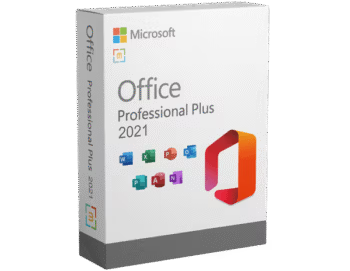
Download Microsoft Office 2021 Pro Plus LTSC v2608 Build 20326.20158 (x64) single file (Google Drive). Full version, free for life, with installation instructions. Latest update September 2026.
About Microsoft Office 2021
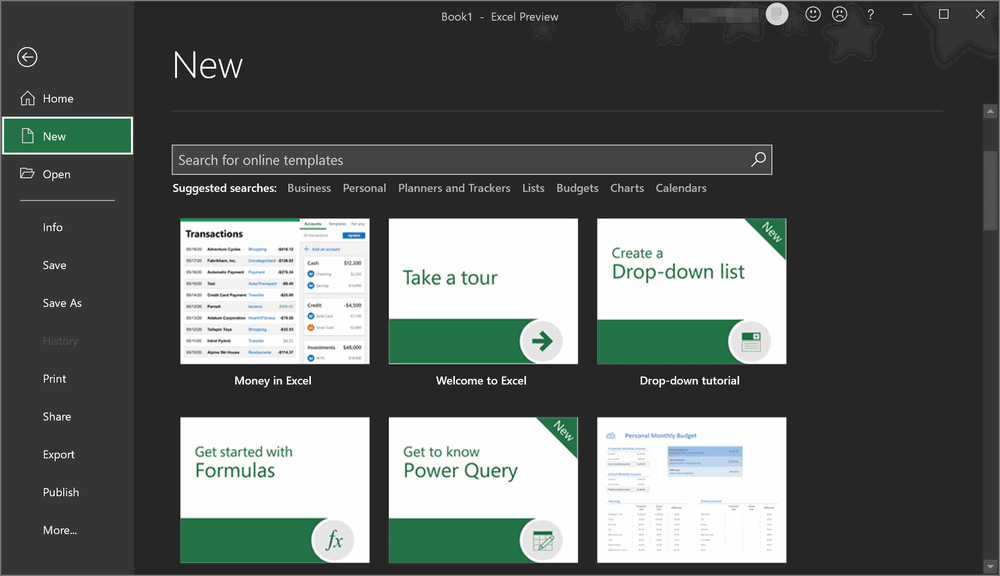
Microsoft Office 2021 LTSC Pro Plus This is Microsoft's Long Term Servicing Channel (LTSC) software, meaning it's a one-time purchase with continuous updates and support for up to 5 years, reduced from 7 years. The interface won't change significantly from Office 2019, but it will improve the stability of Dynamic Arrays and XLOOKUP features, enhance the Accessibility menu in Excel, and support dark mode. It will also include Microsoft Teams. These features are included on... Microsoft 365 And that's all.
What's included:
- Microsoft Office 2021 LTSC Professional Plus
- Microsoft Access 2021
- Microsoft Excel 2021
- Microsoft Outlook 2021
- Microsoft PowerPoint 2021
- Microsoft Publisher 2021
- Microsoft Word 2021
- Microsoft OneNote 2021
- And many more...
Installation Method:
1) Extract the RAR file to obtain the “Office_64bit-xxxxx.iso” file.
2) Right-click on the ISO file and select “Mount.”
3) Run the file “Office Tool Plus.exe”
4) Follow the steps in the file “How to Install Office.pdf”
Note:
The installation file from this article is an offline installation file for Office. If you want to download the online installer, you can download it. Office Tool Plus (Recommended) or Office Installer Plus
File Information
- Operating System: Windows 11 /10 (x64)
- Risk Level: 🟡 Low Risk
- License: Full
- Language: English, Thai
- File size: 2.97 GB
- File type: *rar
- Password: mawto
- Installation Method: Available
- Updated on: 20/9/2026
- Required Reading: Download Guide
==== Main Download Link ====
==== Backup Link ====