Download Samsung Smart Switch 5, a free data migration program from Samsung. It easily and quickly transfers contacts, photos, messages, apps, and settings from your old phone to your Galaxy via USB or Wi-Fi. This is the latest version.
What is the Samsung Smart Switch?
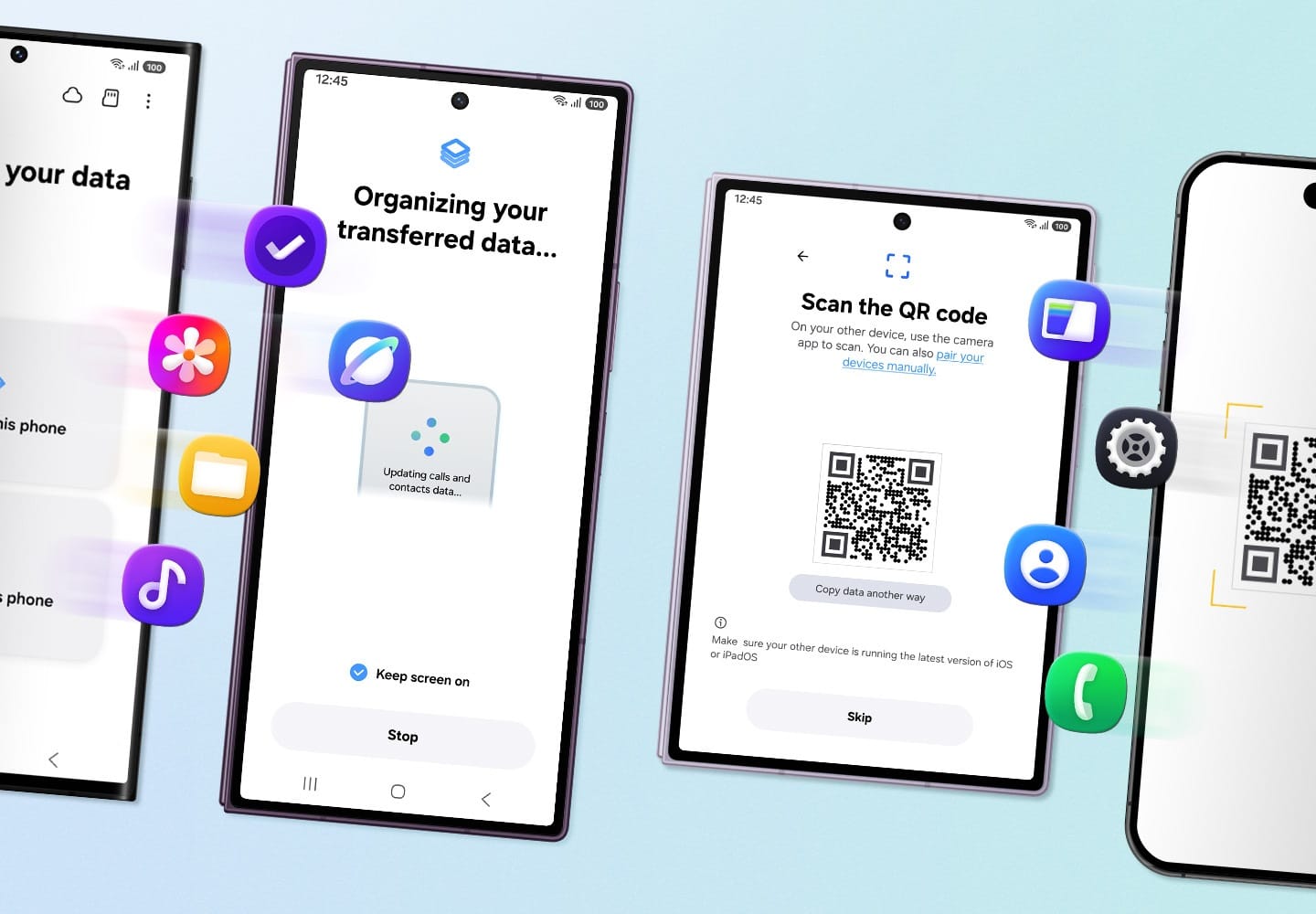
Samsung Smart Switch This is Samsung's official data migration program, designed to help Galaxy users transfer data from their old smartphone to a new Galaxy device completely and securely. It supports migration from other Android devices, iPhones, and the same Samsung model, allowing you to transfer contacts, photos, videos, messages, call history, applications, calendars, notes, and settings in a single step. It connects via both direct USB cable and Wi-Fi network, making the device upgrade convenient and fast without losing important data.
The program comprehensively supports various data types, including contact lists, photos, videos, music, documents, SMS messages, call history, installed apps, home screen layout, Wi-Fi settings, alarm clocks, and calendar data. Users can select only the items they want to move. It also features a system for backing up Galaxy smartphone data to a computer and restoring it in case of device changes, system resets, or data loss, making mobile data management on a PC easy and ensuring file integrity. Furthermore, it previews the items before confirming the transfer to ensure accuracy and reduce errors in data selection.
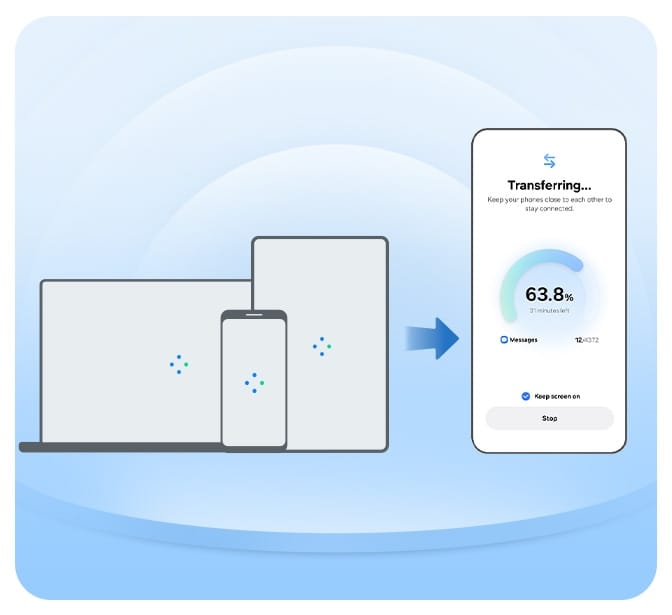
Connectivity is flexible, offering high-speed and stable USB cables, ideal for transferring large files, and convenient Wi-Fi for hassle-free cable use. It supports full device backup to a PC and restoration of specific areas, as well as updating Galaxy device software to the latest version. For more in-depth mobile data management and analysis tools, MOBILedit Forensic ULTRA It works seamlessly together to enhance productivity on Windows 11 and 10 64-bit versions. The user-friendly interface supports the Thai language, making it suitable for beginners, with step-by-step guides until completion.
Key Features
- Complete data migration. Transfer all your contacts, photos, videos, music, documents, and settings from your old device to your Galaxy in one step.
- Supports transfer from iPhone. Transfer data from your iPhone via USB cable or iCloud backup files to your Galaxy seamlessly without loss.
- Connect via USB cable. Transfer data directly via USB cable at high speed and stably, ideal for large files and large amounts of data.
- Transfer via Wi-Fi. Conveniently transfer data wirelessly over the same Wi-Fi network without the hassle of cables.
- Back up the data to your PC. Create a full backup of your Galaxy device and save it to your computer to prevent data loss in case the device is lost or damaged.
- Flexible data recovery is possible. You can choose to restore all or only the items from a backup file to the original or new computer.
- Move photos and videos. Transfer photo albums, videos, and media files along with their original folders completely, while maintaining the original file quality.
- Move contacts and calendar. Transfer your contacts, calendar appointments, alarms, and notes to the new device, categorized as before.
- Move messages and call logs. Save your SMS messages, call history, and important conversations from your old phone and continue using them immediately.
- Move apps and settings. Automatically transfer your installed apps, home screen layout, Wi-Fi password, and system settings to your new Galaxy device.
- Update your Galaxy software. You can safely check and update your Galaxy smartphone firmware to the latest version via your computer.
- Free to use and supports the Thai language. This is a freeware program from Samsung, free to use without limitations, with a multi-language interface including Thai that is easy to understand.
Program information
- Operating System: Windows 11 / 10 (64-bit)
- Developer: Samsung Electronics
- License: Freeware
- Language: Multilingual / Supports Thai
- size : -
- File type: Microsoft Store
- Updated: October 1, 2026
- Required Reading: Download Guide