What is Hiren's BootCD PE?
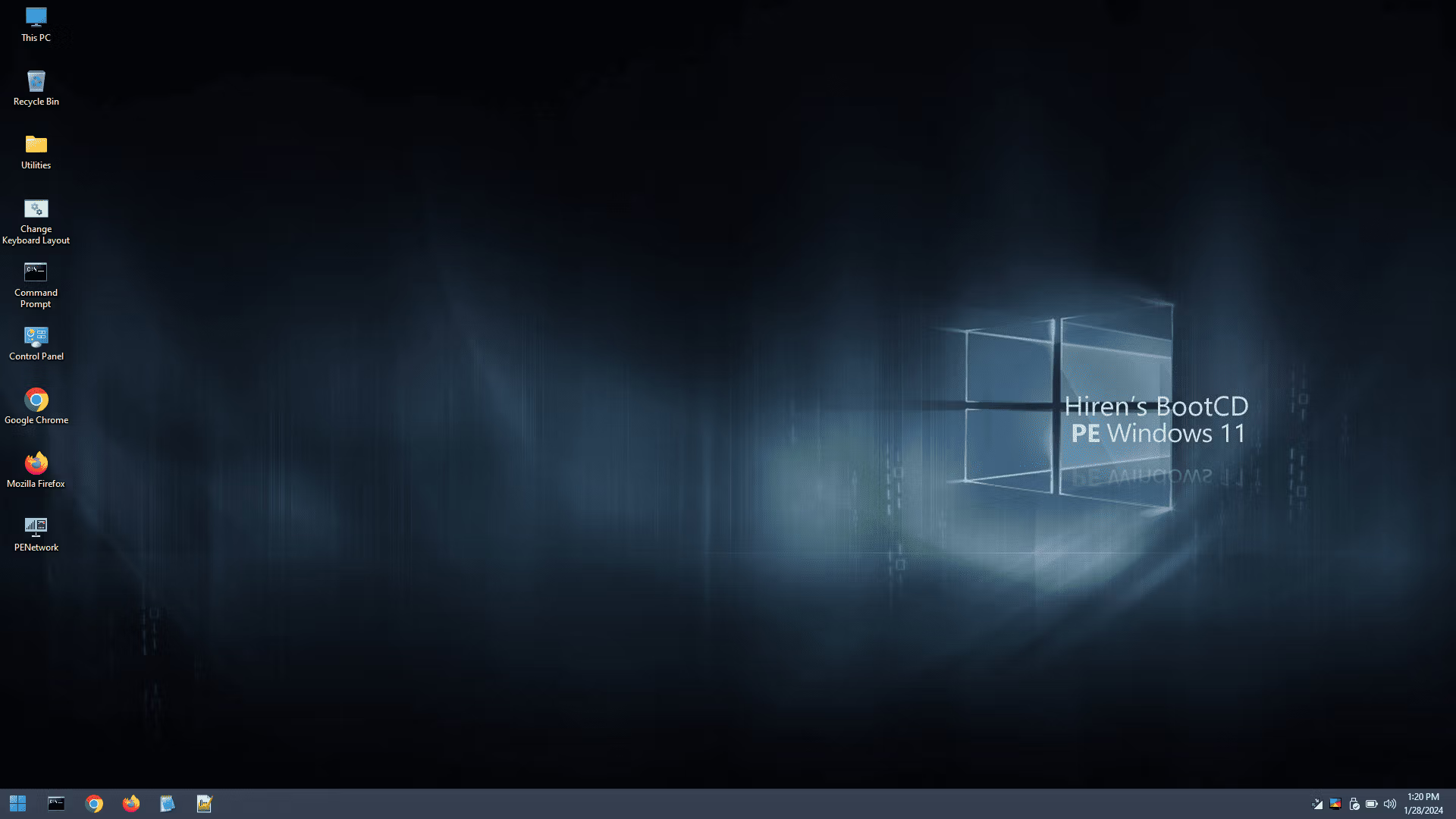
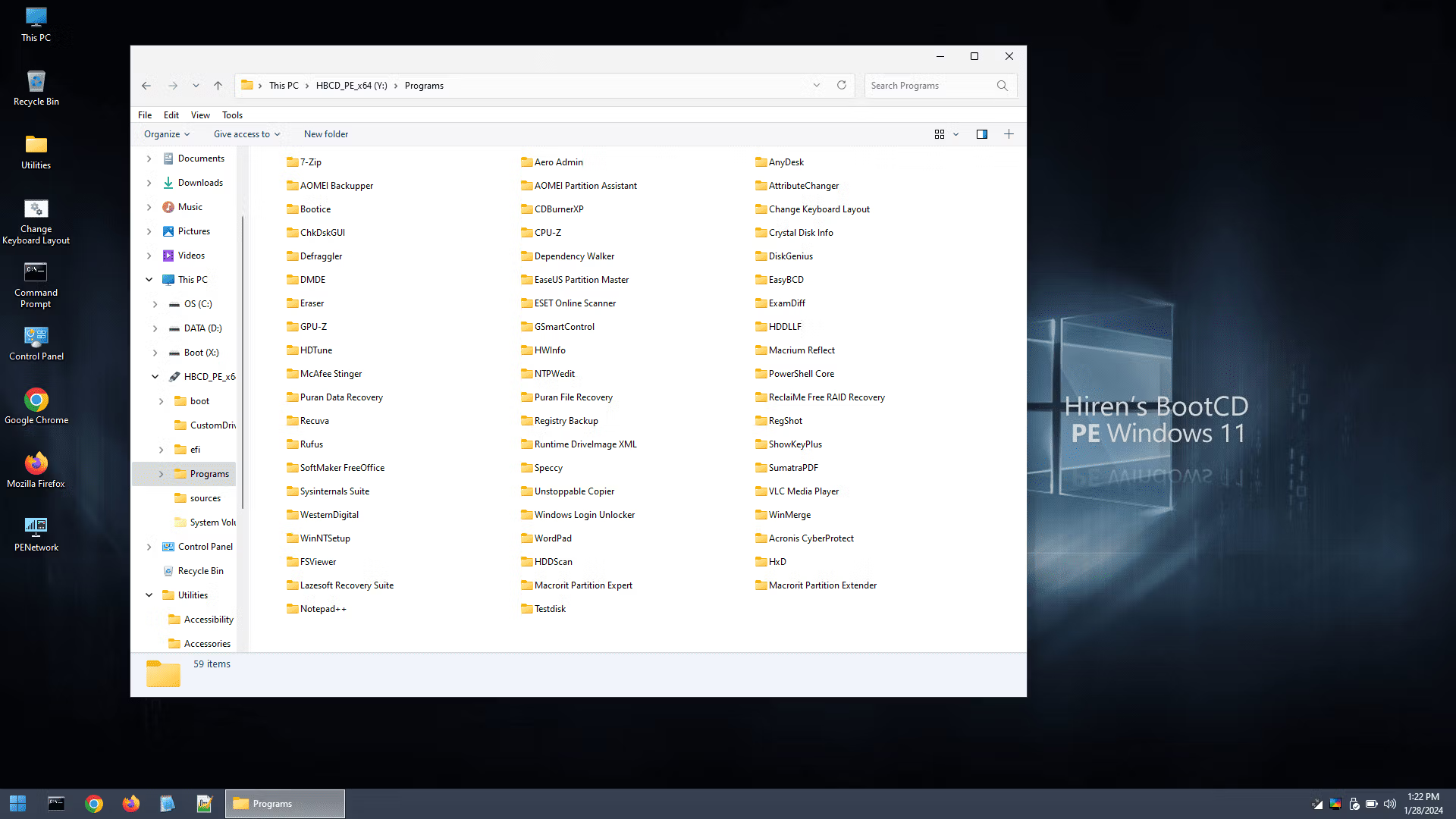
Hiren's BootCD PE or Hiren's Boot PE USB is an emergency boot disc based on WinPE, a versatile boot disc in Windows 11 PE version (not DOS like the older versions of Hiren's BootCD). Its capability is to create a boot disk or a bootable CD that allows us to boot the computer if it cannot be started normally. This can occur due to issues such as corrupted drivers, damaged system files, or problems with the hard disk. By using this boot disk, you can access the system and resolve these problems. This emergency Windows has tools for computer repair technicians, tools that can fix computer problems. When you boot Hiren's BootCD PE via CD or USB, Windows 11 PE x64 system will run, which looks like regular Windows 11. Inside Hiren's BootCD PE, you will find a wide range of tools available for selection. These tools allow you to back up data, transfer files on your hard disk, recover lost files, or manage partitions. With a variety of high-performance programs at your disposal, you can efficiently and quickly address a wide range of computer issues.
Tools in Hiren's BootCD PE
BCD-MBR Tools
- BootIce v1.3.3
- EasyBCD v2.3
Hard Disk Tools – Data Recovery
- CheckDisk GUI v0.3.1
- Lazesoft Data Recovery v4.7
- Puran Data Recovery v1.2.1
- Puran File Recovery v1.2.1
- Recuva v1.53.2096
- DMDE v4.0.6
- ReclaiMe build 4571
- PhotoRec v7.2
- Unstoppable Copier v5.2
- Victoria v5.37
- DiskInternals Linux Reader v4.19.2
- Paragon AppleFS for Windows v2.1.12
Hard Disk Tools – Defragmentation
- Defraggler v2.22.33.995
Hard Disk Tools – Diagnostic
- GSmartControl v1.1.4
- HDDScan v4.1
- HDTune v2.55
- WD Data Lifeguard Diagnostics v1.37
- Crystal Disk Info v9.2.2
- Test Disk v7.2
Hard Disk Tools – Imaging
- Acronis Cyber Protect b40901
- AOMEI Backupper v7.3.3
- Lazesoft Disk Image & Clone v4.7
- Macrium Reflect PE v7.3.5925
- Runtime DriveImage XML v2.60
- Drive Snapshot v1.50
Hard Disk Tools – Partition Tools
- AOMEI Partition Assistant v10.2.2
- Macrorit Partition Extender v2.3.1
- Macrorit Partition Expert v8.1.3
- DiskGenius v5.5.1.1508
- EaseUS Partition Master v14.5
Hard Disk Tools – Security
- HDD Low Level Format Tool v4.40
- Eraser v6.2.0.2993
- VeraCrypt v1.26.7
Windows Recovery
- Lazesoft Windows Recovery v4.7
Other Tools
- FSViewer v7.8
- Free Office rev 703
- Sumatra PDF v3.5.2
- 7-Zip v23.01
- ExamDiff Pro v1.9.3
- HxD v2.5.0
- Notepad++ v8.6.2
- WinMerge v2.16.36
- VLC Media Player v3.0.20
- TreeSize v4.7.1.525
- IrfanView v4.62
- NVDA v2023.3.3 (Ctrl + Alt + N)
Removable Drive Tools
- CDBurnerXP v4.5.8.7128
- Rufus v4.4
- ImageUSB v1.5.1006
Security – AntiVirus
- ESET Online Scanner v3.5.6
- McAfee Stinger v13.0.0.19
Security – KeyFinders
- ShowKeyPlus v1.0.7060
Security – Passwords
- Lazesoft Password Recovery v4.7
- NT Password Edit v0.7
- Windows Login Unlocker v2.1
System Tools
- CPU-Z v2.09
- GPU-Z v2.57
- HWInfo v7.68-5300
- Speccy v1.32.803
- WinNTSetup v5.3.3
- Attribute Changer v11.0
- Change Keyboard Layout v1.0.0
- Dependency Walker v2.2.6
- Registry Backup v4.0.0
- Regshot v2.0.1.70
- SysInternals Suite
- PowerShell Core v7.4.1
- Aqua Key Test
- ImDisk Virtual Disk Driver v2.0.9
- Total Commander v11.02
Network
- Aero Admin v4.7
- Google Chrome v121.0.6167.185
- Mozilla Firefox Quantum ESR v115.3.1esr
- PENetwork v0.59.0.B12
- Anydesk 7.1.13
- WinSCP v6.1.2
- Putty v0.80
What's new?
Hiren's BootCD PE x64 v1.0.8 (March 5, 2024):
- The outdated “bhtpcrdr.sys” driver for the “O2Micro CardReader” hardware has been removed and updated with the latest version. This hardware (commonly found in Dell laptops) was causing BSOD errors due to the outdated driver. The issue has been resolved.
- The outdated driver for the “Linksys WUSB600N Wireless-N USB Adapter with Dual-Band ver. 2” hardware was causing BSOD errors. The driver has been updated and the issue has been resolved.
File Information
Operating System: Windows XP/ Vista / 7 / 8 and 8.1 / Windows 10/11
Developer: hirensbootcd.org
License: Freeware
Language: English
Size: 3.06 GB
File Type: ISO
Password: None
Status: Tested
Updated on: 02/27/2024
Required Reading: Download Guide
Recommended use: UltraISO Or Rufus Create a USB Boot (Read how to set up Rufus)