
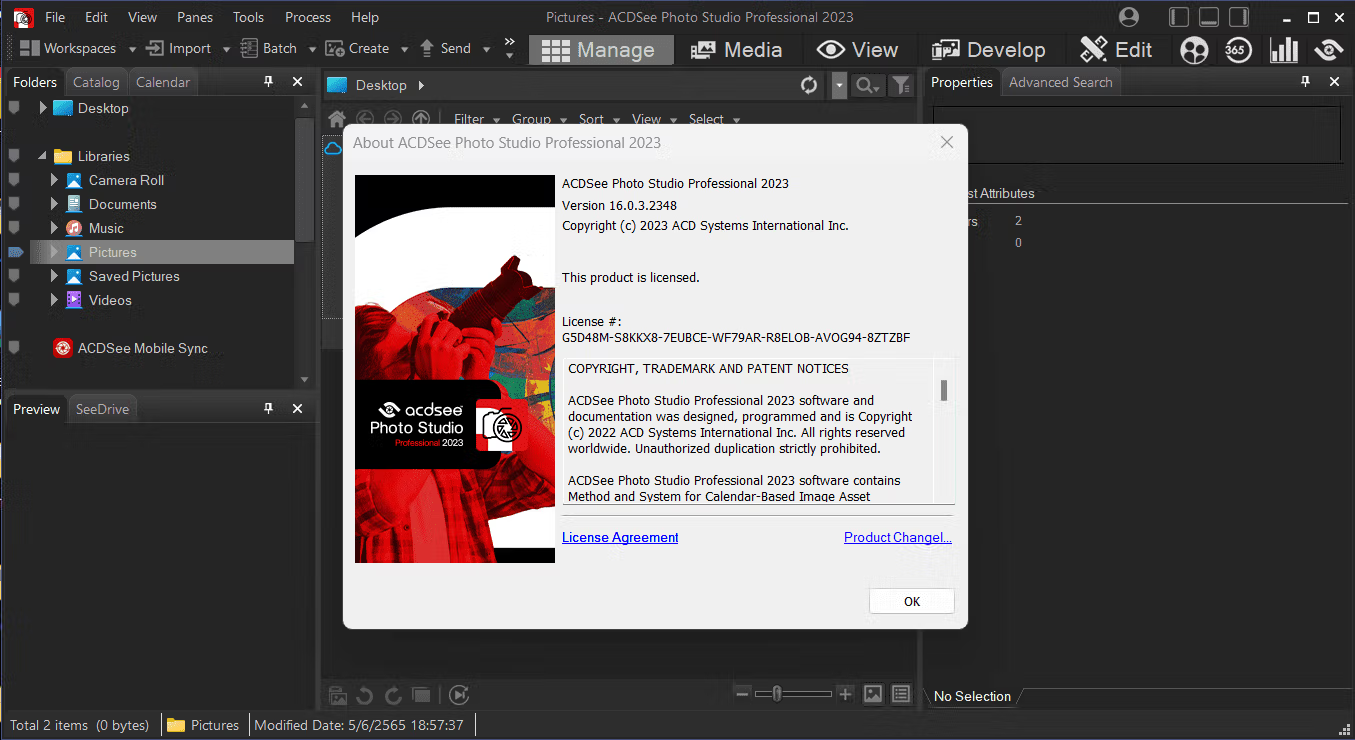
Download ACDSee Photo Studio Pro 2023 v16.0.3.2348 (x64) Full Version Permanent Free Program for Managing, Viewing, and Editing Photos, Latest Version
About ACDSee Pro 2023
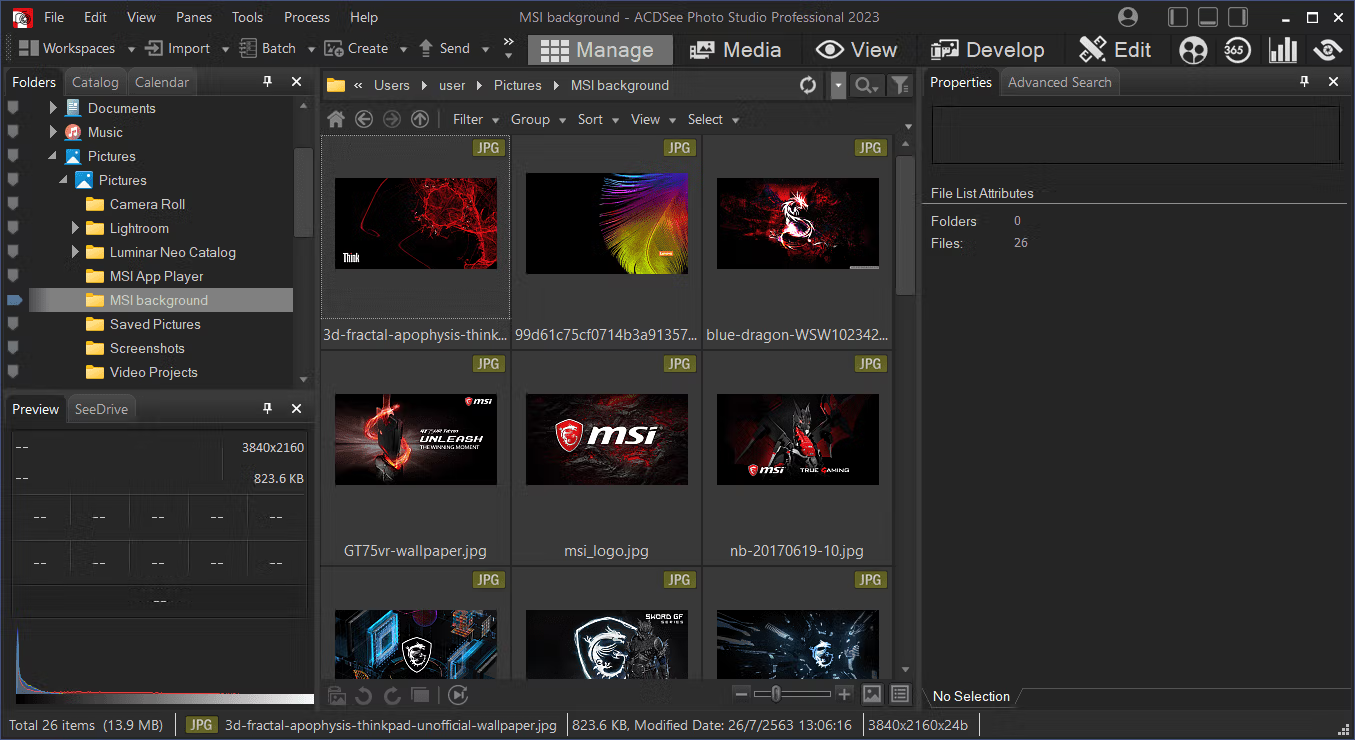
ACDSee Photo Studio Pro 2023 is a comprehensive photo editing and management software developed for professional and amateur photographers seeking complete control over their workflow. It features a state-of-the-art RAW processor for image editing and conversion. RAW with management, viewing, editing, and development modes is the only solution that allows photographers to perform all essential tasks of their photography workflow and image management in one place.
Features:
Viewing Photographs:
• Conveniently view image previews through various filters in automatic lens mode.
• Supports Windows touch gestures on tablets and smartphones
• Adjust brightness and sharpness instantly while viewing images
• Supports a second display for full-screen image preview
Image Editing:
• Selectively adjust pixels by specifying certain colors and tones in the image; achieve precise pixel-by-pixel corrections.
• Automatically adjust brightness and contrast in a single step when you first open an image.
The ability to add custom colors and backgrounds to the palette to fill images and objects.
• The history window displays all changes made to the photo.
• Instantly apply a variety of artistic filters
• Convenient tools for selecting objects and drawing images
• Navigation window for adjusting the desired area of the image
• Supports non-destructive editing
• Adjust color saturation, white balance, color tone, etc.; clarity, blur, and neutral tone without changing the focus of the selected area of the image.
• Remove noise and other image defects, adjust sharpness and blur
• Adjusting the transition and gradient between effects on images • Adding frames and short captions to images
• Remove the effects of red eyes, defects, and skin imperfections; crop, rotate, flip, and resize images.
• Image Area Selection and Editing – Frame Adjustment, Color Change, Detail Enhancement, Adding Special Effects
• Over 50 special effects, including collages, Lomo, retro, pastel, and more.
Other benefits:
• Intelligently organize photo folders and add them to the ACDSee database when the computer is idle; automatically synchronize changes made to snapshots between the database and your PC.
• Quickly receive image data, including EXIF information, without opening any programs.
• A color management system that prevents color mismatches in images when transferring from one device to another.
• Organize photo collections in ZIP format on DVDs and Blu-ray discs. Back up data to external devices or to the ACDSee cloud system.
365 in Flash format
Create a slideshow.
What's New in ACDSee Pro 2023
- Shape Selection Tool Use the Shape Selection Tool to make complex selections with curves and angles.
- Panorama Stitching combines photos into a panoramic image using various options, such as removing dark edges to clean up the seams where images meet.
- HDR uses High Dynamic Range (HDR) to display details in both the foreground and background.
- Focus Stacking Use Focus Stack to create images with superior depth of field.
- ACDSee Photomerge combines multiple images into a single photo quickly using a streamlined, dedicated UI that includes Panorama Stitching, HDR, and Focus Stacking.
- Advanced search and/or selection from a wide range of search criteria, including ACDSee Metadata and EXIF & IPTC fields, built-in logic for AND/OR status, and more, allow you to narrow down your results to a granular level.
- With the newly designed Quick Search, you can now perform more complex searches quickly. Choose from a variety of search types, such as "All," "Any," "Starts with," and "Ends with."
- ACDSee SendPix™ Share your photos with family and friends
- Import Options Import your options from ACDSee Photo Studio 2022
- Note: Import is only possible from the same version, such as Professional 2022 to Professional 2023.
System Requirements
- Microsoft® Windows® 7 (SP1), Windows® 8, Windows® 8.1, & Windows® 10 (64-bit editions only)
- Intel® or AMD® processor with 64-bit support
- Intel i5 or better processor recommended
- 4 GB RAM (8 GB RAM or more recommended)
- 512 MB Video RAM (VRAM)
- DirectX 10-compatible graphics adapter
- 1280 x 800 display resolution (1920 x 1080 recommended)
- 2 GB of available hard disk space
File Information and Downloads
Operating System: Windows 8.1 / Windows 11/10 (64-bit only)
Developer: ACD Systems International Inc.
License: Full
Language: English
Size: 220 MB
File type: *.rar
Password: mawto
Installation Method: Available
Updated on: 12/03/2023
Required Reading: Download Guide
You can still download ACDSee Pro 2024 Free