
Download Hasleo WinToHDD (Auto-Install) - A program to help install Windows 11, 10 using ISO files without booting from a disc or USB flash drive. Latest version with installation guide.
What is WinToHDD?
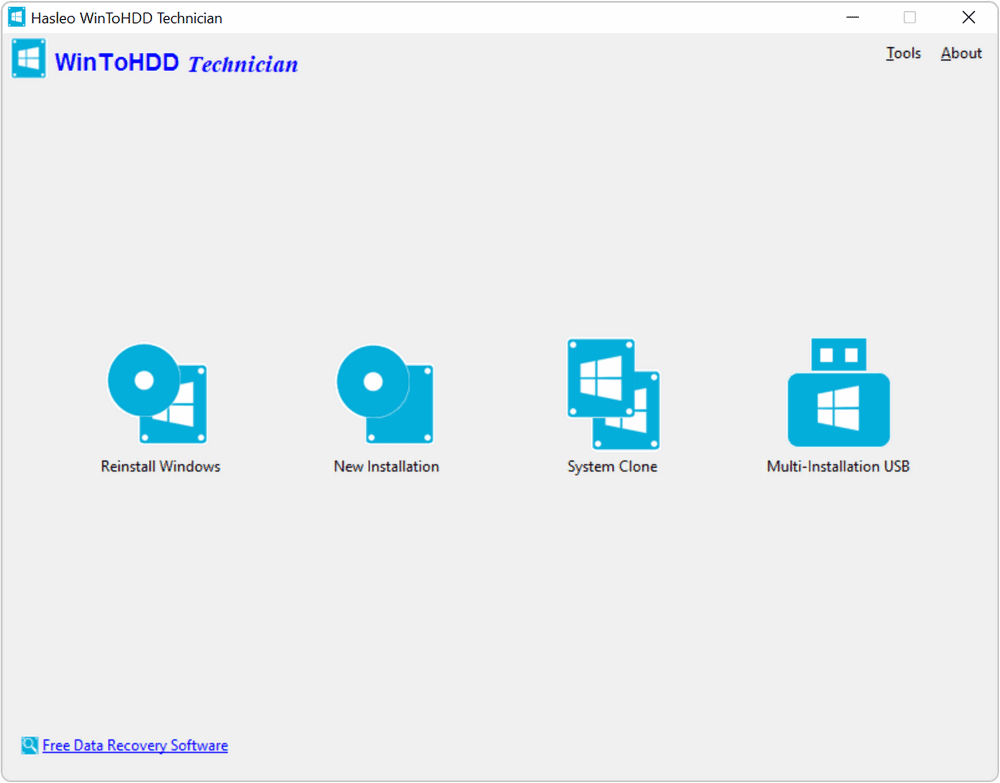
WinToHDD is a program that helps you install, reinstall, or clone Windows 11/10/8.1/8/7/Vista & Windows Server 2019/2016/2012/2008 directly from an image file. ISO, WIM, ESD, SWM, VHD, or VHDX without using a CD/DVD or USB. With this feature, you can easily reinstall Windows with just a few clicks, even if you know nothing about computer technology.
Features:
- Install Windows directly onto a second hard drive from an ISO, WIM, or ESD file without using a CD, DVD, or USB.
- Clone Windows to another disk without reinstalling Windows or apps.
- Encrypt Windows partitions with BitLocker during installation or cloning
- Create multiple Windows 11/10/8/7/Vista/2019/2016/2012/2008 (64 & 32-bit) installation drives on a single USB
- Fully compatible with GPT and UEFI
System Requirements
Windows XP or later (32/64-bit).
Intel Pentium processor.
512 MB of available RAM (1 GB or more recommended).
500 MB of free space on your hard drive.
1024×768 graphic device (higher resolution recommended).
File InformationDownload
- Operating System: Windows 7 / 8.1 / Windows 10 / Windows 11 (x64)
- Developer: Hasleo Software
- License: Full
- Language: English
- Size: 10 MB
- File type: *.rar
- Password: mawto
- Installation Method: Available
- Updated on: 10/2/2025
- Required Reading: Download Guide