This article is for informational purposes only.
What is Adobe Captivate?
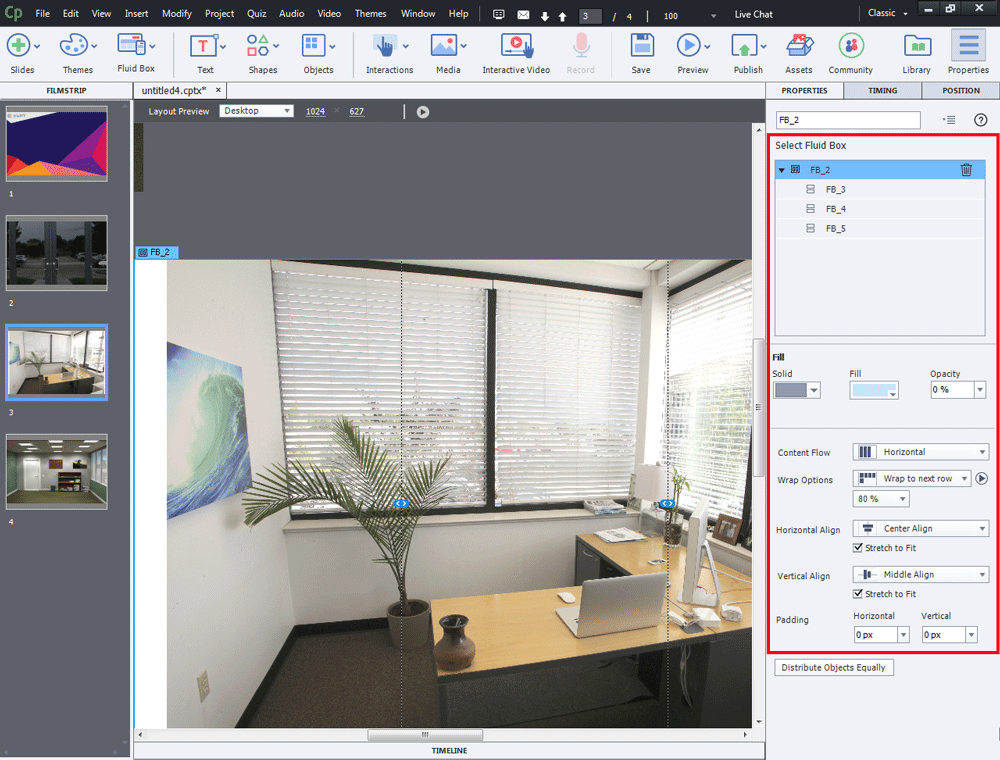
Adobe Captivate is a multimedia creation program that integrates with e-learning systems. It features a user-friendly interface similar to PowerPoint and is a responsive tool for creating e-learning content in both .swf and HTML5 formats. It can also be used to create screencasts and convert Microsoft PowerPoint presentations to .swf and HTML5 formats. This makes it ideal for teachers and students seeking a high-quality presentation program similar to PowerPoint.
Adobe Captivate is designed to create e-Learning for today's multi-device world, enabling learning on any mobile device without the need for time-consuming rewriting of entire programs or formats. Now, Adobe Captivate features an easy-to-use UI, transforming traditional PowerPoint presentations into engaging e-Learning experiences using actors, voices, interactions, and quizzes. It allows for rapid creation of mobile-responsive eLearning content using the best of HTML5, delivering any content to leading mobile, web, desktop, and LMS platforms.
What's New:
– Asset Panel with Quick start projects.
- Interactive video, available for streaming on Vimeo.
– Image as button.
– Simple branching workflow
– Forced navigation
– Copy and paste style.
– VR improvements
– Smart font switching
– Font style and color
– Correcting errors.
System Requirements:
– 2 GHz or faster Intel processor
– Windows operating systems – Microsoft Windows 7 with Service Pack 1, Windows 8.1, or Windows 10
– Windows 64-bit operating system is supported.
– 8 GB RAM
– 10GB of available hard-disk space for installation; additional free space required during installation (cannot install on removable flash-based storage devices)
– Adobe Flash Player 10 (or more) for viewing multimedia content
– 1024×768 display (1280×1024 recommended) with WebGL compatible Graphics Cards
This article is for informational purposes only.