Download the free SpotiDuck app, a music player that combines Spotify Web Player in one app, with built-in ad blocking. Conveniently control your music from the lock screen and widget. Install the APK file without rooting your device.
Get to know SpotiDuck.
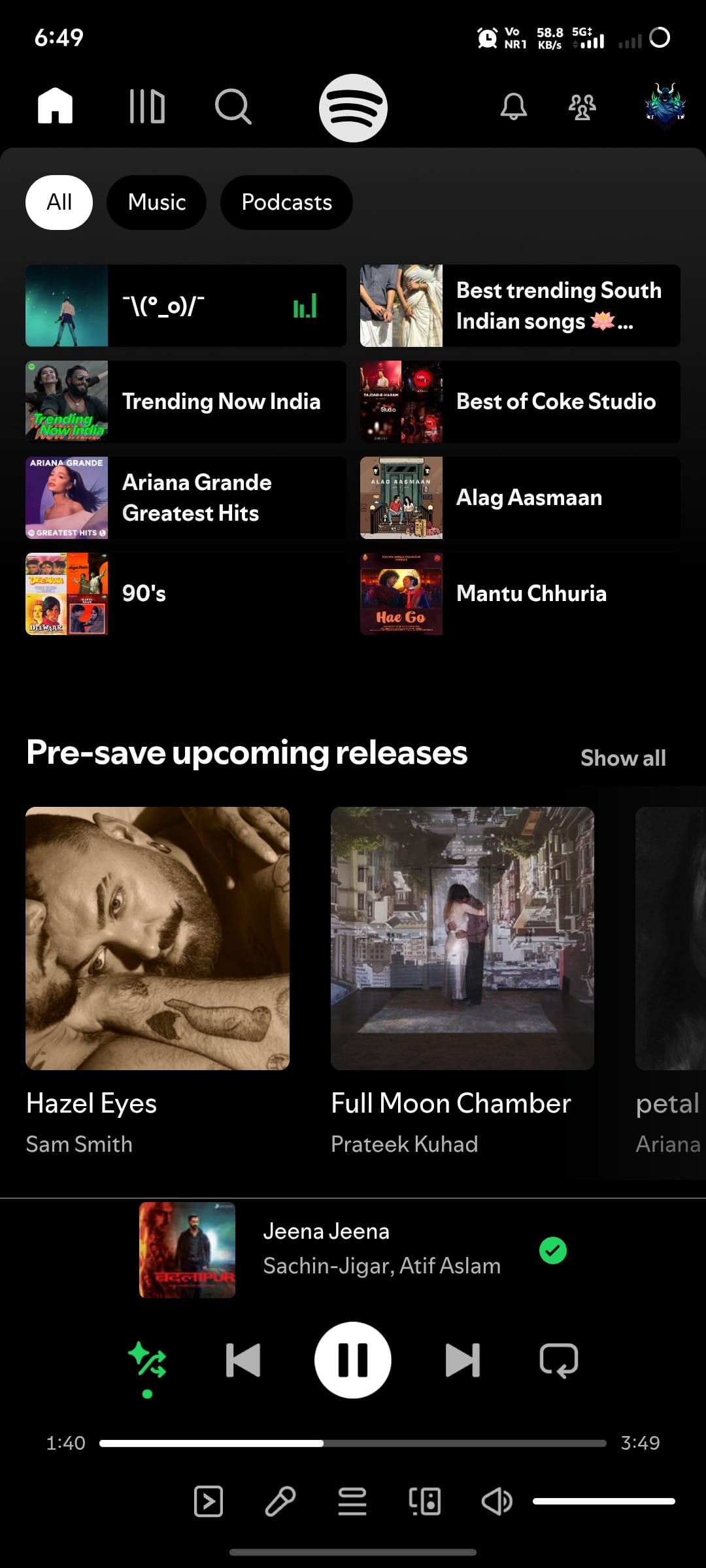
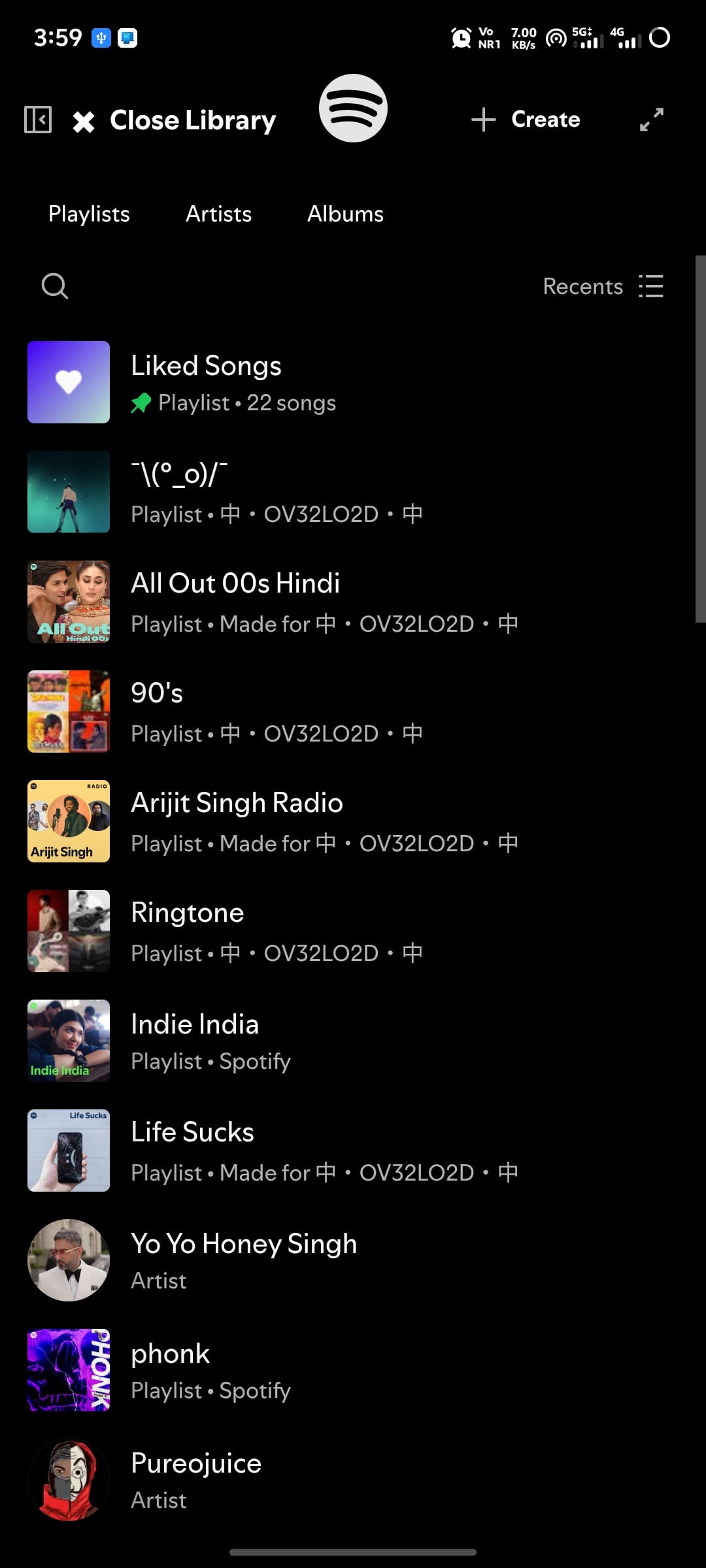
SpotiDuck SpotiDuck is an unofficial Spotify music player app for Android mobile devices that integrates the web-based Spotify music player into a single app. Instead of opening a browser and accessing the Spotify website every time, users simply open SpotiDuck and use it in an app-like interface. They remain logged in with their existing Spotify account, so all their music, playlists, and library are transferred without needing to create a new account or move any music.
At its core, this app brings the web-based Spotify experience to mobile, making it more user-friendly. Users can search for songs, artists, albums, and podcasts as usual, listen to playlists they've created, like songs, follow artists, and organize their music library just like on the web. This is because the app doesn't create a new music library; instead, it takes you through the familiar Spotify experience in a user-friendly, mobile-specific interface.
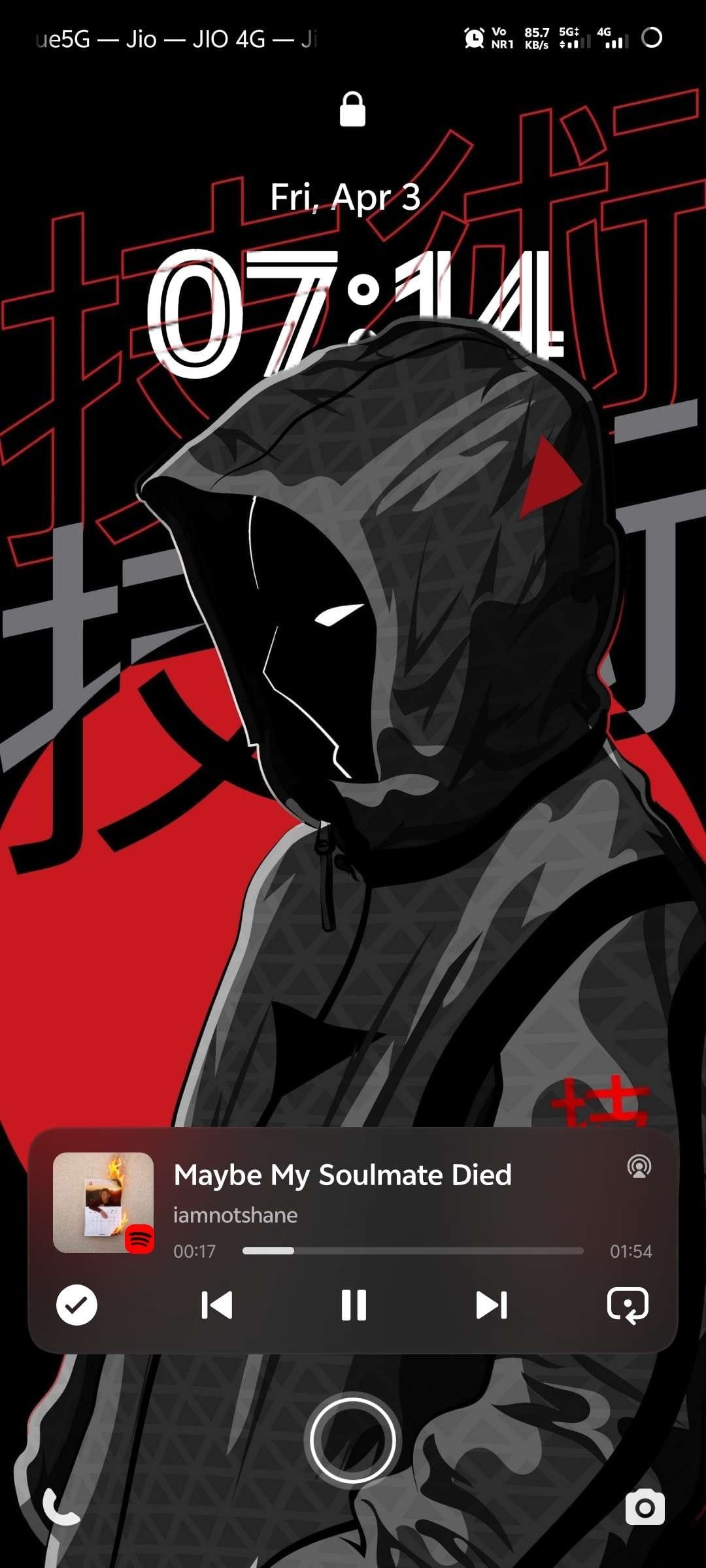
What sets SpotiDuck apart from opening Spotify in a regular browser is its direct integration with the Android system. Music continues playing even when you switch to other apps or turn off the screen, and playback can be controlled from the notification bar or lock screen without having to return to the app. Additionally, there's a widget on the home screen for quick access to play or change songs, and it supports in-car use via Android Auto. Another feature many users appreciate is the app's built-in ad filter, which removes clutter from web pages for a more uninterrupted music listening experience and a cleaner screen.
SpotiDuck is therefore ideal for those familiar with the web version of Spotify but want the convenience of a mobile app, as well as those who want to easily control music from their lock screen, widgets, and in their car. For those who want the full, paid Spotify app, you'll need to... Spotify Premium It's another option.
However, since SpotiDuck is an independent developer app and not an official Spotify app, the user experience may vary depending on updates to the Spotify website. Furthermore, music playback requires an internet connection and the user's Spotify account. Therefore, for those looking for a Spotify app on Android that offers a web-like experience but with the seamless functionality of the official app, SpotiDuck is an option worth trying.
Key Features
- The complete Spotify Web Player package. Open the Spotify web player via the specially customized WebView, allowing you to use all the web-side features just like when you open it in a browser.
- Built-in ad blocker. Filter ads while listening to music automatically without needing to install a separate ad blocker, and customize your blocking list as needed.
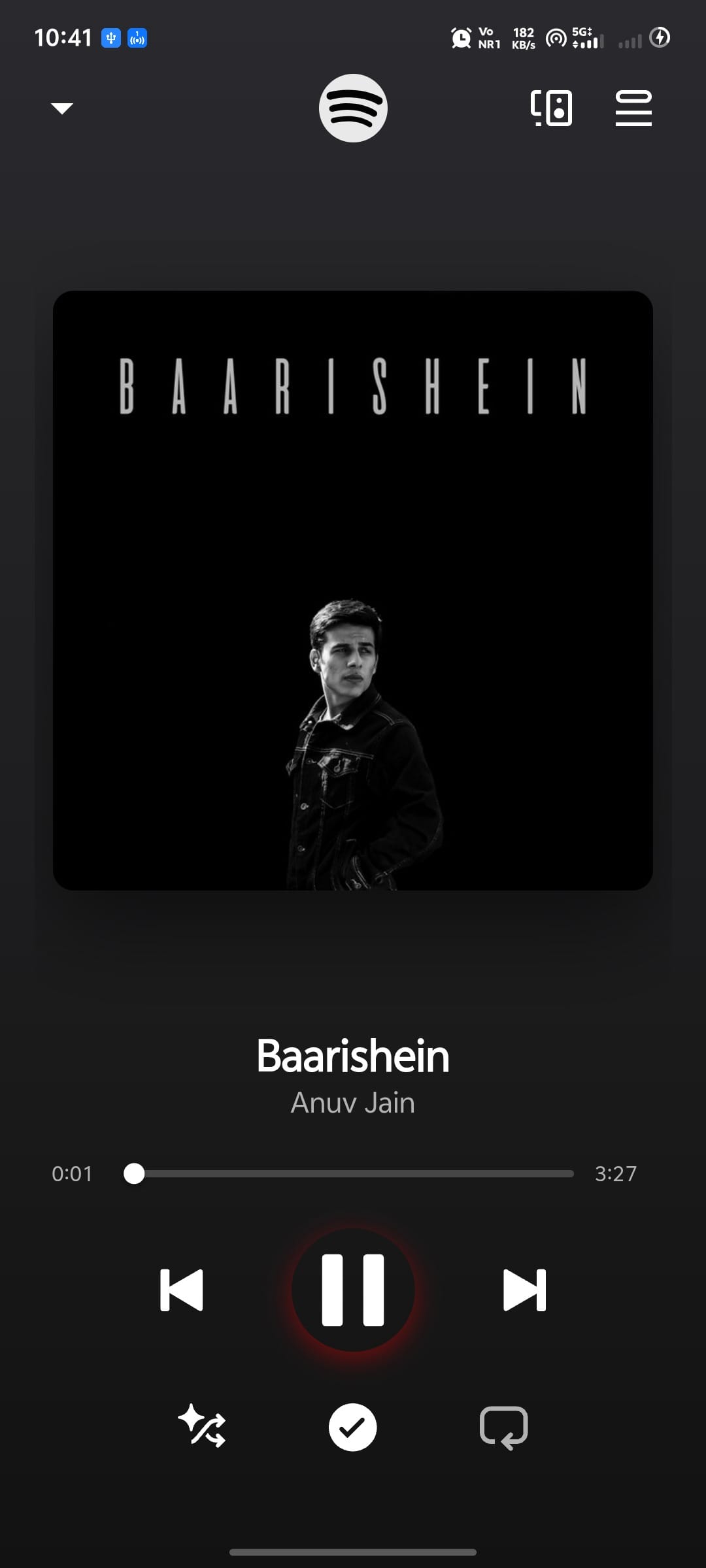
- Continue playing the music in the background. Background services ensure music playback doesn't stop even when switching to other apps or turning off the screen. Simply set your battery usage to unlimited.
- Control from the lock screen. You can pause, resume, or skip songs from the lock screen via media session without unlocking the device first.
- Home screen widget. Place the music control widget on your home screen. Play or skip songs instantly without opening the app.
- Supports Android Auto. Connect it to your car's screen and control your music from there. Perfect for those who frequently listen to music while driving.
- Full-screen and landscape mode. Expand the player to full screen or rotate the device horizontally to view album art and control music playback in full view.
- Customize compatibility. Customizable platform support and user agent size can help resolve login or music playback issues on certain devices.
How to install SpotiDuck
- Download the .apk file from our link below (make sure the file size matches what is specified in this article).
- Install the downloaded .apk file as usual without needing to root your device.
- Open the app to use.
Cautions regarding compatibility and music playback:
- Account restrictionsFree accounts may experience issues loading music on mobile WebView, even with compatibility adjustments in place. Changes to browser policies from the server side could cause playback interruptions.
- Third-party loginLogging in with Google or Facebook might be blocked on embedded browsers. This can be resolved by adjusting compatibility settings or the User-Agent in the app.
- DRM security systemA device with hardware-level DRM support is required. Playing music may not be possible if using a custom ROM or an uncertified device.
- Overly strict blocking.Enabling overly restrictive filters or blocklists might inadvertently block necessary servers, preventing music from playing.
- System WebView versionYou should always update the Android System WebView to the latest version via the Google Play Store to ensure that web pages load and display correctly.
File Information
- Operating system: Android 7.0+
- Developer: 23fpsz
- Language: Multilingual / Thai
- Size: 3 MB
- File type: apk
- Version: 1.2.4
- Updated: October 26, 2026
- Required Reading: Download Guide