Download Sketchbook Pro APK (Premium Unlocked), an Android drawing and painting app that opens ready to draw immediately, featuring a complete set of brushes, layers, and drawing aids for use on both mobile phones and tablets, latest version.
About Sketchbook APK
is a digital drawing app designed to open and let you draw immediately, whether for quick idea sketching, illustration drafting, character design, or serious detailed painting. The app features a clean, uncluttered interface with no distracting menus or buttons, giving users a full-screen workspace. It supports both finger and stylus drawing with smooth strokes and great pressure sensitivity, feeling much closer to drawing on real paper than using a mouse.
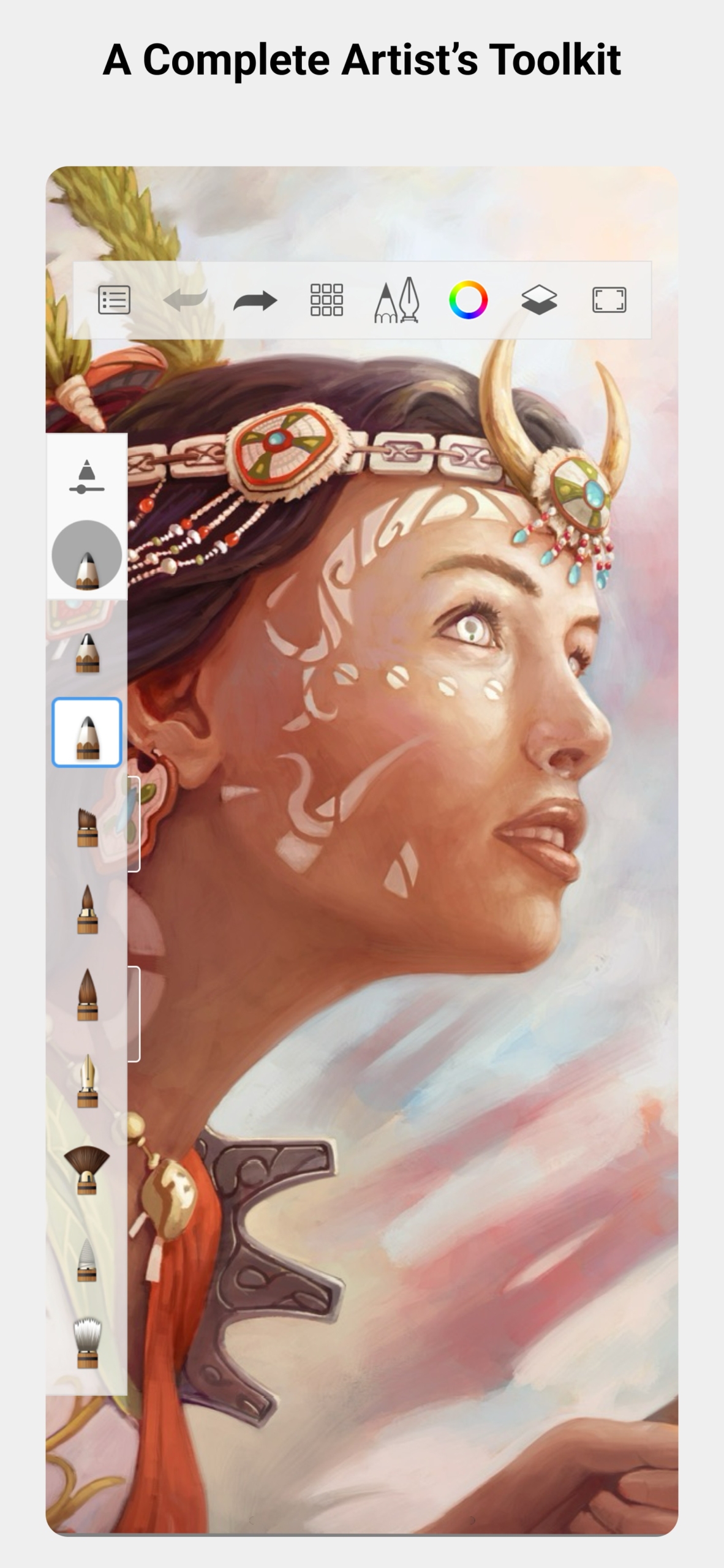
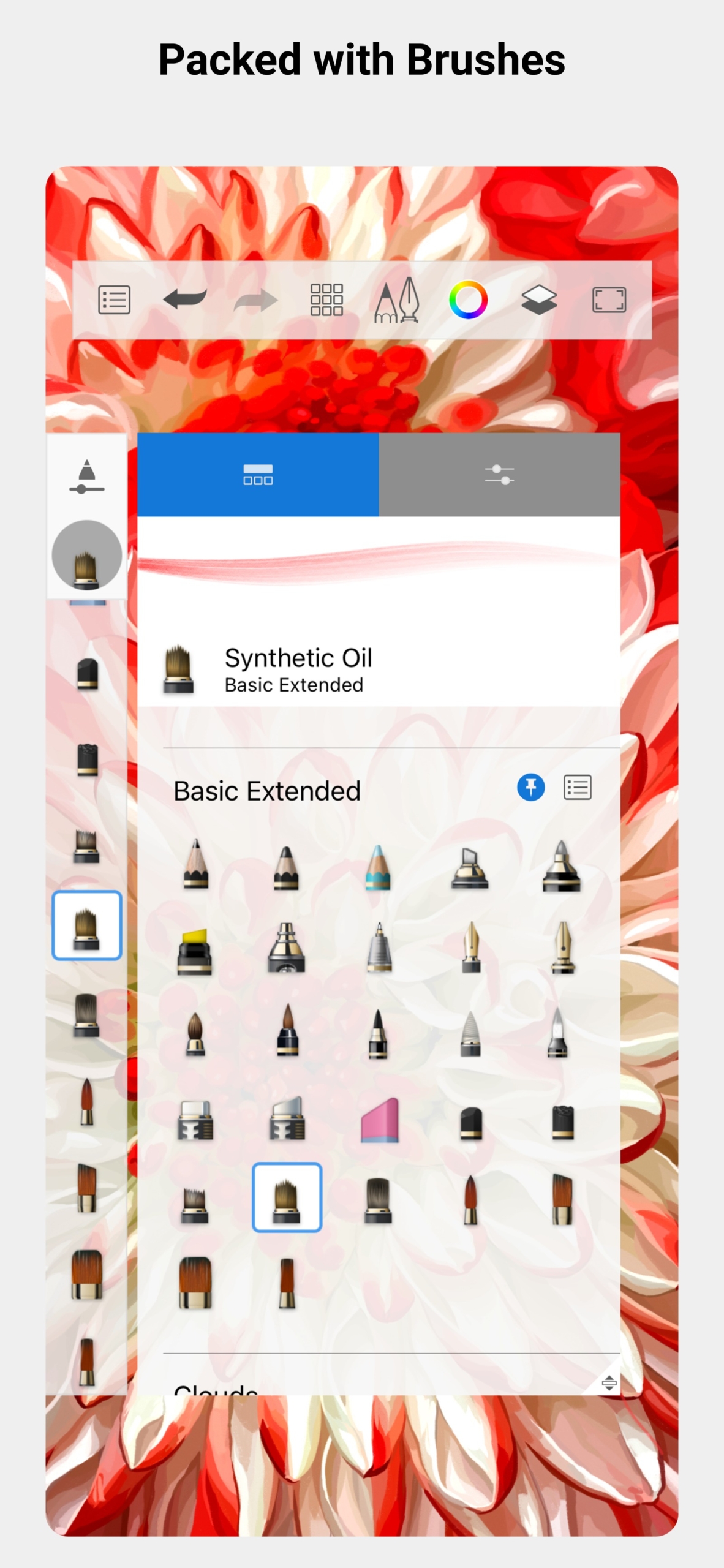
Sketchbook's standout feature is its comprehensive yet uncomplicated drawing tools, offering a wide selection of brushes including pencils, ink pens, markers, watercolor brushes, and airbrushes. Users can adjust size, opacity, and edge softness as needed. It also includes layers to separate parts of the artwork, such as line art, base colors, and lighting/shadows, allowing edits to individual sections without affecting others. The layer system supports various blending modes and transparency adjustments, helping handle complex work without confusion.
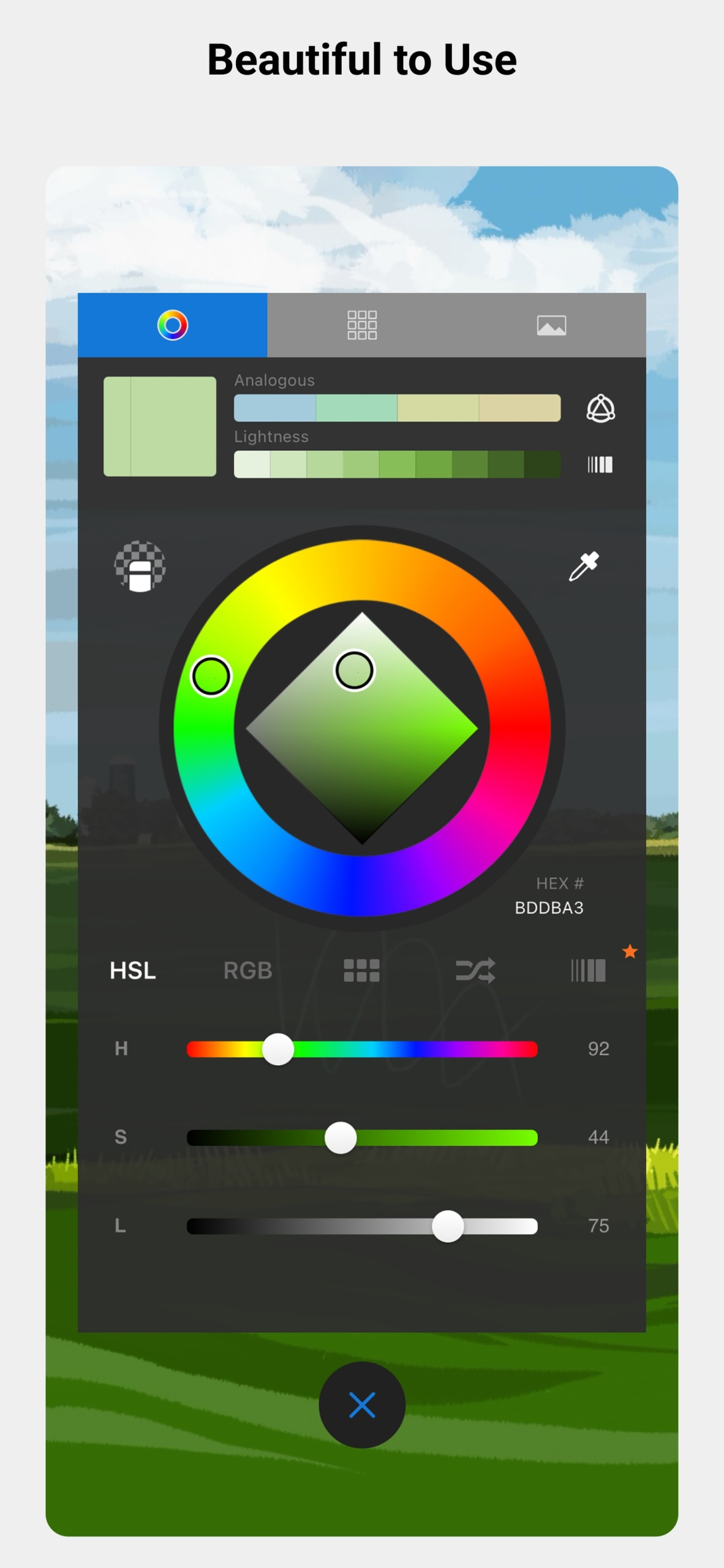
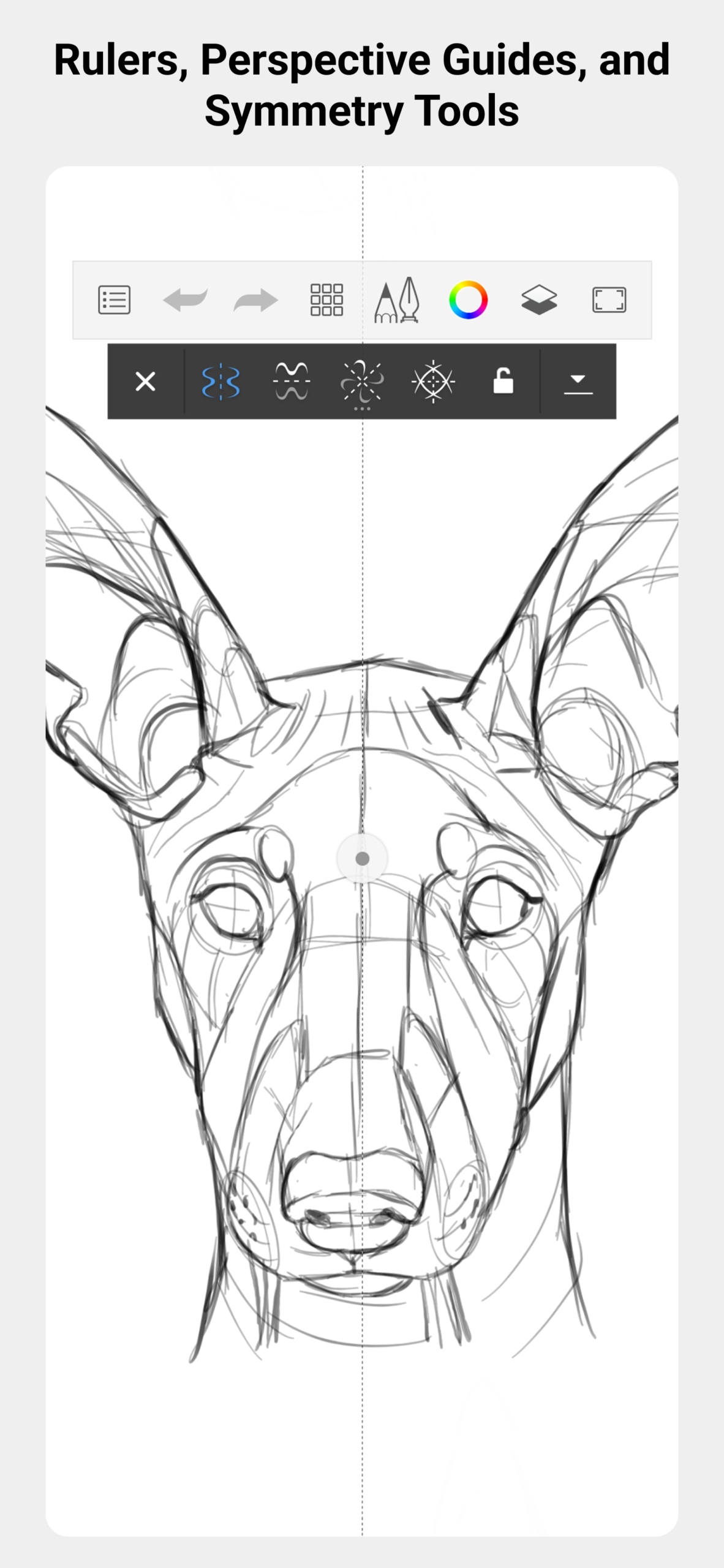
The app also features drawing aids that help create clean lines and shapes without relying solely on hand steadying, such as rulers, perspective guides, symmetrical circles and ellipses, or a mirror mode where drawing one half automatically generates the other. This is ideal for logo design, facial drawing, or balanced pattern work. The color palette offers detailed selection, pre-made color sets, and the ability to save frequently used colors for reuse.
Sketchbook is also suited for work requiring further file utilization, supporting multiple formats including saving as the app's native file for later editing, and exporting as JPG, PNG, or PSD to open in computer software such as Clip Studio Paint seamlessly. Users can create large, high-resolution images suitable for printing or online media. What makes many people love this app is that it doesn't force you to learn numerous tools before starting to draw; everything is placed for easy access, yet deep advanced tools are available for further customization. Whether for hobbies, book illustrations, concept art for games and movies, or product design, this app is like a digital sketchbook to carry anywhere, ready to start drawing whenever an idea strikes.
Tips and techniques for use.
While drawing, use the Double Puck to quickly adjust brushes—drag left or right to change size, and drag up or down to change opacity—without opening the settings panel and breaking your flow. When coloring frequently, pin the Color Editor next to the canvas to grab desired colors instantly without repeatedly opening and closing panels.
Before switching to a new device, back up your Preferences and restore them on the new device so you don't have to reconfigure everything. When drawing long lines, enable Steady Stroke to help stabilize them, and for pattern work requiring balance, rotate the Symmetry axis to the desired angle before starting.
Interesting features
Brushes and Drawing
- Comprehensive brushes at your fingertips. Pencils, ink pens, markers, watercolor brushes, and airbrushes deliver realistic strokes with customizable size, opacity, and edge softness.
- Create custom brushes. Design custom brushes from selected shapes and textures, import brushes from the Extras catalog or .zip and .skbrushes files, and export them to share with others.
- Brush Panel with brush history. Instantly view recently used brushes and toggle this panel on or off from Preferences.
Layer
- Layers with Blend Modes. Separate line art, base colors, and lighting/shadows with adjustable transparency and various blending modes.
- Name layers. Name each layer to find the desired layer faster.
- Group layers. Group related layers to make it easier to find and manage images with multiple layers.
- Clipping Mask and Alpha Mask. Paint only within the boundaries of the layer below without worrying about spilling outside the lines.
- Customize layers. Blur, sharpen, adjust brightness and contrast, invert colors, or convert to black and white directly on the layer.
color
- Detailed color adjustment with Color Editor. Pick colors from the color wheel, adjust saturation and brightness, and save frequently used colors as swatches for reuse.
- Extract color palettes from images. Create color palettes from reference images or photos, and import and export color palettes.
Drawing assistance tools.
- Guides, rulers, and straight-line tools. Draw straight lines, circles, ellipses, and perspective lines accurately without relying on a steady hand.
- Symmetry for reflection drawing. Draw one half and the other half appears symmetrically, perfect for logo and pattern design.
- Steady Stroke. Smoother and steadier drawn lines, ideal for work requiring smooth curves.
- Selection Tools. Select areas with Lasso or Magic Wand, then move, rotate, resize, or fill with gradients.
- Lasso Fill and Draw Outline. Instantly fill enclosed areas with color, or trace along the edges of a selected area.
- Text tool. Add text to images as a separate layer and use your own fonts.
Canvas and Export
- Adjustable canvas size. Resize the canvas after starting to draw, set units to inches or centimeters, and configure DPI for printing.
- Exports can be done in various formats. Save as app files to edit later, or export as JPG, PNG, and PSD to open in other programs.
- Batch export images from the Gallery. Select multiple images and export them all at once.
- Multi-page PDF export. Combine multiple images or an entire album into a single PDF file, with selectable quality and document size.
- Timelapse recording. Record your drawing process as a video to watch later.
- Hide the interface while drawing. A clutter-free full-screen drawing experience with options to backup or restore Preferences.
What's new
Version 6.3.0 – Oct 26, 2026
- Customizable timelapse views. Choose whether to show canvas panning and zooming during recording, or lock the view in place.
- Adjustable timelapse speed. Select the final video speed at 4x, 8x, or 32x, with the default set to 4x.
- Layer names are displayed in the Layer Editor. Layer names are enabled by default and can be disabled in Preferences.
- Brush heads can be imported as both .zip and .skbrushes files. No need to convert files before importing.
- Record timelapses at a higher resolution. Optimized video recording for different screen aspect ratios across various models.
- Fixed an issue where the S Pen crosshair was misaligned from the pen tip. The crosshair is now correctly positioned at the actual pen tip.
- Fixed an issue where PSD files displayed incorrect icon previews. PSD file previews now display correctly.
- Fixed an issue where the app would freeze when folding or unfolding a Z-fold device with a pop-up window open. You can now fold and unfold the device without the app freezing.
How to install Sketchbook Pro APK
- Download the .apk file from our link below (make sure the file size matches what is specified in this article).
- Install the downloaded .apk file as usual without needing to root your device.
- Open the app to use.
file information
- Operating System: Android 9.0 and up
- Developer: Sketchbook, Inc.
- Language: Multilingual
- Size : 61 MB / 59 MB
- File type: apk
- Version : 6.3.0
- Updated on : 9/11/2026
- Need to read: Download Guide
==== v6.3.0 [arm64-v8a] ====
==== v6.3.0 [armeabi-v7a] ====