

Download OBS Studio 2026 (64-bit) for free. This is the latest version of the software for live streaming, screen recording, game casting, and broadcasting your computer screen for streamers.
What is OBS Studio?
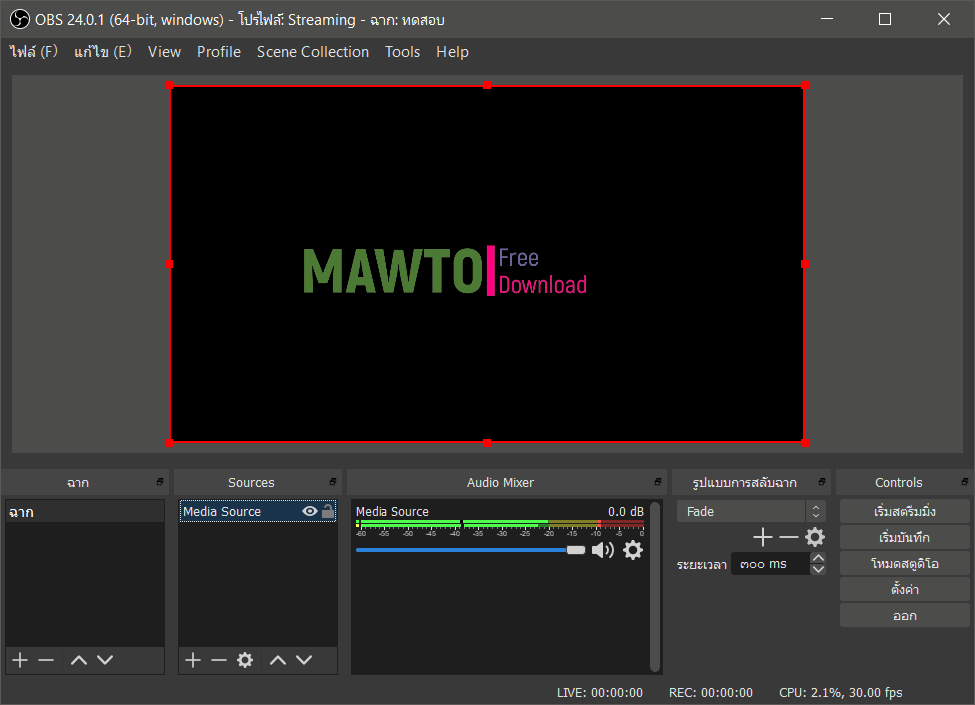
OBS Studio Or Open Broadcaster Software Studio This program is designed for gamers, artists, developers, and amateur users who enjoy streaming. It's compatible with various streaming services such as Facebook Live, Twitch, YouTube, and Twitter. You can add custom streaming services or record your own footage in high-quality file formats (MOV, FLV, MKV, MP4, TS, and M3u8). Create high-quality recordings using OpenGL or Direct3D on your desktop and stream those files over the internet via this easy-to-use software solution. It features a simple, clean interface and quick settings. You can adjust resolution, FPS, fix lag, and set a maximum bitrate to optimize for various devices. It comes with a dynamic API that allows developers to create their own plugins for more effective control over the streaming experience. Additionally, it can accommodate other file types in streaming, such as captured images, browser screenshots, and more.
What's new?
OBS Studio 32.2 simplifies the source addition process with a new window and previews, making it easier to select source types and preview them before adding them to the scene.
- A new window for creating and adding sources, with preview images.
- Add an API for copying and pasting data from the frontend.
- Add an option to filter the assembly of SDR to HDR images.
- Add a delete button for macOS users.
- Supports dynamic bitrate for multi-track video recording.
- Supports handling missing files for filters.
- The plugin allows you to customize its own icon.
- Improve the FPS options to make it easier to select your desired value.
- Supports .webp files when adding a folder to the Image Slide Show.
Improvements and changes
- Updating the NVIDIA SDK to version 13 and NVENC requires a minimum driver version 570.
- Installations on macOS using Intel chips will update to the Apple Silicon version.
Release Notes: OBS Studio 32.2
File Information
- Operating System: Windows 7 / 8 and 8.1 / Windows 11 / 10 (64-bit)
- Developer: OBS Project
- Language: Multilingual
- Size: 152 / 179 MB
- File types: *.exe, *.zip
- Version: 32.2.2
- Updated: 15/8/2026
- Required Reading: Download Guide
==== Installer ====
==== Portable ====





