Download KMPlayer for free, full version, in Thai. This video and music player can open almost any file format without needing to install additional codecs. Watch movies, listen to music, and open downloaded files instantly on Windows 11 and Windows 10.
About KMPlayer
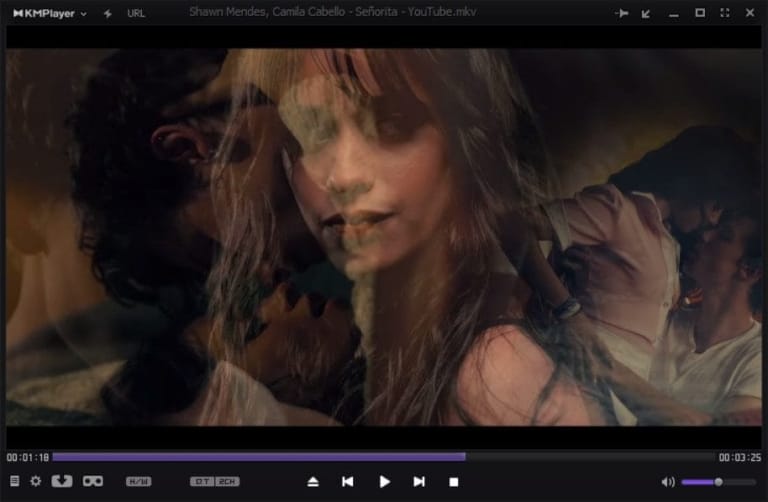
KMPlayer is a well-known video and audio player for computers. It was created to solve a frustrating problem for many users: the program would report that a movie or music file couldn't be played due to a missing decoder. KMPlayer is designed to open a wide variety of file formats internally, without requiring additional codec installation. You can simply double-click a file to play it immediately, whether it's a movie downloaded from the internet, a video recorded with a camera, or a music file stored on your computer.
The program's long-standing appeal lies in its flexibility in file playback. Users can select multiple language audio tracks, switch audio tracks, choose subtitles, and adjust the font size and position of subtitles as desired. Furthermore, playback speed can be adjusted; users can slow down to hear dialogue more clearly or speed up for a quick overview of the content, all from the same menu. And if the program is closed while playback is paused, it will automatically resume playback when reopened, eliminating the need to manually search for where the playback left off.
Besides watching movies, KMPlayer also offers a few tools to make viewing more convenient, such as capturing still images from favorite scenes, creating playlists to open multiple files consecutively without having to open them one by one, and adjusting color, brightness, and aspect ratio to suit your screen. Those who primarily listen to music can also use it as a music player, as it supports various audio file formats and allows for playlist management similar to dedicated music players.
Another thing people like is the program's highly customizable interface. Users can choose themes or skins to suit their taste and adjust the control button placement for comfortable use. The program itself doesn't consume much system resources, so it runs smoothly on older machines. Whether used for watching movies, TV series, listening to music, or opening video files for work, it supports a wide range of file types, offers detailed settings, and is ready to use immediately without any complicated preparation. Those who want to compare it with other video players should give it a try. PotPlayer To aid in decision-making.
KMPlayer's ability
Plays almost any file.
- Open files for almost any extension. You can watch video resolutions up to 8K UHD at 60fps. Both DVD and Blu-ray files, as well as corrupted or incomplete AVI files and locked files can still be opened.
- Codec is installed. High-quality codecs such as HEVC (H.265), H.264 and VP9 are built-in, open files immediately without additional installation, and can also add other people's external codecs.
- You can watch 3D movies with 4K videos. Supports 3D video playback and Ultra HD resolution along with almost every file format that the program can open.
- Hardware Acceleration. Use hardware acceleration to help process, making it use less CPU, watching high-definition videos, smooth even on low specs or when opening other programs.
Detailed playback
- Accelerate or slow down the image. Adjust the playing speed, reduce the noise, rotate the image and use a stronger video renderer to make the image sharper from the program.
- Capture as GIF. Capture an animation from the desired range and save it as a GIF file, as well as capture still images from the video range and the selected format.
- Full control over play. Resize the image, apply the effect Post-Processing Sets the codec and captures real-time video with customize output formats.
- Subtitles with a lot of adjustable sound. Set the subtitles, put the Bookmark back to your favorite scenes. Adjust the sound to match the picture with Audio Synchronization and have a Quick Button to call the functions that are often used.
- Preset Equalizer. Choose a preset audio ready in many ways. Listen to music or watch movies and get a stronger sound without having to adjust yourself one by one.
Easy to use, no need to set a lot.
- KMPlayer 64x No ads. The 64-bit version is free and free to use, no ads, no spyware and no user tracking.
- Supports 42 languages. The menu supports more than 42 languages, including Thai.
- You can stream from the URL. Enter the URL of an online video like YouTube and watch it or download it immediately. Do not open the browser
- You can adjust the look of the program. The interface is easy to use. Can be customized as you like
file information
- Operating System: Windows XP/ Vista / 7 / Windows 8 and 8.1 / Windows 11 / 10
- License: Freeware
- Size: 57 MB
- File type: *.exe
- Version : 4.2.3.38 / 2026.10.27.9
- Password: mawto
- Updated: 28/10/2026
- Need to read: Download Guide