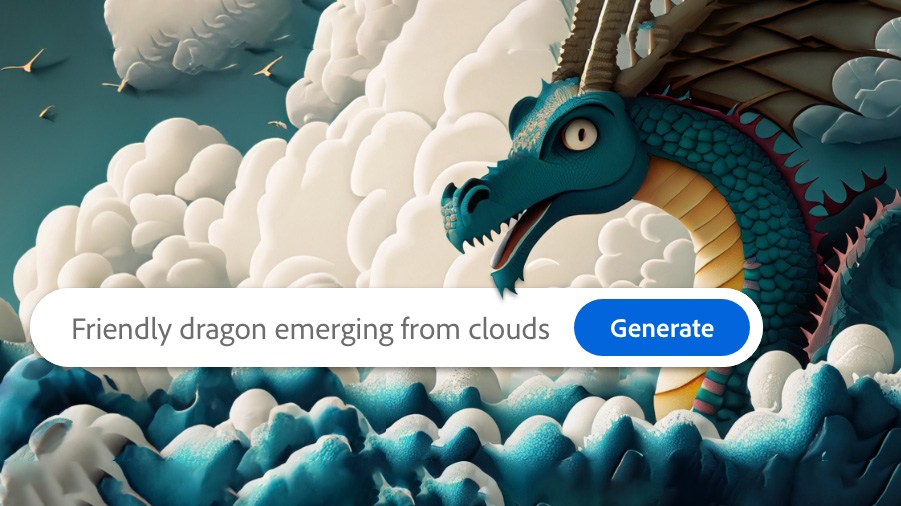
Adobe Photoshop 2024 new full versionIt has been launched, but the problem we encountered is that Generative AI is not usable, displaying the message "You have no longer access due to a violation of our terms of service".“
As of September 15, 2023, there is no crack or patch available to fix this problem. Only a Generative AI subscription will allow you to use Generative Fill. Therefore, the method we will teach you today is how to fix Generative Fill by subscribing to the 14-day trial subscription.
1. Open Google Chrome, click the Google Chrome account icon in the upper right corner –> select Add –> then sign in with your Google account (use an account that has never been linked to Adobe).
2. A Google Chrome window, logged in with the new profile, will pop up. Use this window for the next step (do not use any other windows).
3. Go to https://www.adobe.com/ -> Click Sign in -> Continue with Google using the account you created -> Enter any information you want.
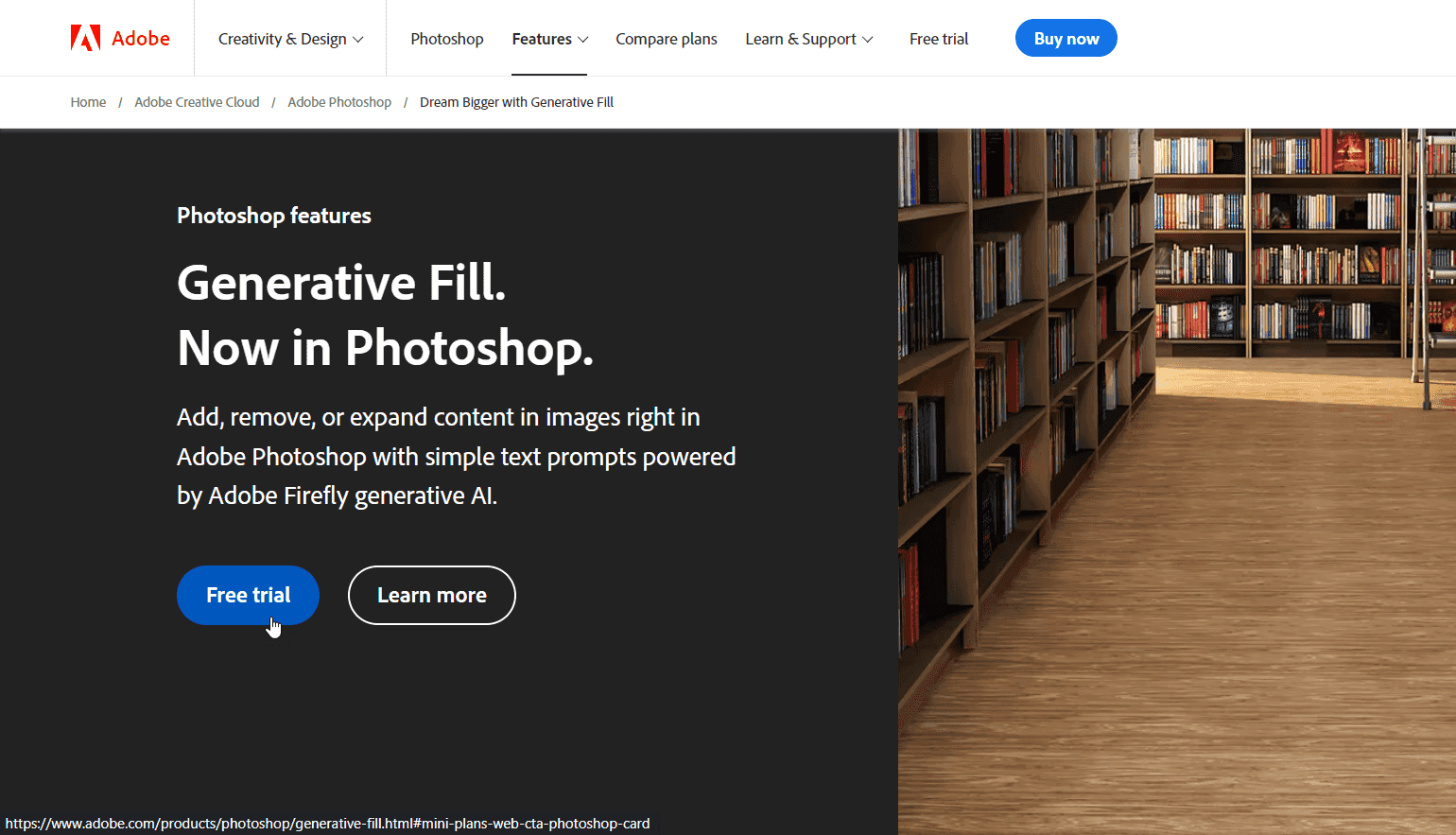
4. Go to: https://www.adobe.com/products/photoshop/generative-fill.html Then click on Free Trial.
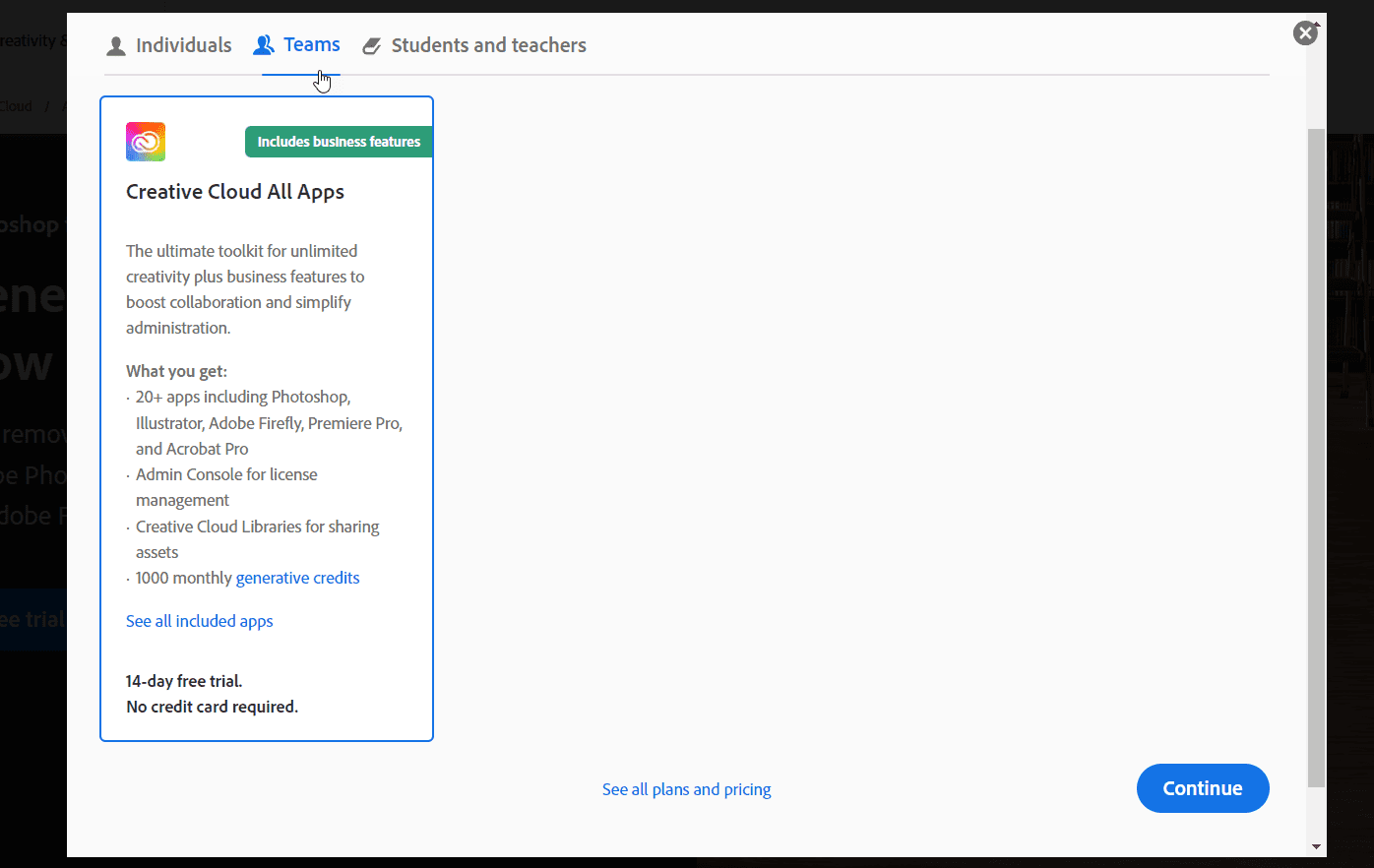
3. Click on Teams and then click Continue.
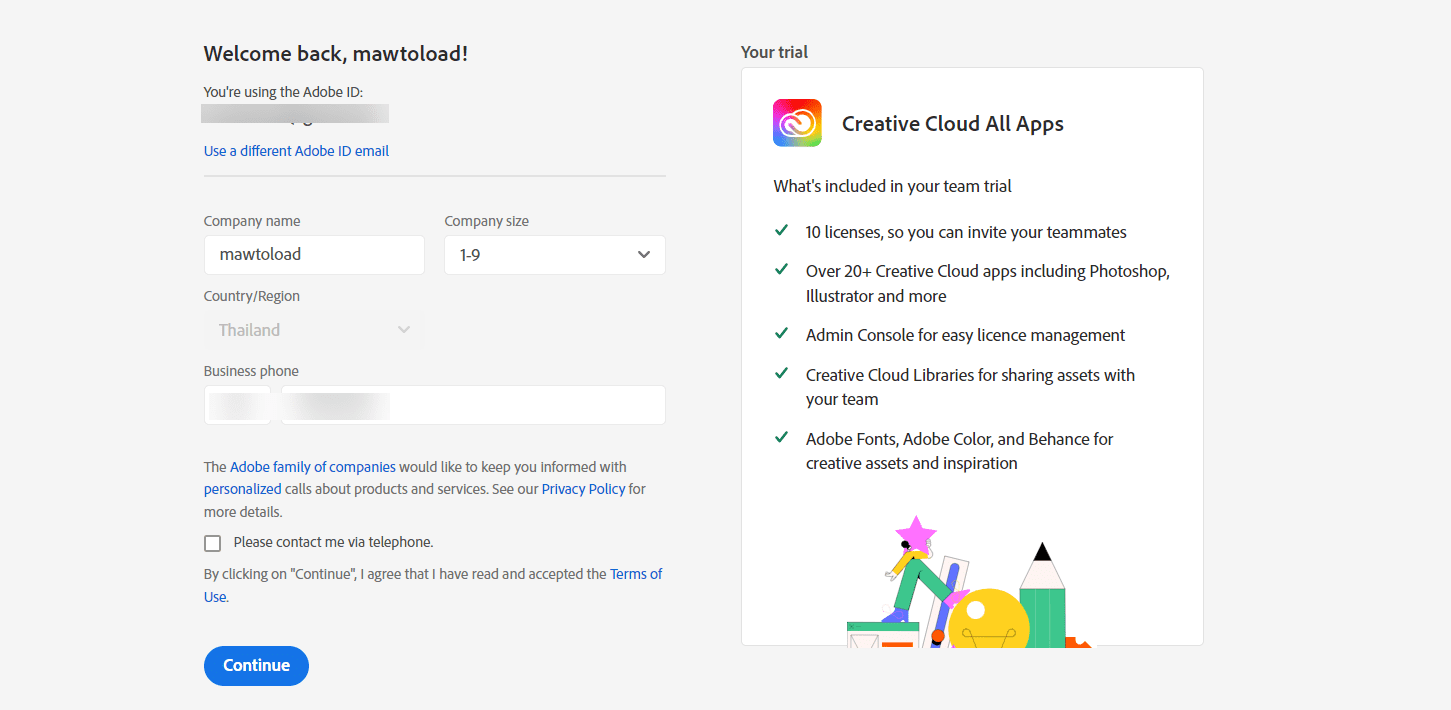
4. Enter your Company name, select your desired Company size, and enter your phone number (you can find one online). Then click Continue.
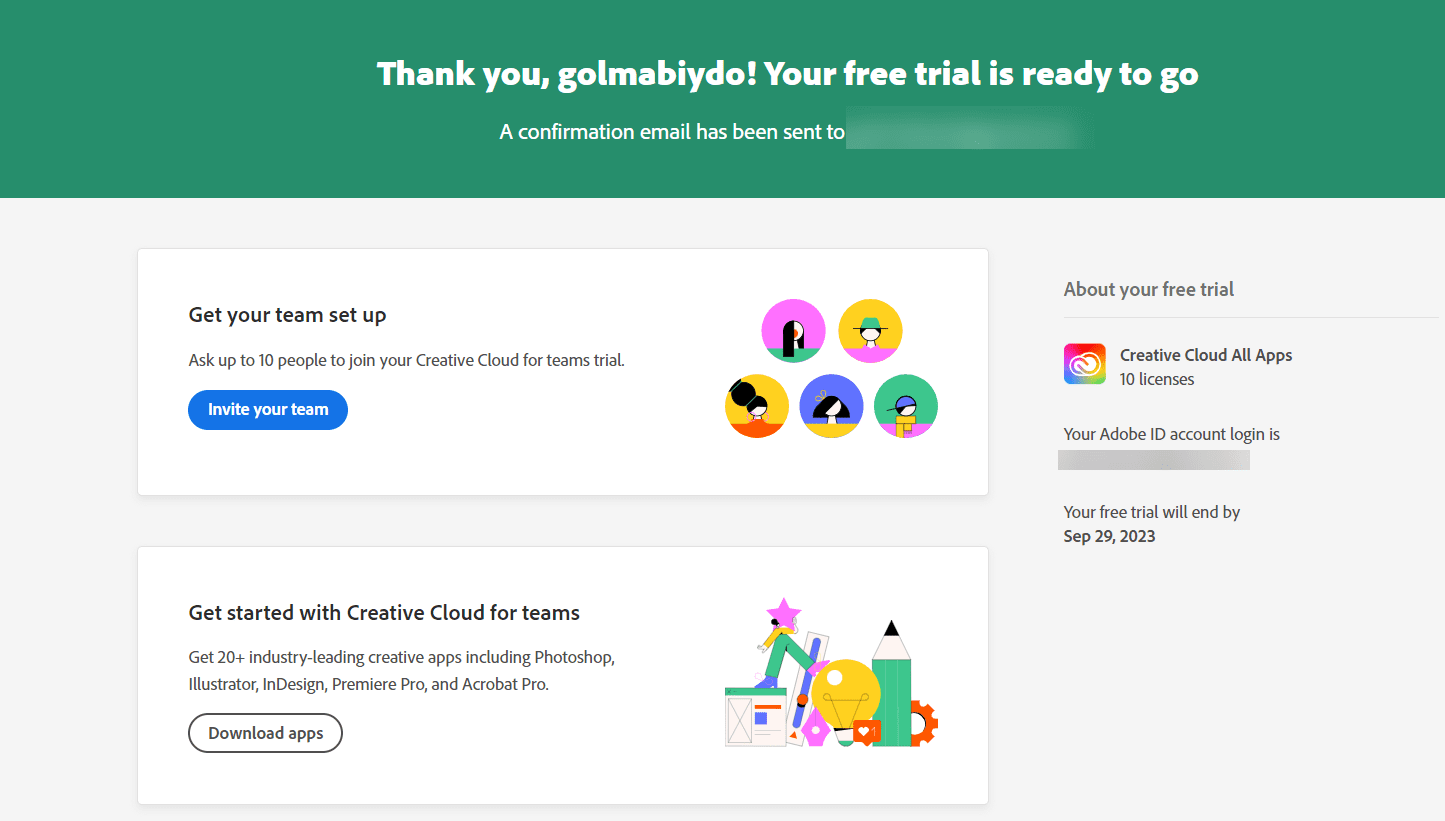
5. If successful, it will show like this.
6. Open the program. Adobe Photoshop 2024 Go to Help -> Sign out
7. Reopen Adobe Photoshop 2024 –> Go to Help –> Sign in –> Continue with Google and log in with the account you created in the previous step.
8. Done. You can now use Generative Fill in Adobe Photoshop 2024. After 14 days, you just need to repeat these steps. Or, there might be a new crack available by now, who knows?