
ดาวน์โหลดแอป AccuWeather Premium APK (MOD Unlocked) ปลดล็อกฟีเจอร์ Premium ให้ใช้ฟรี ติดตามพายุด้วยเรดาร์สด ดู MinuteCast พยากรณ์ฝนล่วงหน้า 4 ชั่วโมง RealFeel และแจ้งเตือนอากาศรุนแรงแบบเรียลไทม์
ภาพรวมของ AccuWeather
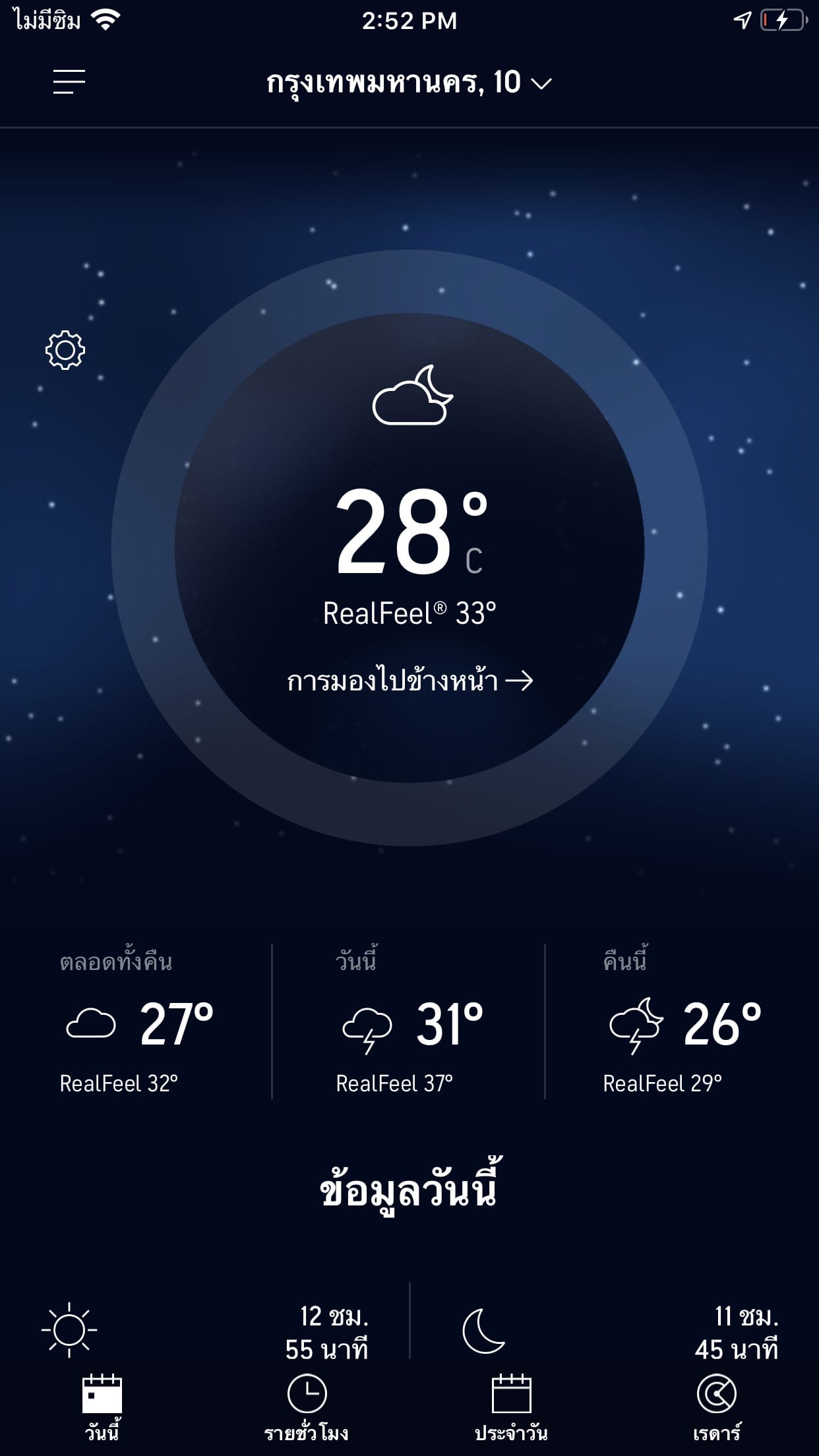
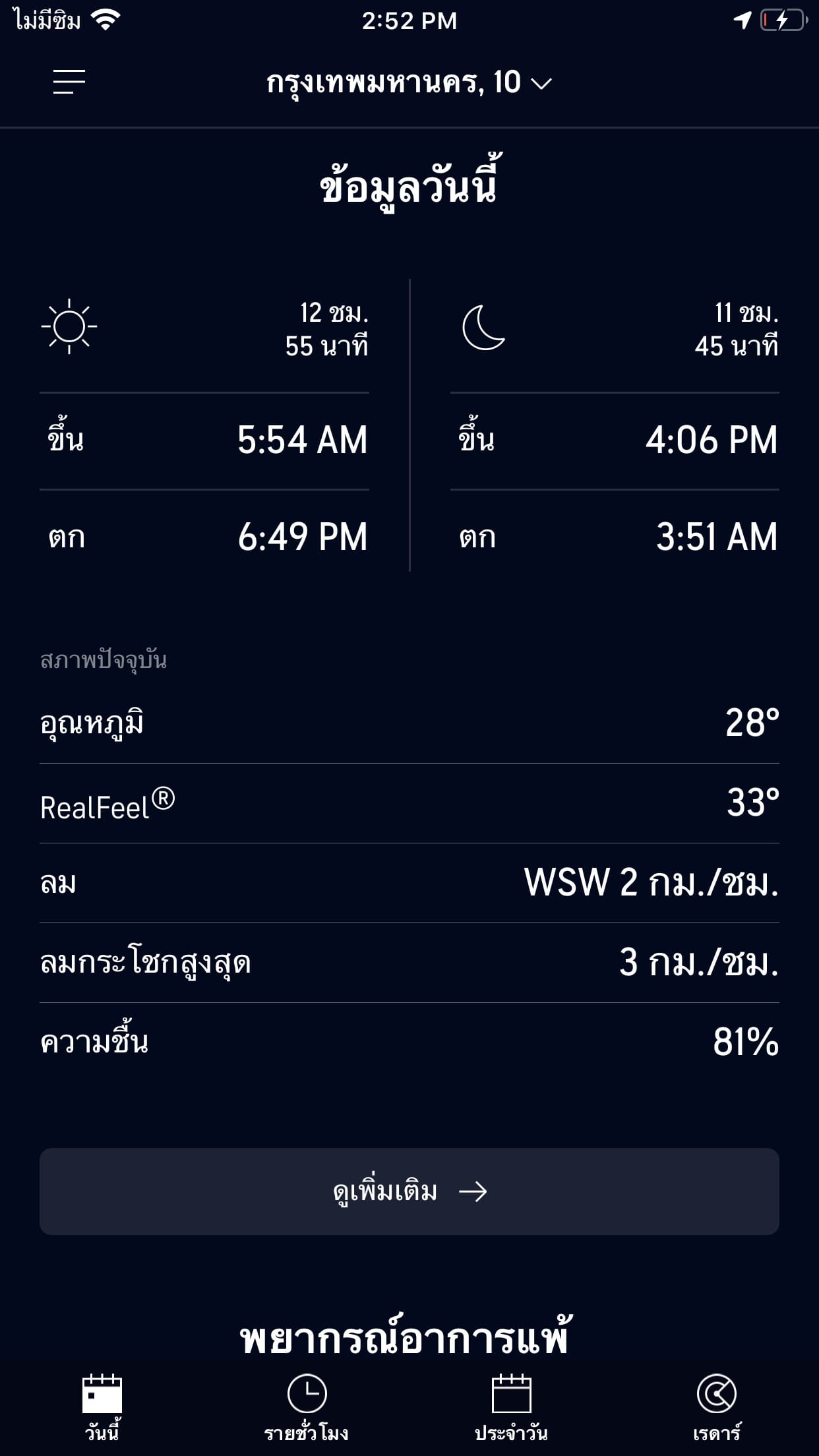
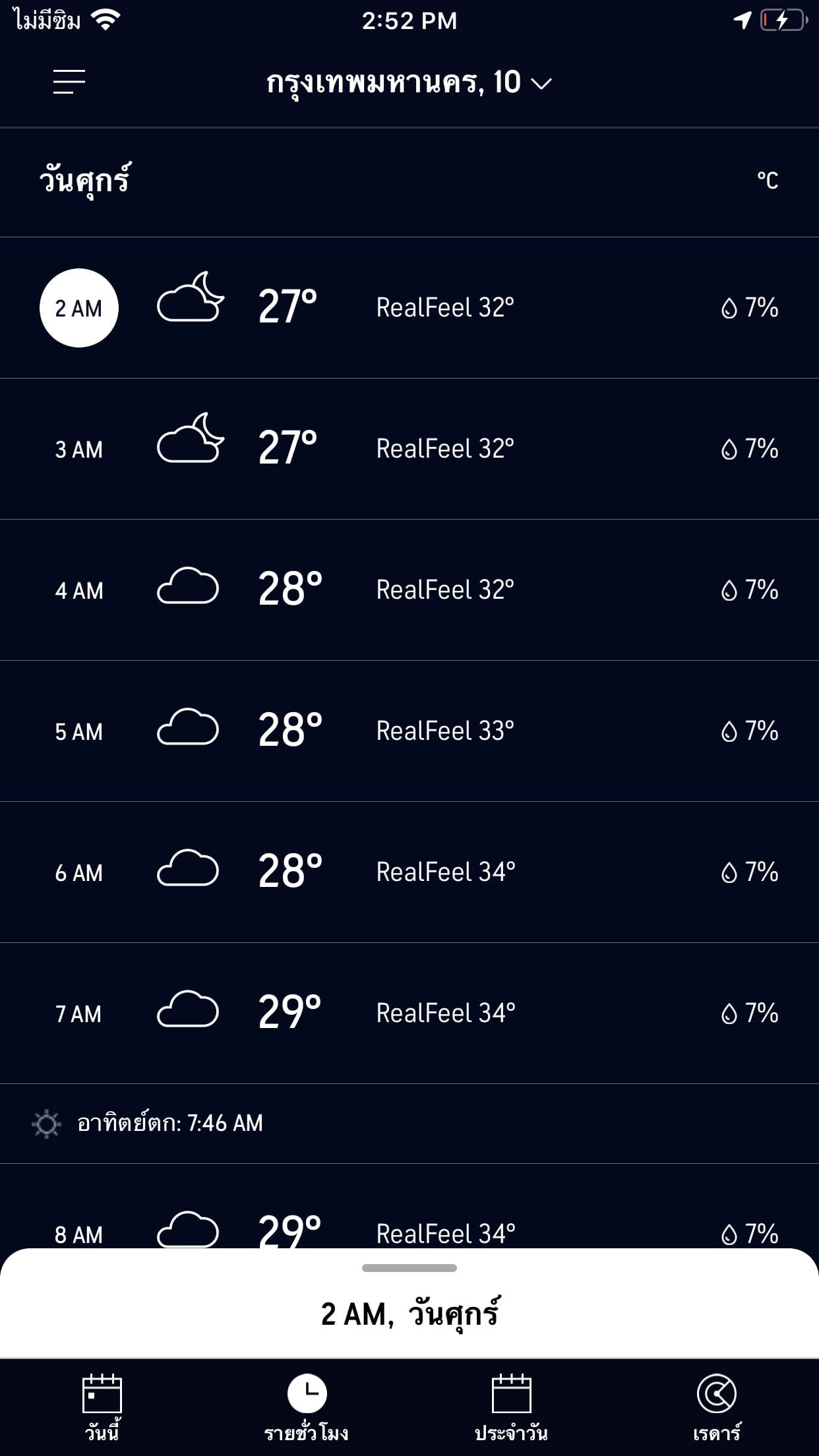
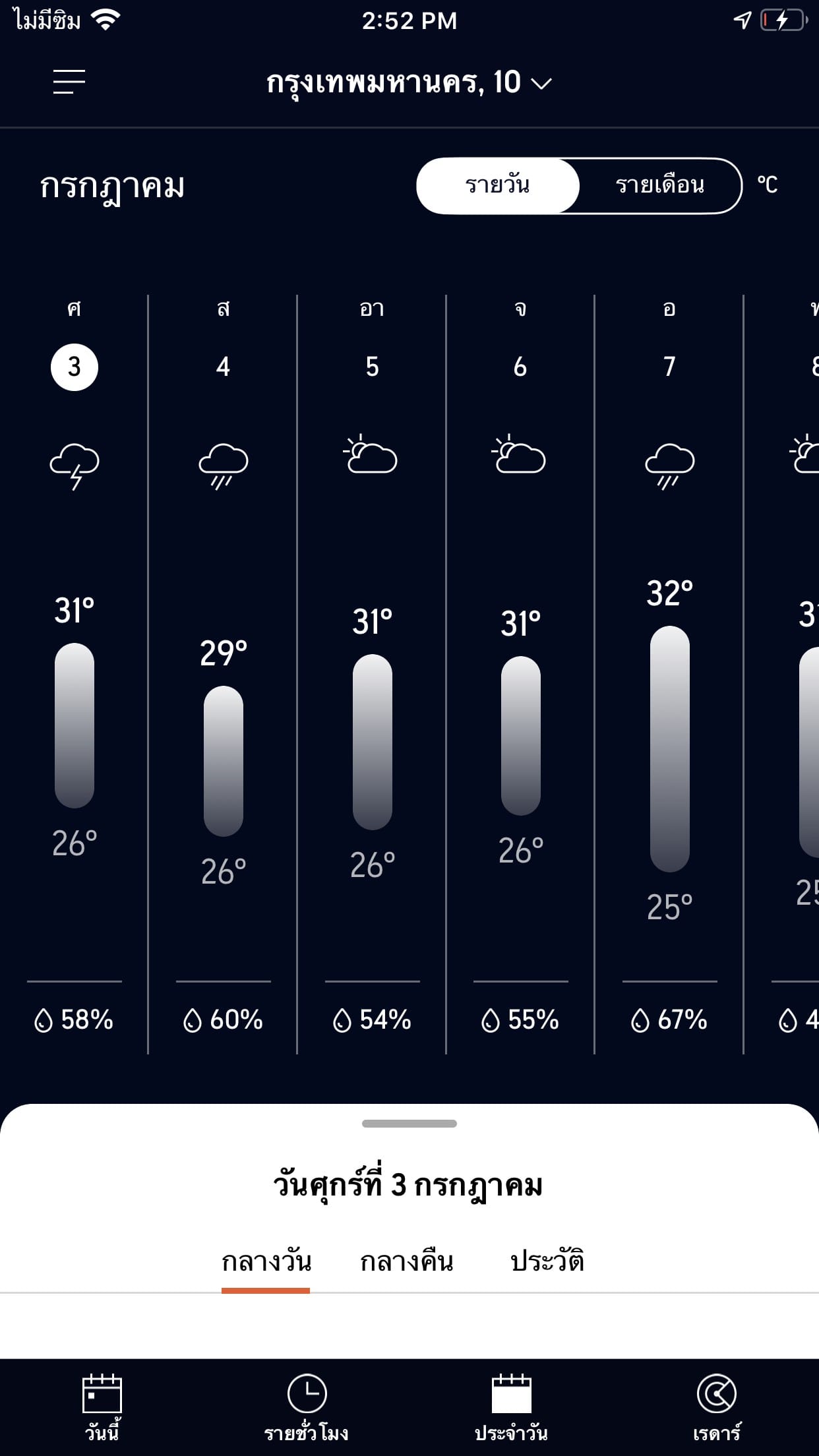
AccuWeather คือแอปพลิเคชันพยากรณ์อากาศที่หลายคนคุ้นเคยจากอันดับต้น ๆ บน Play Store และ App Store จุดแข็งของแอปนี้อยู่ที่ความละเอียดของข้อมูลอากาศ โดยเฉพาะฟีเจอร์ MinuteCast ที่บอกสภาพอากาศได้ละเอียดถึงระดับนาที เช่น ฝนจะเริ่มตกในอีกกี่นาทีข้างหน้าและจะหยุดเมื่อไร ซึ่งมีประโยชน์มากสำหรับคนที่ต้องเดินทางหรือออกไปทำกิจกรรมกลางแจ้ง แอปยังมีพยากรณ์รายชั่วโมงยาวถึง 24 ชั่วโมง และพยากรณ์ล่วงหน้าได้นานถึง 45 วัน พร้อมกราฟอุณหภูมิ โอกาสฝนตก ความเร็วลม ความชื้น และค่าดัชนี UV
อีกส่วนสำคัญคือระบบแจ้งเตือนสภาพอากาศรุนแรง เช่น พายุกับฝนฟ้าคะนอง หรือคลื่นความร้อน โดยส่งการแจ้งเตือนแบบเรียลไทม์ไปยังมือถือ ทำให้ผู้ใช้เตรียมตัวได้ทัน แอปยังมีข่าวสภาพอากาศและบทความอัปเดตจากทีมนักอุตุนิยมวิทยาของ AccuWeather โดยตรง ซึ่งเพิ่มความน่าเชื่อถือให้กับข้อมูล
ในด้านการใช้งาน แอปเปิดให้ใช้ฟรี โดยมีเวอร์ชัน Premium แบบเสียเงินสำหรับคนที่ต้องการลบโฆษณาและปลดล็อกฟีเจอร์เสริม เช่น แผนที่เรดาร์ฝนแบบเคลื่อนไหวที่ละเอียดกว่า และข้อมูลสุขภาพอย่างค่าดัชนีคุณภาพอากาศและเกสรดอกไม้ ซึ่งเหมาะกับคนที่เป็นภูมิแพ้ นอกจากนี้ยังรองรับวิดเจ็ตบนหน้าจอหลัก ทำให้เช็กสภาพอากาศได้ทันทีโดยไม่ต้องเปิดแอป และรองรับหลายภาษา รวมถึงการใช้งานร่วมกับนาฬิกาอัจฉริยะ จะปัดดูตอนออกกำลังกายก็สะดวกไม่ต้องหยิบมือถือขึ้นมา ส่วนไฟล์ในบทความนี้เป็นเวอร์ชัน Premium ที่ปลดล็อกมาให้เรียบร้อยโดยไม่ต้องสมัครสมาชิก
AccuWeather จึงเหมาะกับผู้ใช้ทั่วไปที่ต้องการรู้สภาพอากาศแบบรวดเร็วและแม่นยำ โดยเฉพาะคนที่ต้องวางแผนการเดินทางหรือกิจกรรมกลางแจ้งล่วงหน้า เพราะข้อมูลรายนาทีและคำเตือนสภาพอากาศรุนแรงช่วยให้ตัดสินใจได้ดีกว่าการดูแค่ตัวเลขอุณหภูมิทั่วไป ใครชอบเทียบแอปพยากรณ์อากาศด้วยกัน ลองอ่าน Windy Premium Can be assembled.
ความสามารถของ AccuWeather
- เรดาร์พายุสดและการแจ้งเตือนแบบเรียลไทม์
- ติดตามฝนหนัก น้ำท่วม พายุทอร์นาโด ลมแรง ไฟป่า และควันไฟ ได้ทันทีที่เหตุการณ์ก่อตัว
- แจ้งเตือนล่วงหน้าก่อนพายุถึงตัว พร้อมบอกปริมาณฝนและระยะเวลาที่ฝนจะตก
- MinuteCast® พยากรณ์ฝนแบบนาทีต่อนาที
- บอกเวลาฝนเริ่มและหยุดล่วงหน้า 4 ชั่วโมง พร้อมประเภทและความแรงของฝน
- ลงพิกัดละเอียดถึงที่อยู่หรือตำแหน่ง GPS ครอบคลุม 210 ประเทศและดินแดน
- RealFeel® Temperature อุณหภูมิที่บอกความรู้สึกจริง
- คำนวณจากปัจจัยกว่าสิบอย่าง ทั้งความแรงของแดด ลม ความชื้น และความหนาแน่นของอากาศ
- RealFeel Shade™ แยกให้ชัดว่ารู้สึกต่างกันเท่าไหร่ระหว่างยืนกลางแดดกับยืนในร่ม
- AccuLumen Brightness Index™ ดัชนีความสว่างของวัน ช่วยวางแผนกิจกรรมกลางแจ้งและกันแดด
- Lightning Network™ ติดตามพายุแบบเรียลไทม์
- เรดาร์สดบอกตำแหน่งฟ้าผ่าใกล้ตัวเรา
- Hurricane Tracker ติดตามเส้นทางพายุเฮอริเคนล่วงหน้าก่อนพายุเข้า
- แผนที่คุณภาพอากาศและควันไฟป่า
- ดูพื้นที่ที่ได้รับผลกระทบจากควันไฟป่า
- ติดตามดัชนีคุณภาพอากาศ (AQI) ในพื้นที่เพื่อวางแผนทำกิจกรรมนอกบ้าน
- AccuWeather Alerts™ แจ้งเตือนจากทีมนักอุตุนิยมวิทยาของบริษัทเอง
- ข่าวสภาพอากาศรุนแรงมักมาไวกว่าเจ้าอื่น
- พยากรณ์ล่วงหน้าแบบละเอียด
- กราฟรายชั่วโมงล่วงหน้า 10 วัน (HourCast) กับพยากรณ์รายวัน 90 วัน (ฟีเจอร์ระดับ Premium+)
- ดูความเร็วลม อุณหภูมิ ความชื้นได้ครบ ปรับแต่งมุมมองสุขภาพและกิจกรรมที่สนใจได้เอง (ฟีเจอร์ระดับ Premium+)
- วิดเจ็ต Premium ดูข้อมูลพยากรณ์เพิ่มเติมได้ในพริบตา
- เวอร์ชัน Premium+ ไม่มีโฆษณา
- ใช้ได้ทุกอุปกรณ์ แถมรับผ่านดาวเทียมได้
- ลงได้ทั้งมือถือ แท็บเล็ต ทีวี และสมาร์ทวอทช์
- รับพยากรณ์และการแจ้งเตือนผ่านดาวเทียมได้ในจุดที่สัญญาณมือถือเข้าไม่ถึง
วิธีติดตั้ง AccuWeather
- Download the .apk file from our link below (make sure the file size matches what is specified in this article).
- Install the downloaded .apk file as usual without needing to root your device.
- Open the app to use.
File Information
- Operating system: Android
- Developer: AccuWeather, Inc.
- ภาษา : อังกฤษ และภาษาอื่นๆ
- Android : 8.0 ขึ้นไป
- Size: 18 MB
- File type: apk
- เวอร์ชั่น : 21.1.17
- Link updated on: 3/10/2026
- Required Reading: Download Guide