Download the latest free AdGuard Premium (MOD APK) app. Block ads and trackers system-wide, protect privacy, control individual app connections, and view daily blocking statistics easily on Android.
Get to know AdGuard Premium
AdGuard Premium is a system-wide ad-blocking and comprehensive privacy app. It doesn't just work in browsers like typical extensions; instead, it intercepts connections from various apps and filters out ads, trackers, and unwanted content before they appear on the screen. This results in cleaner web pages, videos and games uninterrupted by banner ads, and spares users from constantly dismissing pop-up windows.
AdGuard creates a local VPN connection on the device without sending user data to external servers. It then inspects local traffic and uses constantly updated filter lists to decide what to allow or block. Users can manually choose to enable or disable specific filter categories, such as general ad filters, Thai language filters, and social media filters that hide unnecessary share buttons and widgets, as well as add their own custom rules.
The app also helps protect personal data from cross-site and cross-app tracking, as many trackers are embedded within ads and analytics tools. It blocks tracking cookies and strips tracking parameters from links, alongside phishing and malware protection systems that warn users before entering pages listed in malicious databases, much like Malwarebytes Premium.
Another key component is individual app connection control. Users can see where each app connects and directly block specific apps from accessing the internet when using mobile data or Wi-Fi from within the app. This feature is ideal for those looking to reduce data usage or stop apps secretly transmitting data in the background. Users utilizing a private DNS can also configure encrypted DNS servers to prevent domain name resolution from being intercepted along the way.
AdGuard Premium is designed to be set and forgotten. Once initial setup is complete, the app runs in the background and starts filtering as soon as the device boots up. The settings page is clearly categorized, features statistics on blocked ads and trackers daily, and includes both standard and advanced modes for users wanting rule-by-rule control. Therefore, the app is perfect for those annoyed by ads, concerned about tracking, and wanting to manage their mobile internet connections in one place.
Key Features
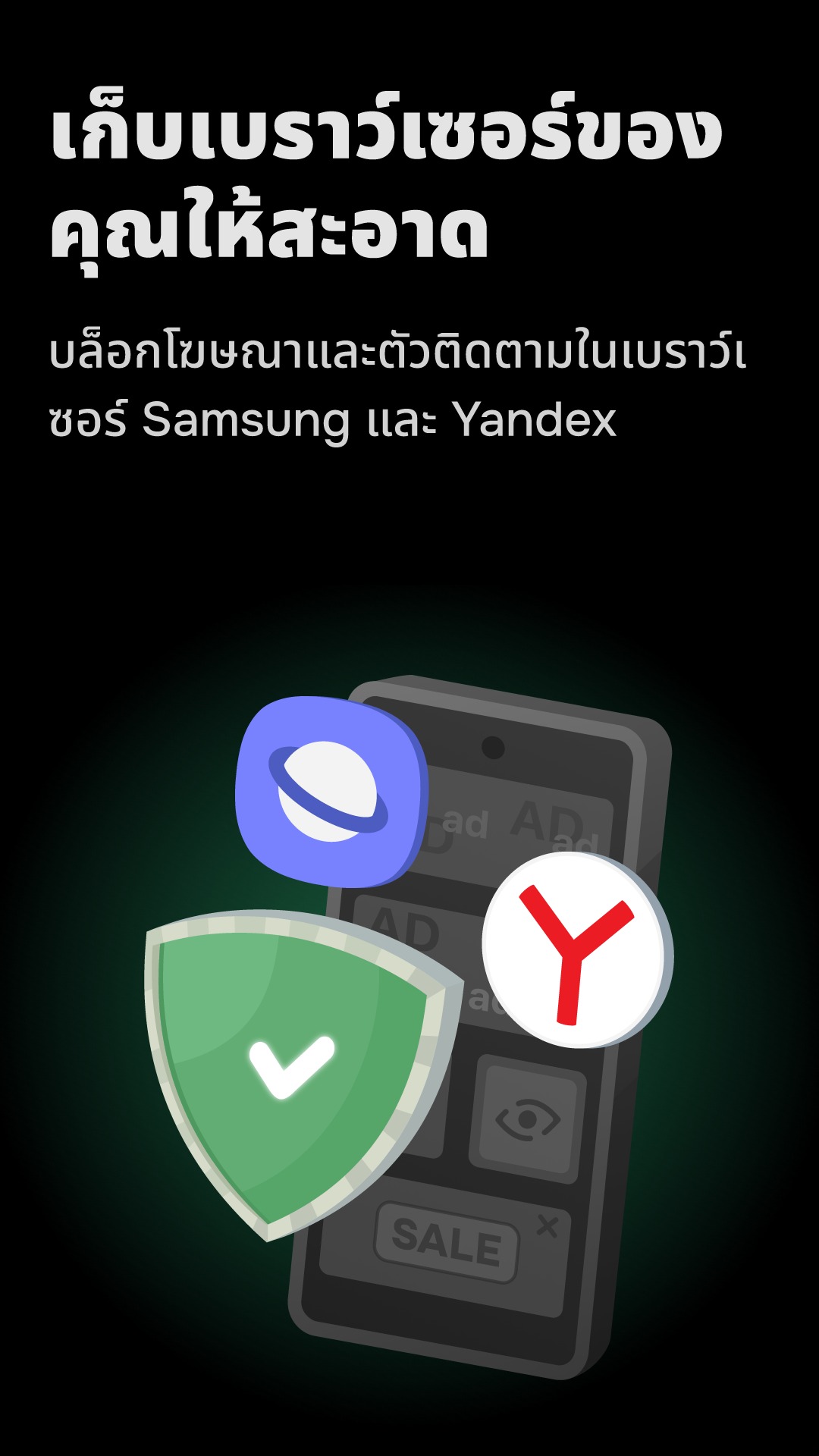
- System-wide ad blocking. Filters ads across all apps, browsers, games, and websites, not just within browsers like typical extensions.
- Tracking protection. Blocks trackers and analytics systems that collect user data, blocks tracking cookies, and removes tracking parameters from links.
- Annoyance blocking. Hides cookie consent pop-ups, social media widgets, and banners prompting app downloads.
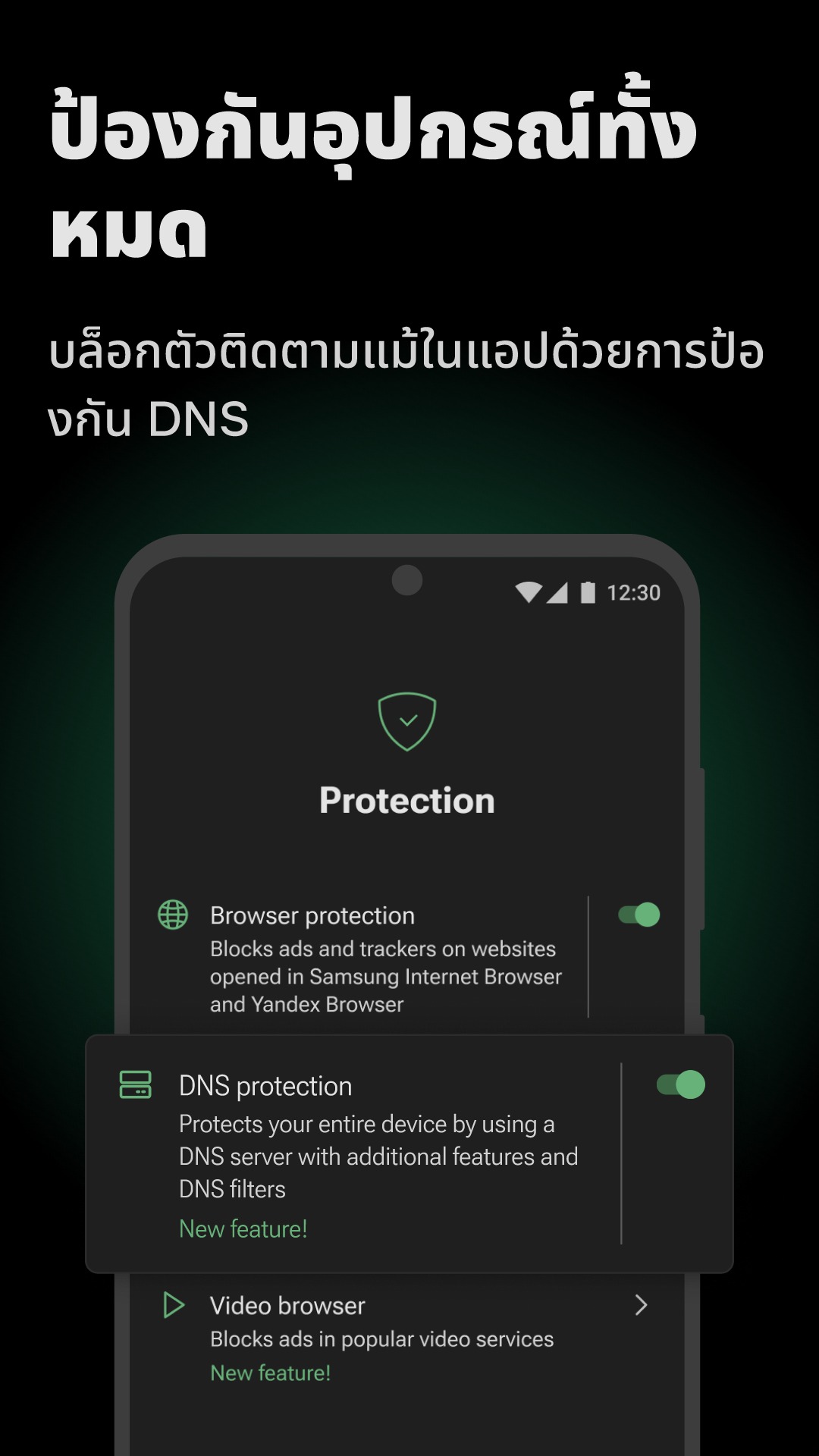
- DNS protection. Uses DNS servers and DNS filters to block ads, trackers, and malicious websites at the domain name resolution layer.
- Firewall. Controls internet access for individual apps, directly prohibiting specific apps from using mobile data or Wi-Fi.
- Safe browsing. Warns before visiting deceptive websites, phishing pages, and malware-distributing sites found in dangerous databases.
- App management. Configure individual app filtering and data transmission separately, choosing which apps to filter and how.
- Blocking statistics. View statistics on blocked ads and trackers, data saved, and app operation history.
- AdGuard Assistant. Change settings for currently open apps or websites and quickly view statistics without opening the main app interface.
- Integration with AdGuard VPN. Enable integration mode to use AdGuard simultaneously with AdGuard VPN without conflicts.
- HTTPS filtering and user scripts. Filter HTTPS-encrypted content and use user scripts to extend browser capabilities, including custom filters and rules.
- Ad-free media player. Share videos from YouTube to AdGuard for ad-free playback.
What's new
Version 4.15.2 – November 3, 2026
- Technical updates for smoother app performance.
How to install AdGuard Premium
- Download the .apk file from our link below (make sure the file size matches what is specified in this article).
- Install the downloaded .apk file as usual without needing to root your device.
- Open the app to use.
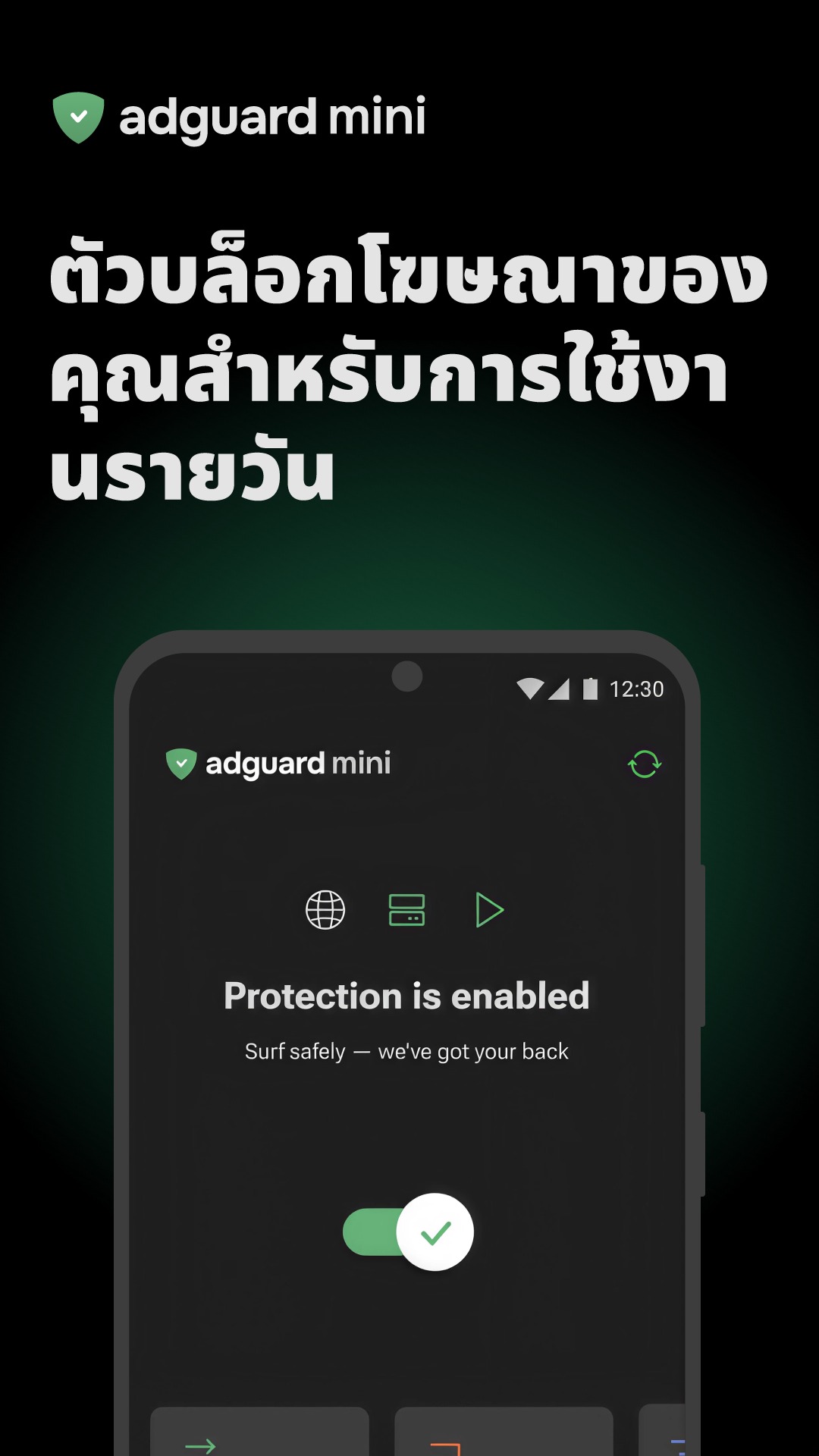

file information
- Operating system: Android 9.0+
- Developer: AdGuard Software Limited
- Language: Multilingual
- Size: 78 MB
- File type: apk
- Version: 4.15.2
- Updated on : 5/11/2026
- Need to read: Download Guide