

Download Microsoft PC Manager 3 for free in Thai. This Microsoft program helps maintain and speed up your computer, cleans junk files, clears memory, and provides comprehensive malware protection. This is the latest version.
What is Microsoft PC Manager?
Microsoft PC Manager Microsoft Windows Software is an official utility program designed to help maintain, manage, and speed up Windows computer systems. It provides a comprehensive set of essential maintenance tools, from cleaning junk files and freeing up RAM to managing programs that start up and performing deep system security scans. This allows you to keep your computer running smoothly and like new without needing to install any additional external programs.
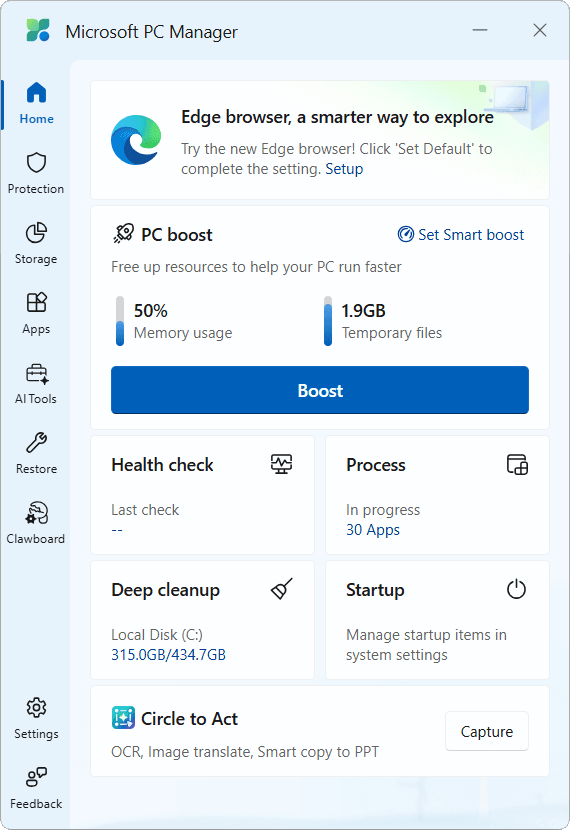
In daily use, computers tend to accumulate temporary files, browser cache, and junk files from system updates, which are major causes of slowdowns. This program therefore features a deep junk file clearing function and a Boost system that instantly restores RAM to usable space with a single click. Additionally, it includes a pop-up management system that blocks unnecessary notifications from various programs, allowing computer users to focus on their tasks without distractions.
Regarding system security, this program works seamlessly with Windows' built-in protection, scanning for viruses and malware and checking system security settings to prevent external attacks. It features a simple, beautiful, and modern interface and consumes very few system resources, making it ideal for those who want a reliable, secure, and ad-free computer maintenance tool developed directly by the operating system creators.
Key Features
- The Boost system provides a one-click solution to clear RAM and clean temporary files.
- Deep Cleanup performs a thorough scan to completely remove junk files, outdated updates, and system cache.
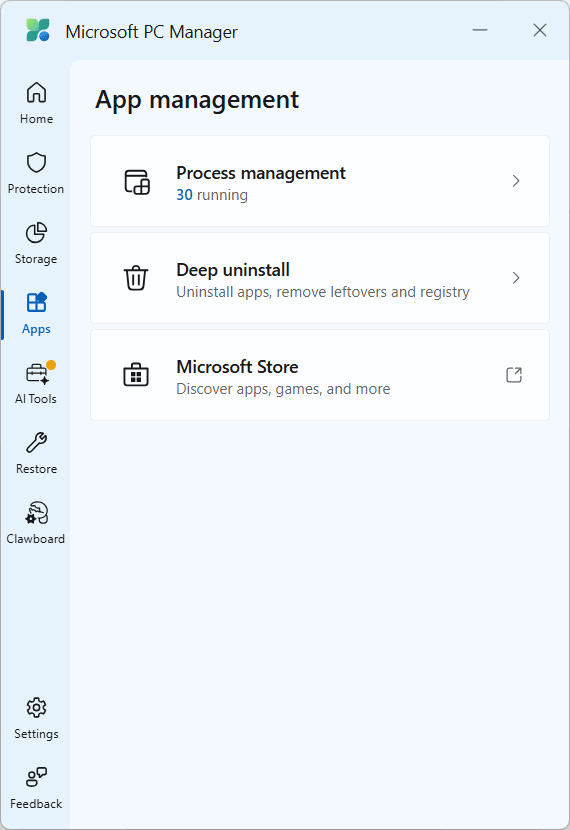
- Process Management monitors and closes resource-intensive background processes.
- Startup Apps Management controls and closes programs that start with startup.
- Health Check performs a computer health check, searches for viruses, and deletes unnecessary files all at once.
- Works in conjunction with Windows Defender to scan for viruses and system-level threats.
- Pop-up Management blocks pop-ups and intrusive ads from various programs.
- Large File Management: Find and manage large files on your hard disk.
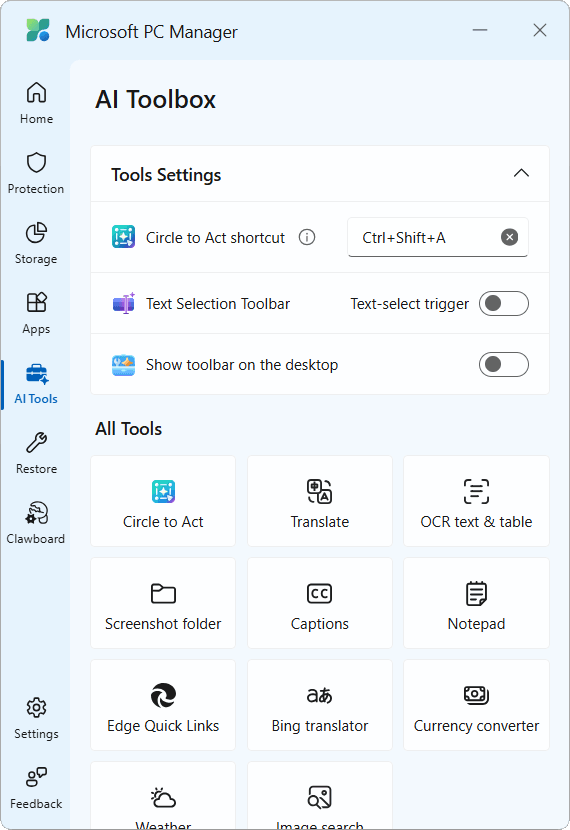
- A floating toolbar on the screen provides convenient access to shortcut functions.
- Free to use, no cost, safe, and ad-free, directly from the developer Microsoft.
File Information
- Operating System: Windows 11 / 10 (x64)
- Developer: Microsoft
- License: Freeware
- Language: English / Multilingual
- Size: 12 MB
- File type: EXE
- Updated: September 25, 2026
- Required Reading: Download Guide





