Download Malwarebytes Mobile Security (MOD APK) full version for Android. Real-time virus, malware, and ransomware scanning with a scam blocker, fake website protection, and VPN all in one app.
What is Malwarebytes Mobile Security?
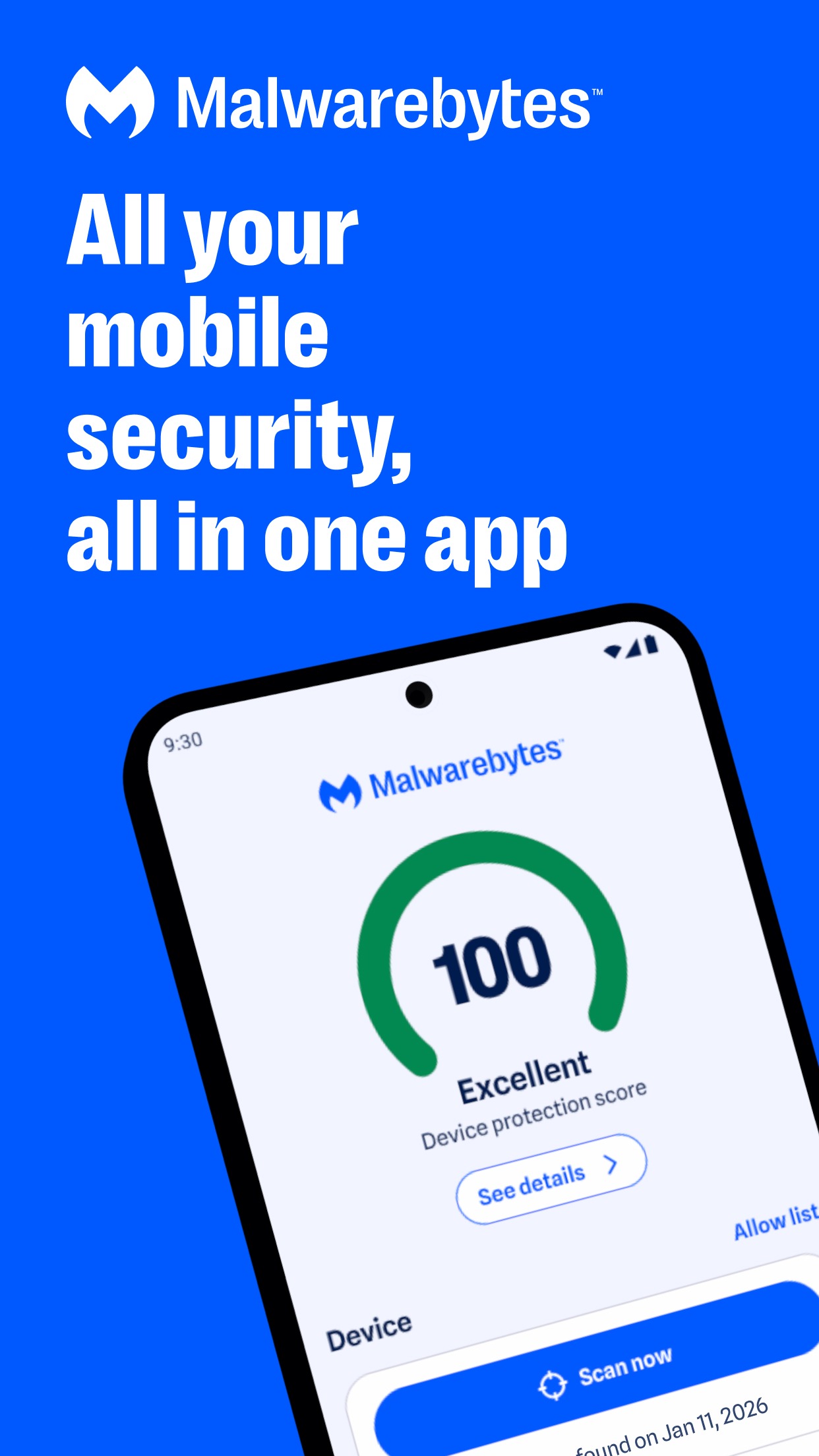
Malwarebytes Mobile Security is a security app for smartphones and tablets from Malwarebytes, a security software company well-known for its PC programs. The app acts as a frontline defense against mobile threats, as modern smartphones are no longer used just for calls or chatting, but store almost all photos, messages, work files, banking details, and online accounts. Therefore, this app detects and blocks hazards before they can cause damage.
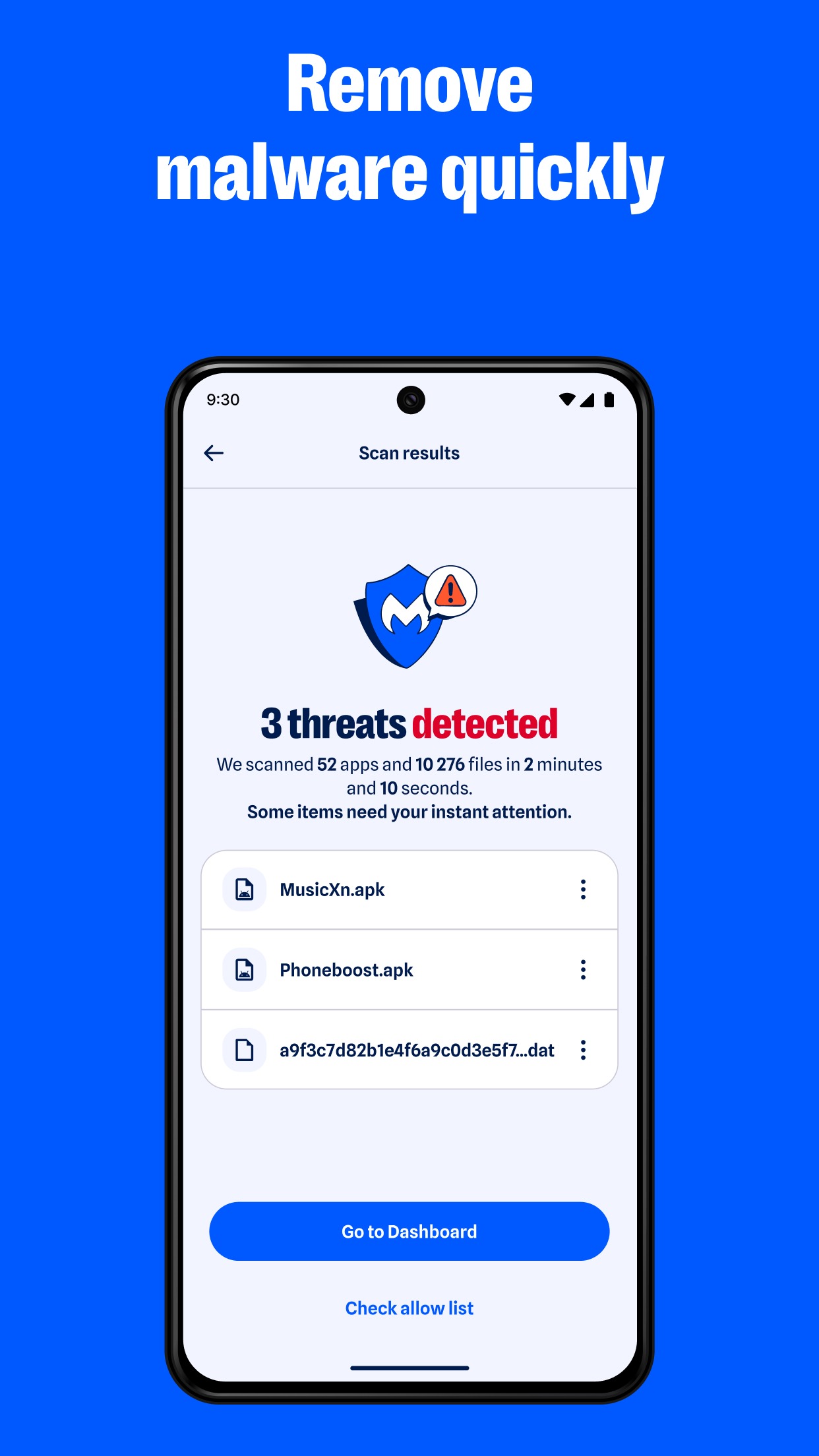
The app's main task is continuous scanning and monitoring. It checks installed apps for hidden malicious code and keeps an eye on their suspicious behavior. If malware, ransomware that locks files for extortion, spyware that secretly collects data, or adware that pushes unwanted ads is found, the app notifies the user immediately and allows them to delete or quarantine the threat. This type of protection runs constantly in the background, so users do not need to manually trigger scans every time.
Another area where the app helps significantly is in protecting against websites and links, because many threats do not start with installing an app, but rather with clicking a link in a message, email, or social media post. When a user accidentally clicks a link to a fake website impersonating a bank, store, or online service, the app blocks those sites before the page loads, reducing the chance that the user will enter sensitive information into a phishing site created to steal data.
On another front, the app also provides better visibility into user privacy. The privacy audit function checks what permissions each app requests—such as access to location, camera, microphone, contacts, or local files—and summarizes which apps request more permissions than necessary for their operation. This makes it easier for users to decide whether to leave them alone, restrict permissions, or uninstall the app altogether, rather than letting apps quietly harvest data.
Another highlight is that the app is easy to use and does not slow down the device, because good protection should not become a burden to the user. For Android mobile users, you just install it and turn on protection, and the app takes care of the rest. For those who also use a computer, you can download Malwarebytes Premium the Windows version to use alongside it.
Key features
Real-time malware protection
- Automatic app and file scanning. Checks newly installed apps and downloaded files for hidden malicious code before they run.
- Zero-day threat protection. Catches new malware strains not yet recognized by other programs.
- Ransomware shield. Blocks attacks that encrypt files for extortion.
Scam and fraud protection
- Incoming call protection. Alerts you to scam calls and hidden numbers, automatically blocks known spam numbers, and lets you set up trusted contacts.
- Scam Guard. Detects fraudulent messages, dangerous links in texts, emails, and chat apps, as well as brand-impersonation scams and AI-generated scams.
Identity and dark web protection
- Digital footprint scanning. Checks dark web databases to see if your emails, passwords, or personal information have been exposed in data leaks.
- Instant data breach alerts. Notifies you when your information appears in new data breaches along with guidelines to protect your accounts.
- Identity theft protection. 24/7 monitoring with assistance agents and up to $2 million in insurance.
VPN and privacy
- Private VPN. Hide your IP from trackers on public Wi-Fi with AES-256 encryption and WireGuard across 62+ countries, backed by an audited no-logs policy.
Keep your device running smoothly
- Smart junk cleaner. Remove unnecessary files to reclaim storage and reduce risk areas.
- Storage analyzer. See what is taking up space and what can be safely deleted.
- One-tap space clearing. Reclaim free space in seconds.
- Easy-to-understand dashboard. Get an overview of your security status with color-coded indicators.
- Lightweight background protection. Background virus scanning with minimal battery usage, even on older phones.
What's new
Version 5.34.0
- Performance improvements. Made the app run faster and smoother than before.
- Bug fixes. Fixed various errors encountered during use.
- Background enhancements. Upgraded protection to run quietly in the background without disturbing you.
How to install Malwarebytes Mobile Security
- Download the .apk file from our link below (make sure the file size matches what is specified in this article).
- Install the downloaded .apk file as usual without needing to root your device.
- Open the app to use.


file information
- Operating system: Android 10+
- Developer: Malwarebytes
- Language: Multilingual
- Size: 57 MB
- File type: apk
- Version: 5.34.0
- Updated on : 5/11/2026
- Need to read: Download Guide