
Tutorial on using Lucky Patcher 2019 without rooting.
Lucky Patcher is...These apps allow you to control the permissions of various apps installed on your Android device. They can remove excessive ads, change permissions, create app backups, and more. In short, they help you hack apps and remove ads within them.
The app can be downloaded. here
Before downloading the app.
Go to Settings > Security > check the box to allow installing apps from unknown sources.
After loading the app file.
- Open the file and click install.
- When you launch the app, if it says "Root pending authorization...", press Deny to avoid rooting.
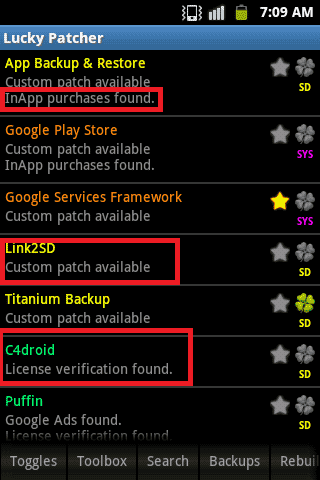
Use Lucky Patcher to cheat in the game and buy in-game items for free.
[toggle title="Click here to view" state="close"]
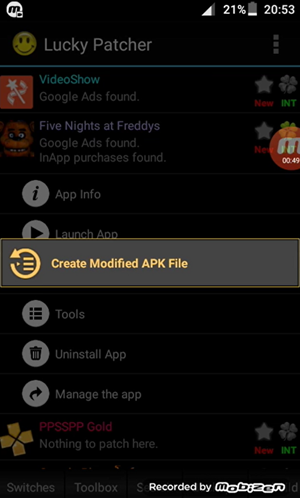
Tap the app, then select Open Menu of Patches.
Press Create Modified APK file.
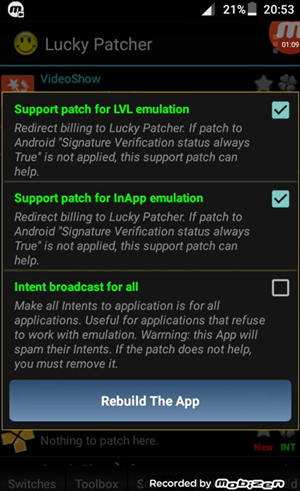
Select APK rebuild for InApp…. as shown in the image.

Press Rebuild App and wait (it might take a while).
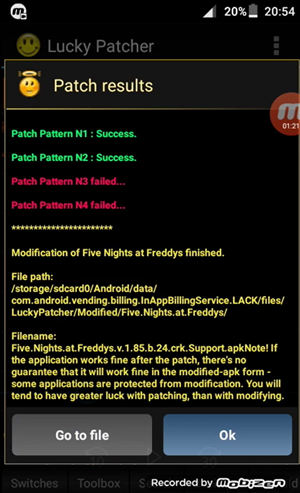
Click Go to file.
Click Uninstall and install.
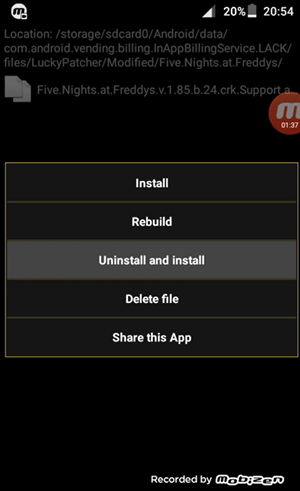
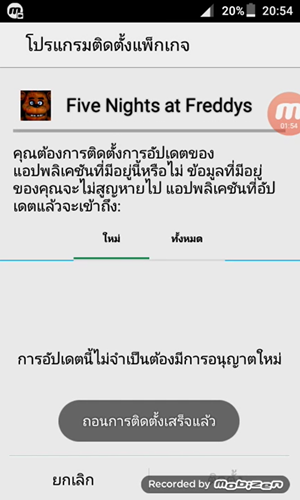
Press OK.

After the uninstallation is complete, simply reinstall the game. The game will then allow you to make purchases for free.
[/toggle]
How to remove license verification.
[toggle title="Click here to view" state="close"]


[/toggle]
How to remove Google Ads
[toggle title="Click here to view" state="close"]


[/toggle]