Download FlipaClip Pro APK app (MOD, Unlocked) for free. Draw 2D cartoon animations frame by frame with your finger or stylus, add voiceovers and background music, and export as MP4 videos or GIFs to share instantly.
What is FlipaClip APK?
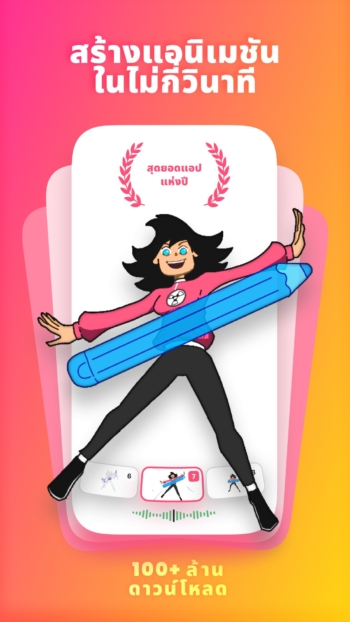
FlipaClip APK is a frame-by-frame animation app for mobile and tablets, offeringdraw animationsby hand like a flipbook on a touch screen. Start from scratch by drawing characters, scenes, and details for each frame, and the app will sequence all frames together into a moving image. Customize the frames per second (FPS) rate to make the timing smooth or snappy depending on your style. Perfect for animation beginners, students creating presentations, and content creators looking to make short clips for social media.
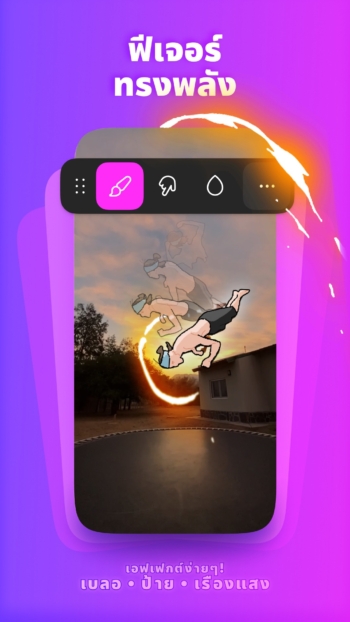
The core lies in the readily accessible drawing tools, including pens, pencils, brushes, erasers, and paint buckets, along with detailed canvas size, resolution, and stroke thickness adjustments. Work separately on multiple layers to separate backgrounds from characters and edit specific parts without redrawing the whole page. The Onion Skin feature displays previous and subsequent frames faintly, helping you gauge the positioning for arm and leg movements, walking, jumping, or changing facial expressions in the exact same spot.
FlipaClip also supports adding audio to your work, recording voiceovers, adding sound effects, or inserting multi-track background music to sync visuals with audio. It even allows importing videos or images from your device to use as a template for Rotoscoping to capture the actual movement of people, animals, or objects. Once finished, export as an MP4 video, animated GIF, or a sequence of transparent PNG images to share directly on YouTube, TikTok, or Instagram.
The workflow is condensed from a light table and stacks of paper into a single mobile phone, using your fingers or a pressure-sensitive stylus like the S Pen. Draw caricatures, moving memes, or short action scenes anywhere. The app's frame-by-frame concept uses the exact same principles as real 2D studios, allowing you to further practice storytelling timing and character design continuously without complex setups.
Features:
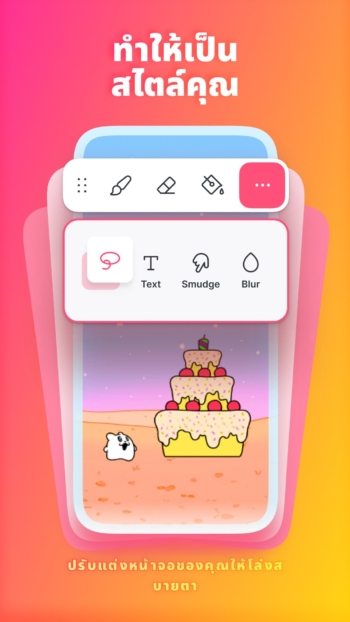
- Comprehensive drawing toolkit – Brushes, pencils, pens, erasers, paint buckets, lasso tool, rulers, text, and shapes with customizable canvas sizes.
- Supports pressure-sensitive styluses like the Samsung S Pen and SonarPen for varied line weight based on hand pressure.
- Frame-by-frame timeline Organize frames and control all movement timing from a single screen.
- Display previous and subsequent frames translucently with Onion Skin to accurately position new drawing frames continuously.
- Work with up to 10 layers (3 layers in the free version), separating characters from backgrounds with blend modes and glow effects.
- Rotoscope from images and videos Import clips or images from your device to draw over them following real movement pacing.
- Record voiceovers, import music and sound effects up to 6 tracks, and sync audio to the timeline.
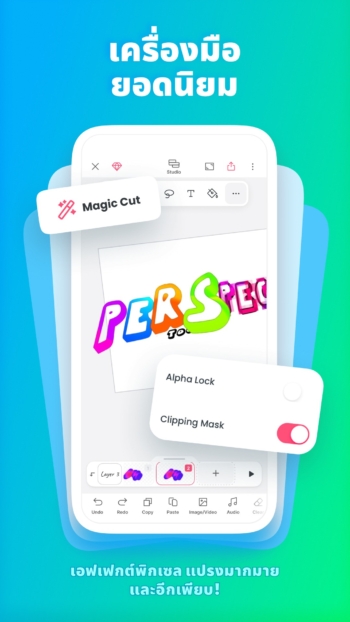
- Magic Cut and AI Voice Maker Remove objects from frames with AI and generate voiceovers for short clips.
- Export work as MP4 video, animated GIF, or transparent PNG sequence to share on TikTok, YouTube, Instagram, and Discord instantly.
What's new
Version 5.0.3
- Choose between two layouts: Classic for focusing on drawing, and Studio, which displays all drawings, frames, and audio in a single view. Switch between them anytime without changing your project.
- The new timeline consolidates drawings, frames, images, videos, and audio in one place, allowing you to adjust timing and sequence directly from this timeline.
- Drag frames to extend a single image for as long as desired without having to repeatedly copy the same frame.
- Group frames and stretch the group to replay or loop them, making it easy to reuse holds or backgrounds in a single step.
- Draw outside the canvas, placing sketches, reference images, and spare parts conveniently right next to the scene.
- Undo anything in the project; even deleted frames or layers can be recovered.
- Faster and lighter performance, with projects taking up less local storage space than before.
Mod info
hxreborn’s patches 1.84.1-dev.1
– Remove ads
– Unlock premium
*NOTE
AI feature will not work
How to install FlipaClip
- Download the .apk file from our link below (make sure the file size matches what is specified in this article).
- Install the downloaded .apk file as usual without needing to root your device.
- Open the app to use.
file information
- Operating system: Android 7.0+
- Developer: Visual Blasters LLC
- Language: Multilingual
- Size: 115 MB
- File type: apk
- Version: 5.0.3
- Updated on: 21/11/2026
- Need to read: Download Guide