

Download D5 Render 3 for free. This real-time 3D rendering software for architecture, interior design, and landscape design allows you to adjust materials, lighting, camera, and atmosphere while seeing the results instantly. This is the latest version.
What is D5 Rendering?
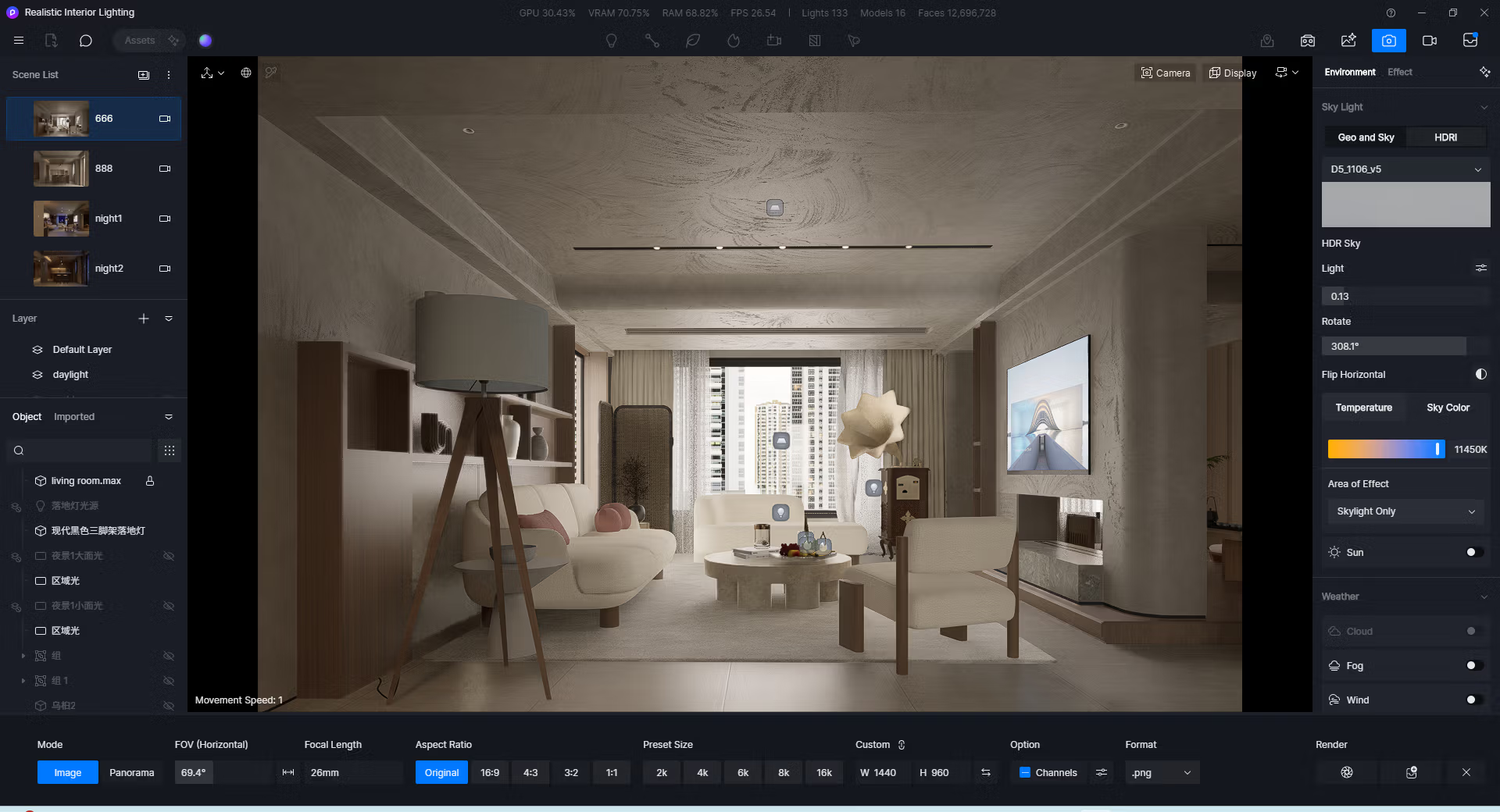
D5 Render It's a 3D modeling and presentation software designed for seamless scene staging and rendering. We can import models from popular design software, arrange materials, lighting, add trees, people, and environmental elements, and then review the resulting image in real-time. This immediate response allows for easier revisions and experimentation with various presentation approaches compared to waiting for each render.
The program is ideal for architects, interior designers, landscape designers, and visualization teams who need to create still images, videos, panoramas, and interactive presentations. The ray tracing system calculates realistic light, shadows, and reflections, while the asset library and environment tools reduce scene preparation time, allowing users to focus more on the design and storytelling of their projects.
In real-world workflows, D5 Render supports everything from in-depth design previews to creating media for client meetings. We can adjust time, season, materials, and camera angles to compare options within a single scene, and use LiveSync to receive changes from the modeling software without having to re-import all the files. For a comparison with another real-time rendering tool, we can view... Enscape 3D To select the workflow that is best suited for the project.
Key Features
- Render and display 3D scenes in real-time with a system that supports Ray Tracing.
- Create an interactive presentation to switch between materials, lighting, atmosphere, object visibility, and camera angles during the presentation.
- Adjust Seasonal Vegetation according to the time of year and set the plant colors for each season.
- Move and rotate the model's custom pivot to gain more precise control over object transformations.
- Supports the ACEScg Working Color Space for applications requiring a wide color gamut and detailed reproduction of bright areas.
- Export a stereoscopic panorama for 360-degree visual presentations with depth dimension.
- Use the HeightField Tracing and MeasureLine assets to manage surfaces and measure distances within the scene.
- Enables Super Resolution to DLSS 4.5 and supports D5 SR Widget on AMD and Intel graphics cards.
- Supports Ray Tracing for 3D Gaussian Splatting models and adjusts VR/XR display settings.
- Connect Blender via the D5 LiveSync Plugin to continuously synchronize models, materials, and lighting into the scene.
- Manage your team's project library with Google Drive, OneDrive, Egnyte, Autodesk Construction Cloud, and Dropbox.
- Create still images, videos, panoramas, and presentations for client reviews or communication.
What can the free version be used for?
- Create and open unlimited projects.
- Importing models from major 3D files is possible.
- Use LiveSync with CAD and modeling software.
- Adjust PBR materials, lighting, camera, sky, weather, and post-rendering effects.
- Place trees, people, cars, furniture, and objects from the inventory for free.
- Create still images and panoramas up to 16K.
- Create videos and animations in up to 4K resolution.
- You can create one Panorama Tour and one Spatial Tour.
- You can create one interactive presentation.
- Over 2,100 Official Assets are available.
- You can create up to 5 presets in D5 Studio.
- Try out over 10 AI features and receive 50 trial credits.
- You can create a personal library of materials or models on the device.
What's new?
- D5 Render 3.1 adds beta versions of D5 Lite for Rhino and D5 Lite for Revit, along with the D5 LiveSync Plugin for Blender.
- Add Interactive Presentation for creating scene variations, 3D triggers, slides, and presentations via VR or Pixel Streaming within the network.
- Added Seasonal Vegetation, Custom Pivot, ACEScg Working Color Space, and Stereoscopic Panorama.
- Add HeightField Tracing, MeasureLine Asset, and Notification Center to Launcher.
- Added AI Material Snap control options and improved road network editing in City Generator.
- Upgraded Super Resolution to DLSS 4.5 and improved the quality, interaction, and stability of VR, XR Tour, and Spatial Tour.
- Adjusted the blending of Fog and Volumetric Cloud, added Ray Tracing for 3DGS models, and added Color Linkage and Color Variation to Foliage Materials.
- The Path Tool has been updated to support automatic exposure saving, uploading scene models to D5 Works, and a D5 SR Widget has been added for AMD/Intel graphics cards.
- Add Proxy Settings to the Launcher login page.
- Added connectivity to multiple cloud drive services to Team Project Library, along with adjustments to workflow, worksets, multi-editing, and SSO login.
- Solve Ocean Object and Worksets issues in multi-editing, including scatter cull areas, vegetation selection, mirroring groups of terrain preset models, and rendering materials in specific scenes.
- Resolve camera and video issues such as Focal Length, Aspect Ratio, Two-point Perspective, Camera Offset, Preview/Render mismatch, and shaky images from Transparent Channel Sequences.
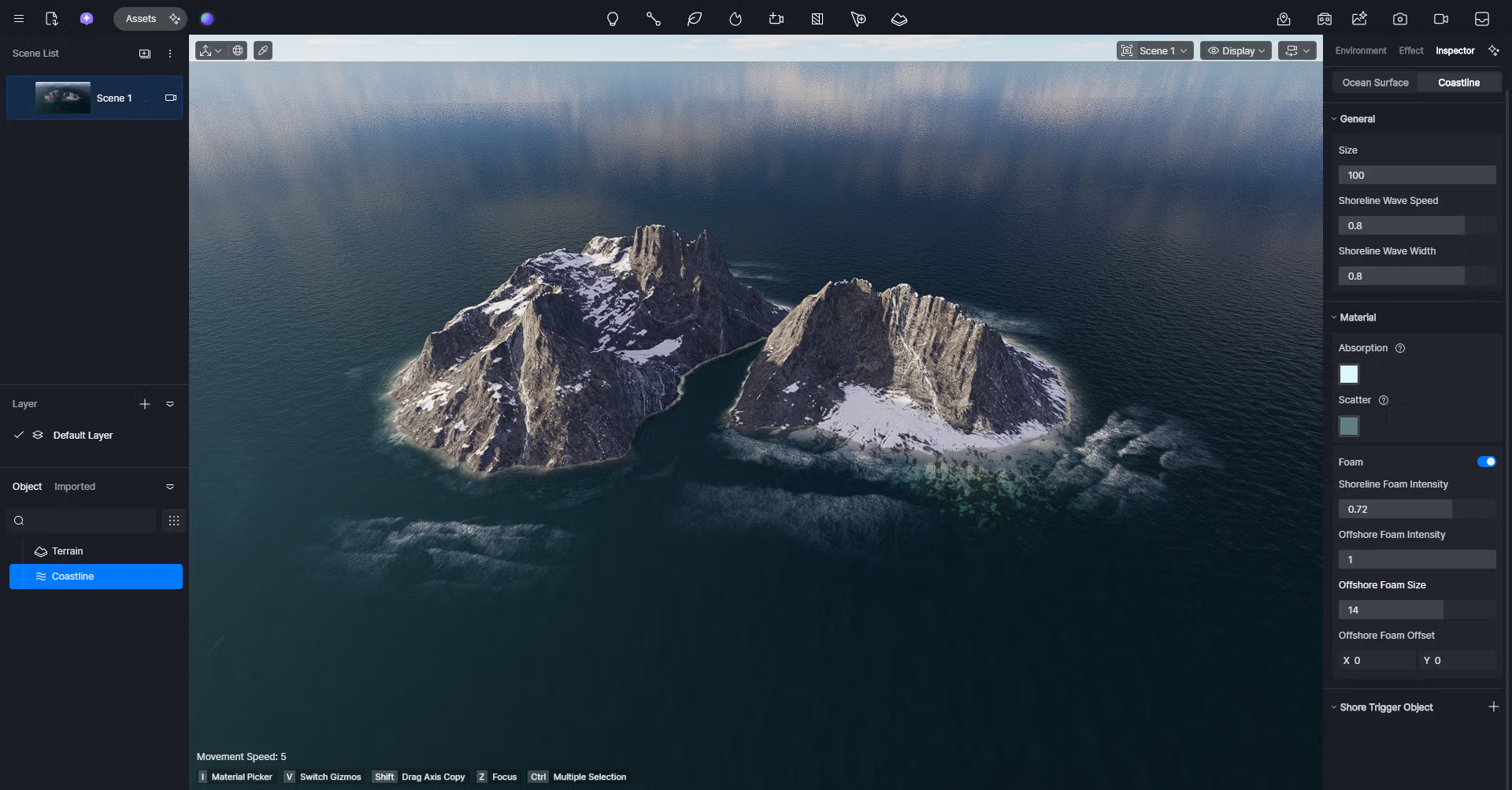
- Fixes ocean/water reflections, disappearance of triplanar textures on AMD, frame rate reduction when moving emissive objects, and crashes when opening certain projects.
System Requirements
The following specifications are current D5 Render data from the developer. Performance will depend on the graphics card and the amount of VRAM on your system.
- Operating system: Windows 10 version 1809 or later.
- NVIDIA graphics card: GeForce GTX 1060 6GB or higher.
- AMD graphics card: Radeon RX 6000 XT or higher.
- Intel graphics card: Intel Arc A3 or higher.
- If using NVIDIA drivers higher than 531.14, Windows 10/11 version 21H2 or later is required.
File Information
- Operating System: Windows 11 / Windows 10 (x64)
- Developer: Dimension 5
- File type: *.exe
- Size: 3 GB
- Version: 3.1.1.0758
- Date updated: 11/08/2026
- Required Reading: Download Guide
The download link below is only for the offline installer file to install the D5 Render program.
==== Latest Version ====
====Old Version====





