Download Corel PaintShop Pro 2023 Ultimate full version, a professional image editing and retouching program for enhancing colors and editing RAW image files, along with the latest installation instructions.
What is Corel PaintShop Pro 2023?
Corel PaintShop Pro 2023 is a professional-grade image editing and retouching software that lets you create, edit, design, enhance, and share photos. It can edit RAW image files and is a popular image editing program favored by photographers. This ultimate image editing software elevates your underwater and drone photography with the Sea-to-Sky™ workspace and enhances your image editing workflow with smarter AI-powered tools.
Corel PaintShop Pro 2023 Features
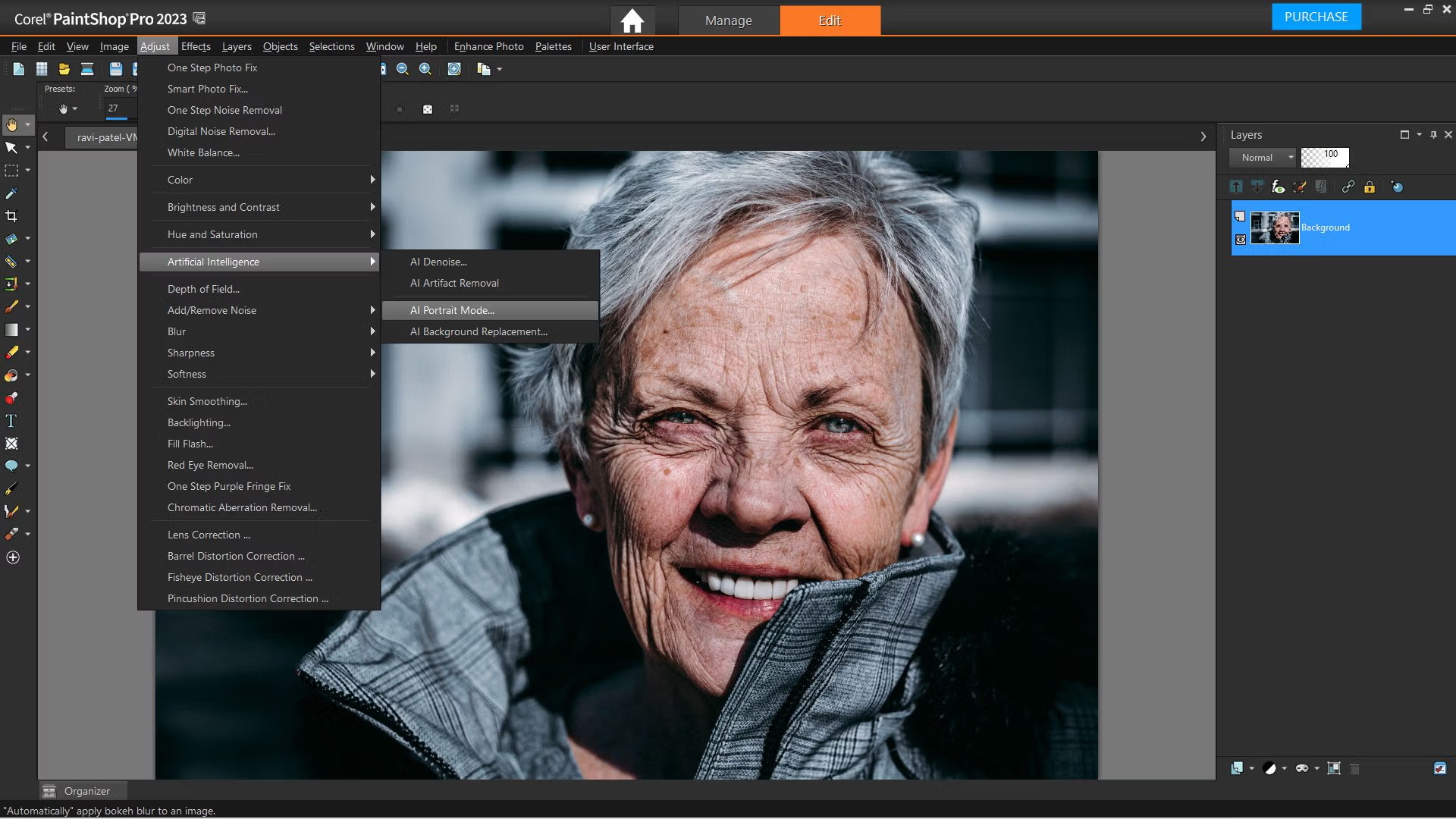
Enhance photos with AI.
Rely on artificial intelligence and machine learning technology to enhance images with a single click, instantly making every image the best it can be.
Professional image editing
Edit, retouch, and modify your photos with a comprehensive set of tools designed for all skill levels.
Creating graphics and designs.
Work with text, brushes, textures, patterns, drawing, and painting tools that are easy to use to create inspiring designs.
Add effects to the impact.
Experiment with hundreds of creative filters and fun effects to personalize your photos and make them original to share and print.
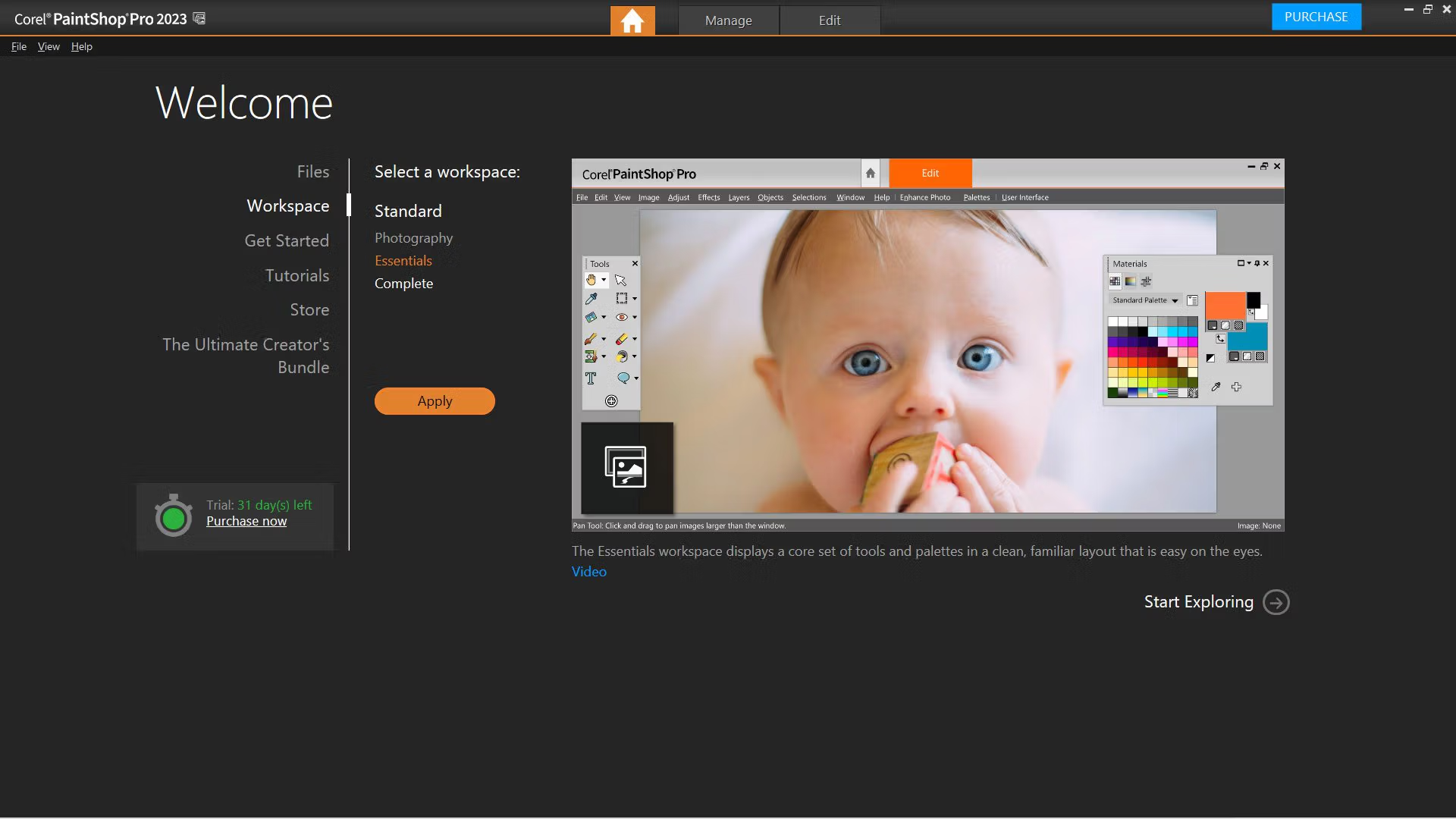
Choose from a variety of workspaces.
Corel PaintShop Pro 2023 is all about selection and customization, offering a diverse workspace that you can create yourself to work as efficiently as possible.
What's new in Corel PaintShop Pro 2023?
- NEW! AfterShot Lab: Enjoy powerful and complete editing of RAW files with a great variety of pro-level tools available in the new AfterShot Lab, now inside PaintShop Pro. There is no need for extra applications or for running several editing processes in parallel, with time-saving and streamlined RAW image editing.
- NEW! Focus Stacking: Go crisp and clear with new Focus Stacking allowing to blend multiple images of the same scene, taken at different focus distances, to create a final composite with a greater depth of field (DOF) than any of the individual source images.
- NEW! Snap to Objects: In your projects, align objects with precision in no time with new Snap to Objects feature. Use the bounding box to precisely snap two objects together with an automated high-level control and avoid extra steps in the editing process.
- ENHANCED! Frame Tool: Enrich the visual stories your images tell! Create shapes (clipped masks) based on symmetrical and Preset Shapes or even vector text objects–or convert already existing vector objects and text into shapes–all with an enhanced Frame Tool. Then, fill shapes with images, patterns, or colors to achieve certain effects–surrealistic, avant-garde, playful, or any other.
- ENHANCED! Real-time Blend Mode preview: Take advantage of the new real-time Blend Mode preview to check layer blending results on the go by hovering over drop-list options in the Layers palette. Mix creatively and check on the fly with the user-friendly and intuitive Blend Mode tool.
- ENHANCED! Usability and Performance: Enjoy enhancements across the board! Explore the updated layout of “New from Template” page, now with more content visible, plus new “Filter” and “Sorting” options to arrange quick search of theme topic. Get perfect results with the precise rotation value input and the rotation angles control in vector editing. See a 30% performance improvement when using Refine Brush, get support for the latest cameras, and so much more!
System Requirements
- Windows® 11, Windows® 10 (recommended version 1903 or later with the latest service pack (64-bit editions)*
- For virtualization: Microsoft Windows Server 2012 R2, Windows Server 2016, Windows Server 2019
- Intel® Celeron G series or AMD® Phenom II and above (Intel® i5 or AMD® Ryzen series and above recommended for Artificial Intelligence feature support)
- 4GB of RAM (8 GB recommended for Artificial Intelligence feature support)
- 3GB of available hard-disk space required (4GB recommended)
- 1366 x 768 display resolution (1920 x 1080 display resolution @100 DPI recommended). Up to 250 DPI supported with appropriate resolution display
- DirectX 11 or higher compatible video adapter with the latest driver (DirectX 12 compatible discrete VGA card recommended for GPU acceleration)
- Internet connection is required to install and authenticate PaintShop Pro 2023, online features, and tutorial videos.
Supported Languages
- English, French, German, Italian, Spanish, Dutch, Traditional Chinese, and Japanese
File Information and Downloads
Operating System: Windows 11/10 (64-bit version)
Developer: Corel
License: Full
Language: Multilingual
Size: 1.1 GB
File type: *.rar
Version: 25.2.0.58
Password: mawto
Updated: 05/08/2023
Required Reading: Download Guide
==== Main Download Link ====
==== Backup Link (Please help by downloading to prevent the link from breaking) ====