This article is for informational purposes only.
What is Adobe After Effects?
Adobe After Effects 2023 is a program for adding effects to films during the editing process. Almost all file types can be imported, including still images, moving images, and audio files. It's especially useful for projects created in 3D software, allowing for further editing in After Effects to achieve a more complete result. The program's primary functions include video compositing (overlaying video), recording sound, creating voiceovers, adding background music, animating text, and adding special effects to images. The program works by importing already-prepared files from other sources. Almost any file type can be used in Adobe After Effects, including still images, moving images, and audio files. These files can then be combined to create a new animated film.
What's new in Adobe After Effects 2023?
Select Track Matte Layers.
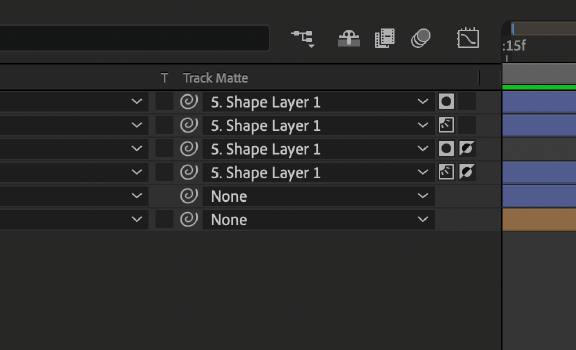
Make composing your images easier and more flexible by using any layer as the track's matte surface with the drop-down menu. New Track Matte in Timeline Panel
Now, you don't need to position the top layer above the target layer; use any layer in your composition as your top layer. Track Matte Regardless of their location in the layer stack, you can still have multiple layers referencing a single layer for their sides.
You can also use the Alpha or Luma channels of the matte and inverted layer if needed.
Native H.264 encoding
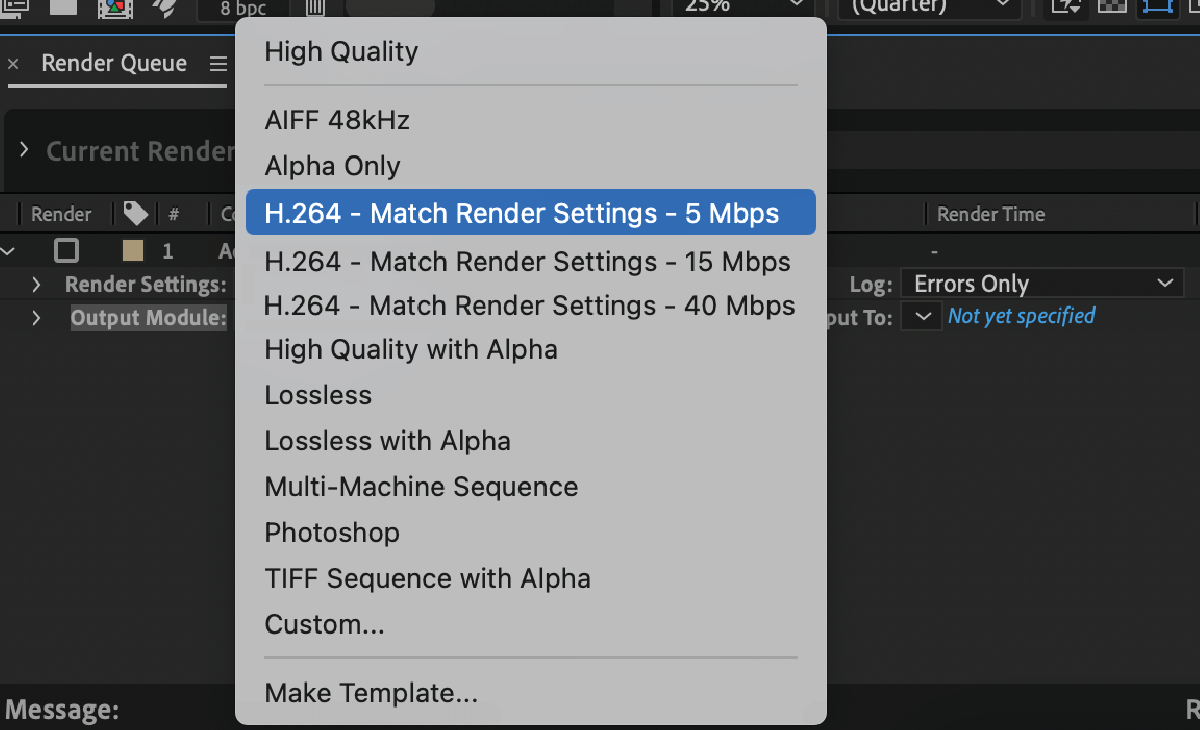
With H.264 as the setting option.Output moduleYou can encode H.264 directly from After Effects Render. Queue
This integration uses the Adobe Media Encoder (AME) UI in conjunction with the AME backend encoding system without leaving After Effects.
H.264 export supports both hardware and software encoding modes. The same accelerated export in AME and Premiere Pro is now available for H.264 export in After Effects.
Element presets
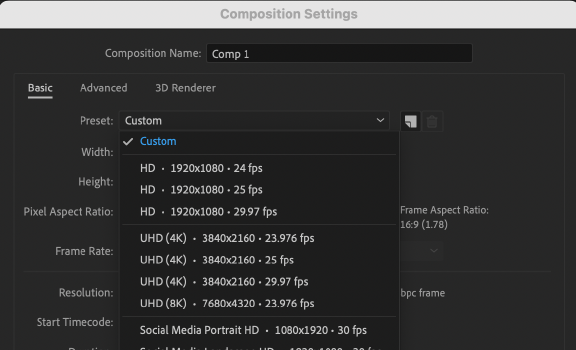
List of settings After Effects' presets have been redesigned to make it easier to find the most frequently used presets. Presets are also sized for social media output.
New animation presets
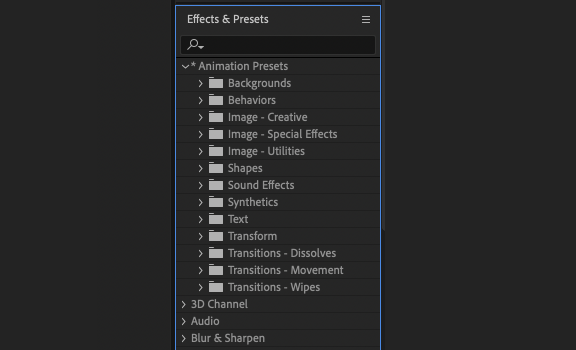
Receive animation preset values.Over 50 new presets created by our After Effects community, designed for modern motion design workflows. These presets save you time on the techniques you use most often, so you can create animations quickly without having to start from scratch.
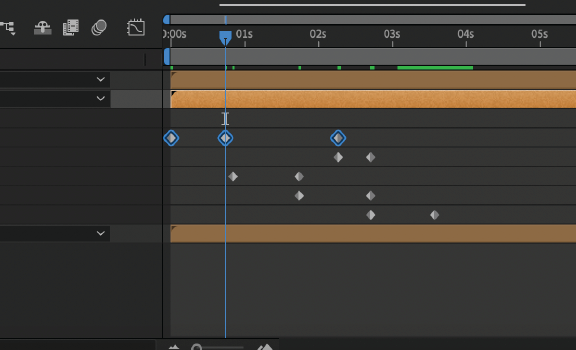
Faster timeline navigation.
Focus on the keyframe you are working on by...Press and hold the Shift key. Keep it while using the shortcut key.JAndKA familiar setting that limits movement.Current Time Indicator (CTI)Only keyframes of the selected layer and properties are included.
Optional installer for Cinema 4D.
After Effects now gives you the flexibility to choose add-ons during installation. Use the Options menu. Add-on During the After Effects installation, you can download Cinema 4D or skip the process. You have the option to install it using the Creative Cloud application at any time.
System Requirements:
– Processor: Intel or AMD Quad-Core Processor
– Operating system: Microsoft Windows 10 (64 bit) versions 1909 and later.
– RAM: 16 GB minimum (32 GB recommended)
– 2 GB of GPU VRAM
-Hard disk space
– 15GB of available hard-disk space
– Monitor resolution 1920 x 1080 or greater display resolution

This article is for informational purposes only.