

Download the free, full, permanent version of Autodesk Revit 2024 (x64) in a single file, including installation instructions. This comprehensive software is for building systems design, architecture, civil engineering, and structural engineering.
About Autodesk Revit 2024
Autodesk Revit 2024 This is a computer-aided design (CAD) software program that applies the concept of Building Information Modeling (BIM). Developed for architects, designers, and design engineers, it allows for the creation of 3D models of architectural elements and 2D drawings of design elements, the creation of custom objects, and the management of collaboration on projects from concept to detailed drawing and production.
Autodesk Revit enables high levels of collaboration and significantly reduces errors. This system helps in creating complex building structures and engineering systems. From these drawings, specialists can develop efficient construction technologies and accurately determine the required quantities of materials.
What's new in Revit 2024?
Several new features have been added to Autodesk Revit 2024:
- Toposolids
- Adding Toposolids as a System Family in Autodesk Revit 2024 allows you to add thick sheets and materials to them.
- There are options to define the “Coarse Scale Fill Pattern” and “Coarse Scale Fill Color”.”
- Added new Contour Display options.
- The sequence for drawing 2D elements in a 3D family.
- Enhance the ability to specify the order of reference elements within a 3D family.
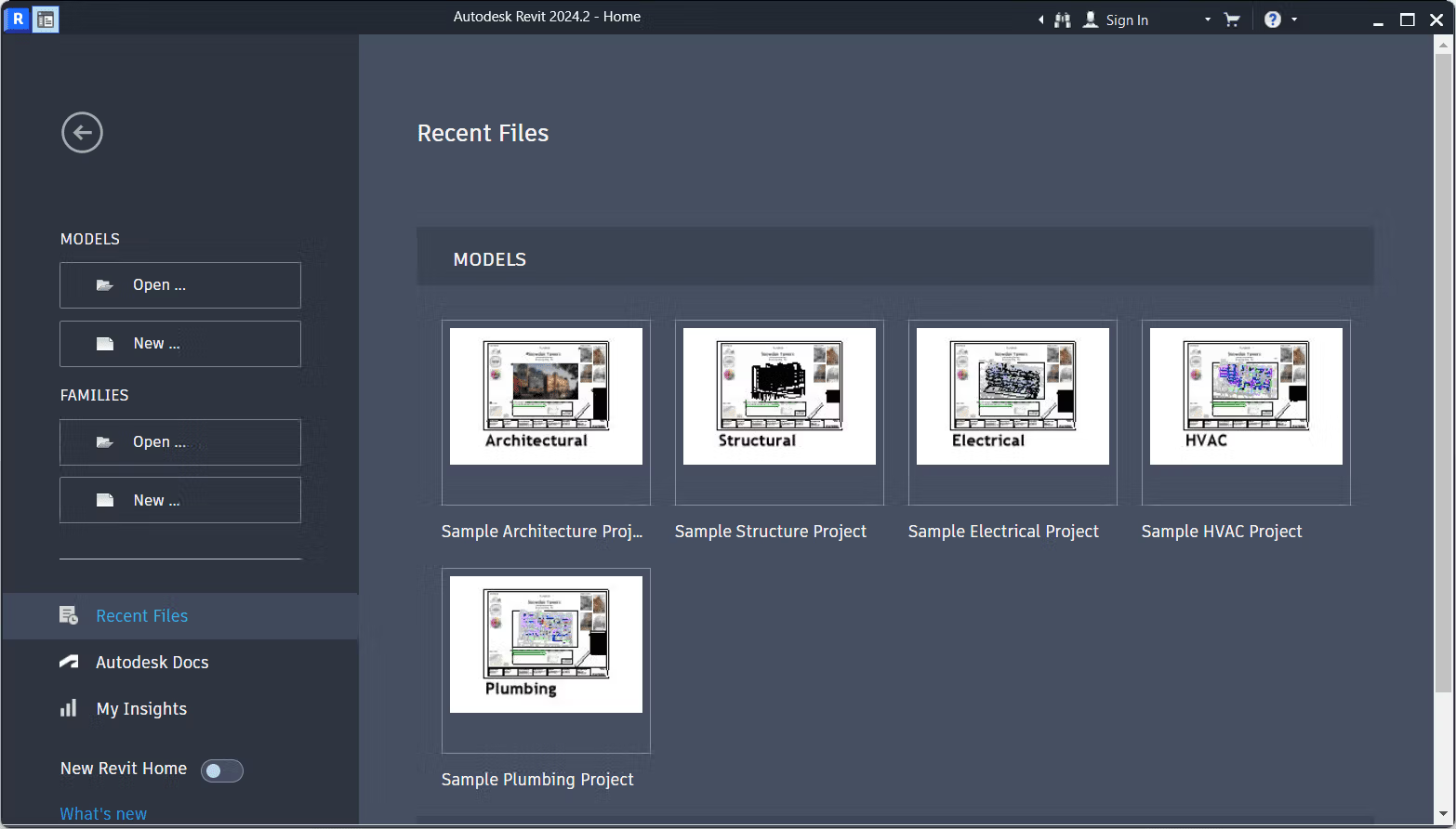
- Dark Mode in Revit
- Add Dark Mode to Revit with various customization features.
- The drawing area can be controlled separately from other parts of the user interface.
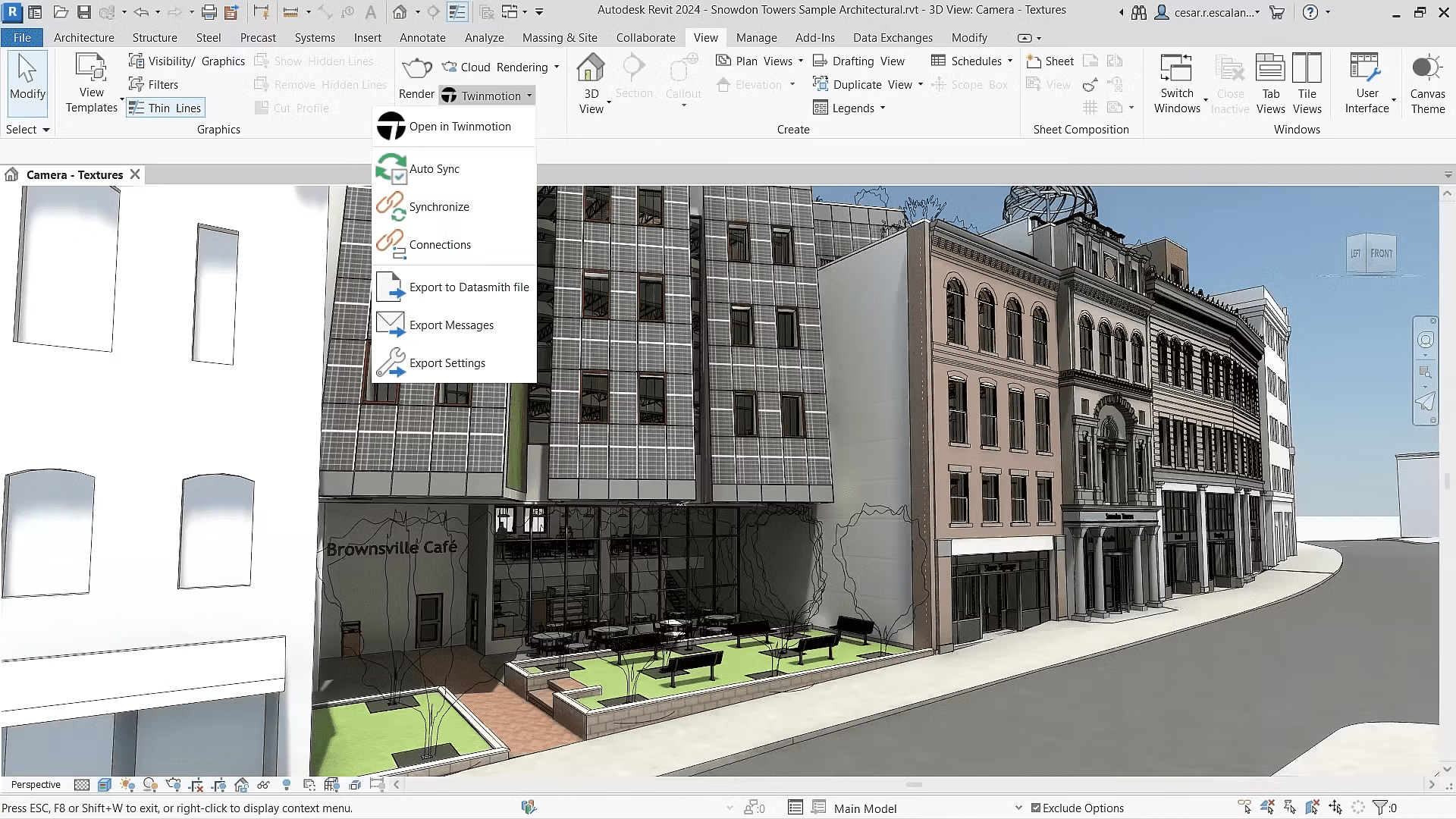
- Textures Visual Style
- Add a new Visual Style called Textures that provides a seamless transition between Consistent Colors and Realistic visuals.
- Add Multiple Views and Schedules.
- You can drag multiple images from your view to a Sheet and select multiple items in the Project Browser.
- You can resize every row in the Schedule.
- Added the ability to resize all rows in the selected Schedule.
- Color Book Browser
- Add Color Books to the color selection in the Material window.
- Searching in the Project Browser
- Add a search box that can search for anything in the Project Browser.
- Open the sheet directly from the drawing area.
- Add the “Open Sheet” command to the drawing area or from the Project Browser.
- My Insights in Revit Home
- Add a “My Insights” tab that will provide insightful information about using Revit.
- Place a floor-based element on toposolid.
- Enhance the functionality of Floor Based Families on Toposolids.
- Gap segmentation for MEP Segments
- Added a Split with Gap tool for MEP components such as ducts, pipes, conduits, and more.
- New Ribbon icon
- Update all icons in Revit UX.
- Export IFC Element Mapping UX
- Add IFC Mapping for managing Revit and IFC exports using the IFC Parameters feature in Instance Properties and the Export to IFC As command.
System Requirements:
- Operating System: 64-bit Microsoft® Windows® 10 or Windows 11.
- CPU: Intel® i-Series, Xeon®, AMD® Ryzen, Ryzen Threadripper PRO, 2.5GHz or higher.
- Memory: 16 GB RAM recommended for typical editing sessions, with variability based on model size.
- Video Display Resolutions: Minimum 1280 x 1024 with true color, maximum UltraHigh (4k) Definition Monitor.
- Video Adapter: Basic Graphics for 24-bit color, Advanced Graphics with DirectX® 11 and a minimum of 4GB video memory.
- Disk Space: 30 GB free disk space.
- Pointing Device: MS-Mouse or 3Dconnexion® compliant device.
- .NET Framework: Version 4.8 or later.
- Browser: Chrome, Edge, or Firefox.
- Connectivity: Internet connection required for license registration and prerequisite component download.
File Information
- Operating System: Windows 11 / 10 (x64)
- Developer: Autodesk
- License: Full
- Language: Multilingual
- Size: 11.7 GB
- File type: *.rar
- Password: mawto
- Status: Tested
- Installation Method: Available
- Link updated on: 4/11/2025
- Required Reading: Download Guide
==== Main Download Link ====





