This article is for informational purposes only.
What is Adobe Prelude?
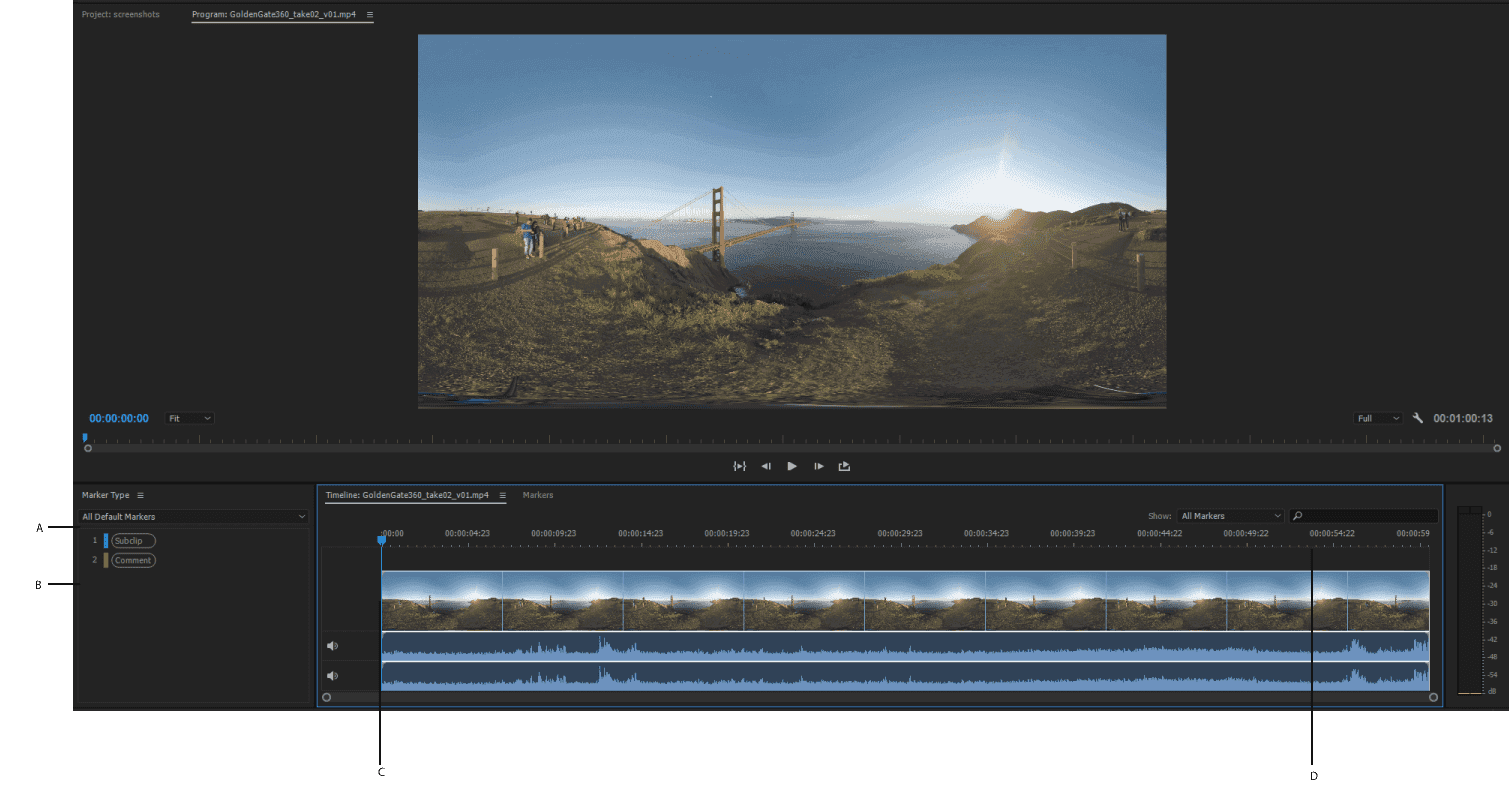
Adobe Prelude 2022 is a program for organizing and splitting video files, preparing them for editing. Adobe Premiere Pro It allows for quick import of metadata, logging, rough trimming, tagging, and conversion of video footage. It features video recording and import tools designed for easy and efficient organization of media files and metadata entry.
What is Adobe Prelude used for?
- Organize video files and create rough assemblies: Learn how to use the Prelude Media Management Tool to ensure your Premiere Pro project is organized from the start.
- Organize clips, sub-clips, and sequences: Name and provide information for clips, and easily create sub-clips. Create rough compositions and send your compositions to Premiere Pro in a sequence for immediate editing.
- Add comments to video files: Add text that helps the editor or director understand the process during editing in Premiere Pro.
System Requirements:
– Processor: Intel® Intel 6thGen or newer CPU
– Operating system: Microsoft Windows 10 (64-bit) version 1703 or later (required)
– RAM: 16 GB of RAM (32 GB recommended)
– 4 GB of GPU VRAM
– Hard disk space: Fast internal SSD (recommended) for app installation and cache – plus provisional space for media
– Monitor resolution: 1920 x 1080 or greater display resolution
– Hard drive speed:7200 RPM or faster hard drive (multiple fast disk drives recommended)
– GPU: Adobe-certified GPU card for GPU-accelerated performance
– Other: QuickTime 7.6.6 software required for QuickTime features
This article is for informational purposes only.