Download the full, permanent version of ArcGIS Desktop (ArcGIS Map, ArcMap) + Extensions. This free mapping, analysis, and management software (for educational use) includes installation instructions.
What is ArcGIS Desktop?
ESRI ArcGIS is a suite of Geographic Information System (GIS) applications used for managing geographic information data to meet the needs of various organizations in both the public and private sectors, educational institutions, etc. Developed and distributed by ESRI Inc., ArcGIS is a complete system for designing and managing solutions through the software, applying geographical knowledge to help you understand complex and in-depth data analysis more effectively.
ArcGIS for Desktop is software installed on notebooks or laptops, ideal for those who need to create, store, and conduct in-depth analysis of business data for decision-making, saving budget, time, and operational costs. It also allows for sharing data with stakeholders. It enables efficient creation, editing, analysis, storage, and collaborative data sharing, displaying results in both 2D and 3D. Using ArcGIS for Desktop tools, diverse organizational data can be transformed into effective information for real-world decision-making.
Features:
- Advanced analytics
- 2D and 3D
- Image processing
- Advanced visualization
- Connecting and sharing
- Data management
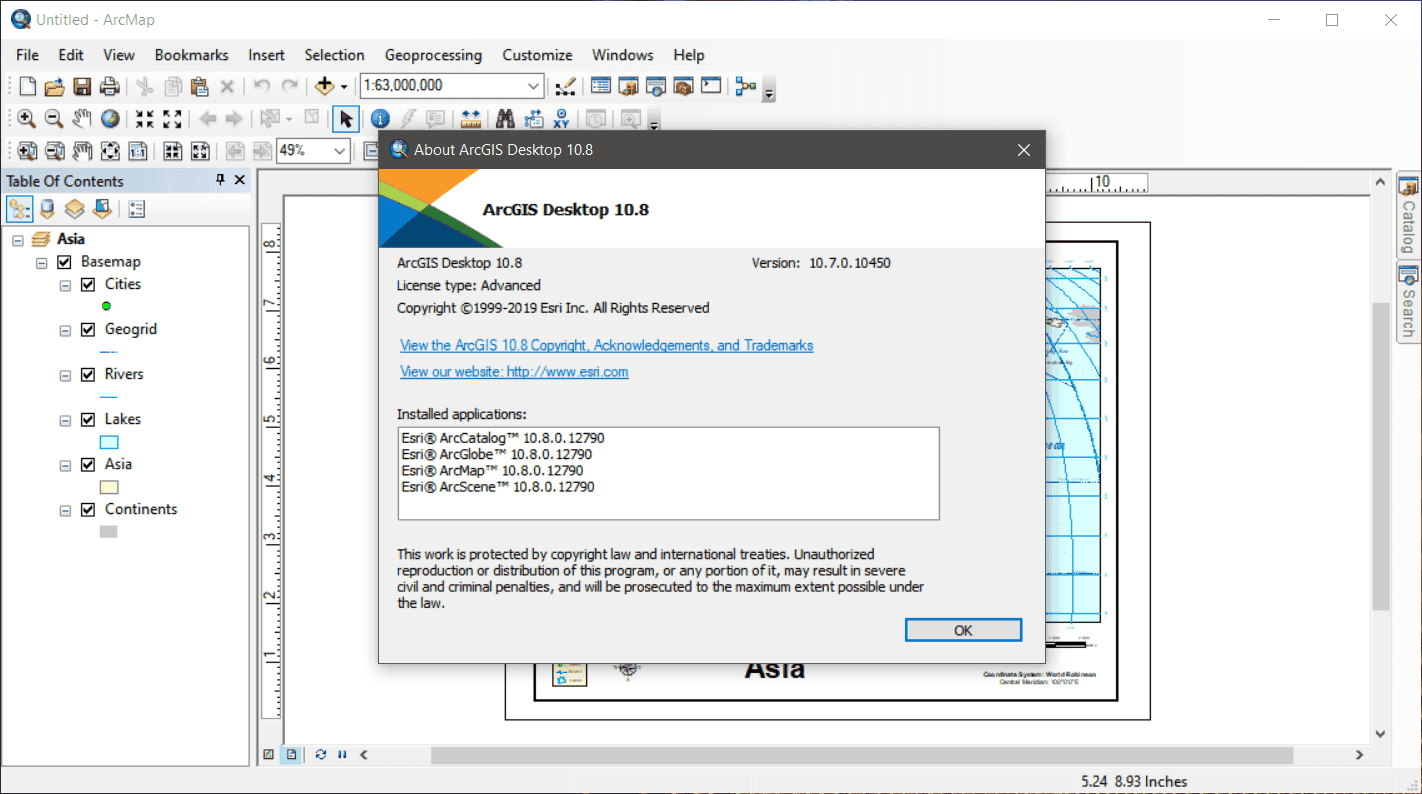
ArcGIS Desktop includes:
- ArcMap
- ArcCatalog
- ArcGlobe
- ArcScene
System Requirements
- OS:Windows 10 Home, Pro and Enterprise / Windows 8.1 Basic, Pro, and Enterprise / Windows Server 2019 Standard and Datacenter / Windows Server 2016 Standard and Datacenter
- CPU:2.2 GHz minimum; Hyper-threading (HHT) or Multi-core recommended
- Memory:Minimum: 4 GB / Recommended: 8 GB or higher / ArcGlobe may require 8 GB minimum when used.
- Display:24-bit color depth Also see Video/Graphics adapter requirements below.* 1024×768 recommended minimum at normal size (96 dpi)
- Space: Minimum: 4 GB / Recommended: 6 GB or higher ArcGlobe creates cache files when used. If using ArcGlobe, additional disk space may be required.
- GPU:64 MB RAM minimum; 256 MB RAM or higher recommended. NVIDIA, ATI, and Intel chipsets supported.24-bit capable graphics accelerator / OpenGL version 2.0 runtime minimum is required, and Shader Model 3.0 or higher is recommended.
File Information
- Operating System: Windows 11 / 10 / 8.1
- Risk Level: 🟡 Low Risk
- License: Shareware
- Language: English
- Size: 3 GB
- File type: *.rar
- Installation Method: Available
- Link updated on: 25/6/2025
==== Main Download Link ====
==== Backup Link (Please help by downloading to prevent the link from breaking) ====